Device menu
37
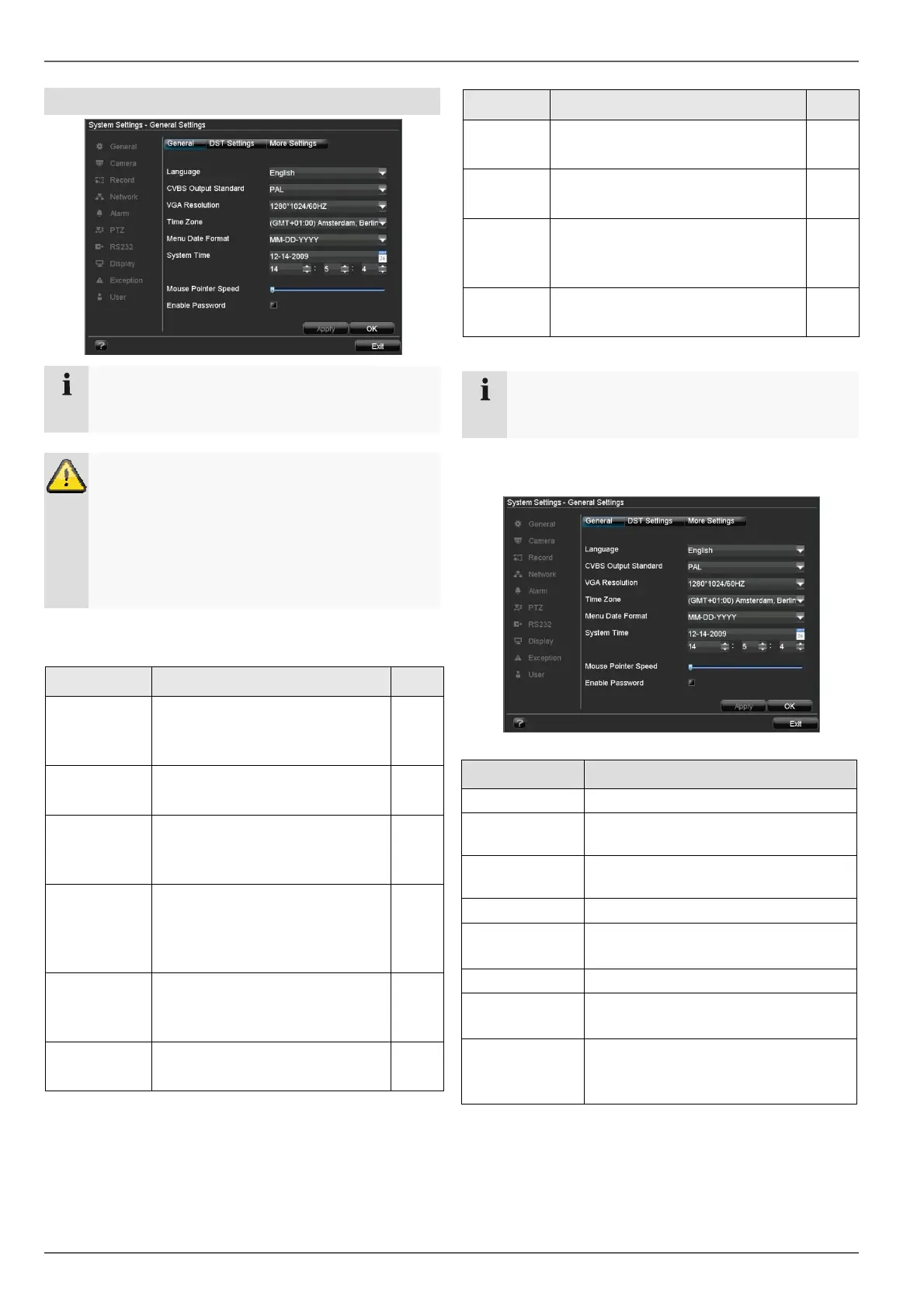
System Settings
Note
The “System Settings” menu is used to manage
all device settings.
Warning
Ensure that the date and time are set correctly.
IMPORTANT:
Subsequent changes to the settings can lead to
data loss!
Ensure a data backup has been made in good
time beforehand.
Overview
Menu Setting Page
General Language, video, time, date,
mouse pointer, password, time
zones and other settings
Camera Adding, changing and selecting
analogue and IP cameras
38
Record All recording settings (type,
resolution, motion detection,
schedule etc.)
23
Network Required network settings
(manual IP, DHCP, PPPOE,
DDNS etc.) and network status
overview
46
Alarm Assignment and parameterisa-
tion of detectors to alarm inputs
and relay outputs
51
PTZ PTZ hardware parameters and
assignment to camera inputs
27
Menu Setting Page
RS232 Parameters on the serial connec-
tion
40
Display Display settings and assignment
of the event output
22
Exception Behaviour of the device in excep-
tional cases (HDD full, network
disconnected etc.)
41
User Adding and changing users, as-
signing authorisation rights
41
Note
Pay attention to the instructions in the correspond-
ing sections.
General Settings
22
“General” tab Setting
Language Language on the OSD
CVBS Output
Standard
PAL / NTSC
VGA Resolu-
tion
Resolution on the monitor
Time Zone GMT (Greenwich Mean Time)
Menu Date
Format
MM-DD-YYYY, DD-MM-YYYY,
YYYY-MM-DD
System Time Date and time
Mouse Pointer
Speed
Set on the scroll bar (left =
low speed; right = high speed)
Enable Pass-
word
Box not checked: No password
Box checked: Password must be en-
tered in order to use the menu



 To Next Page