Device menu
44
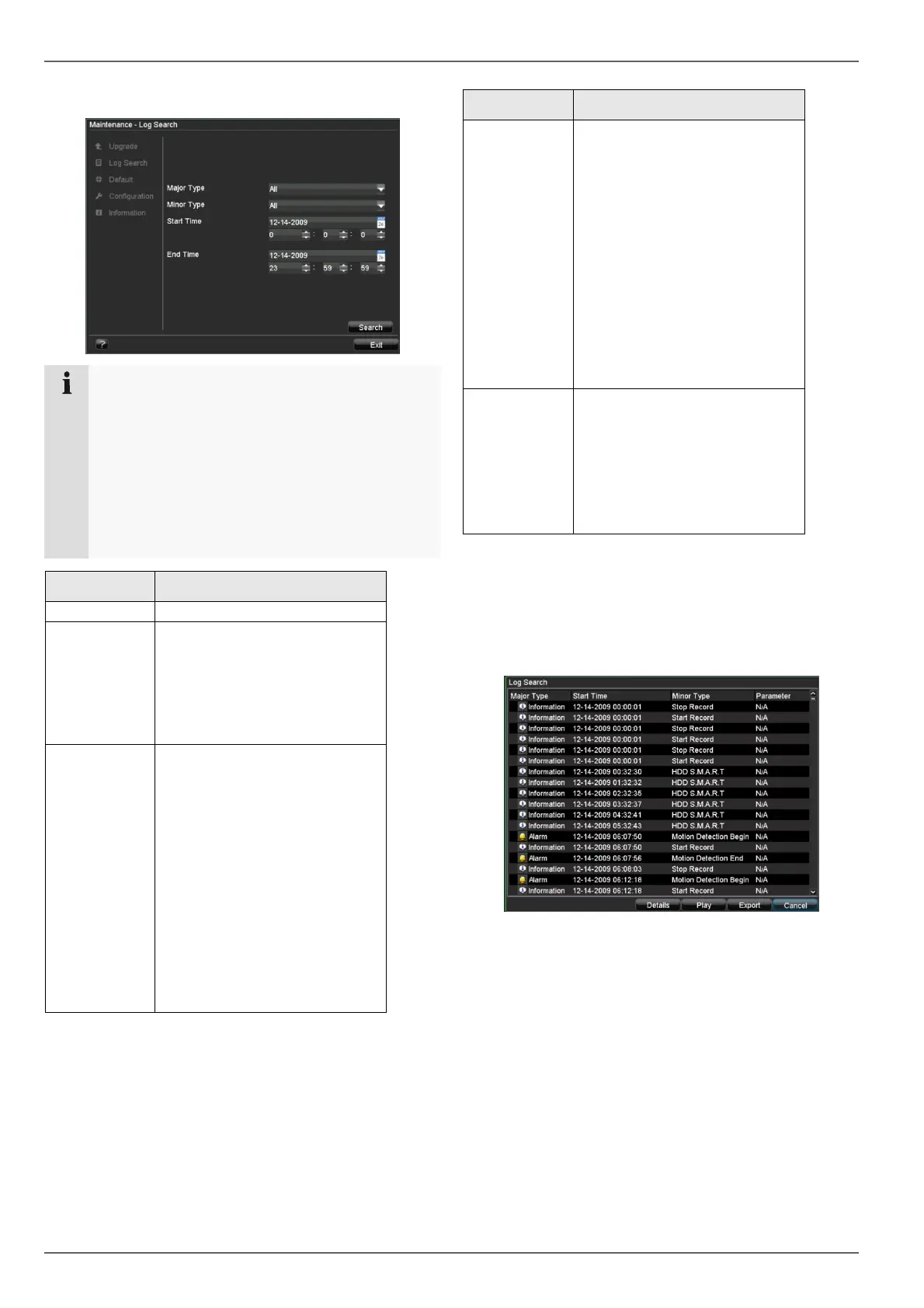
Log Search
Note
An event search can be made according to the fol-
lowing main types, events and parameters:
• All
• Alarm
• Exception
• Operation
• Information
Type Minor type / sub-parameter
All -
Alarm
• All
• Alarm Input / Output
• Motion Detection Begin /
End
• Start / End Tamper Detec-
tion
Exception
• All
• Video Signal Loss
• Video Signal Exception
• Login Error
• HDD Full
• HDD Error
• IP Address Conflict
• Network Disconnected
• Data Record Failed
• IP Camera Connection
Failed
• IP Address Conflict with IP
Camera
Type Minor type / sub-parameter
Operation
All
• Switch On
• ShutDown
• Irregular ShutDown
• Local Reboot
• Local Login / Local Logout
• Local Settings
• USB
• Local Recording Begin /
End
• Local PTZ Control
• Local File Locked
• Others
Information
All
• HDD Information
• HDD S.M.A.R.T.
• Start Record
• Stop Record
• Delete Obsolete Recording
• Network HDD Information
1. Select the event you wish to search for in the log,
then select the sub-parameter.
2. Enter the date and time under “Start Time” and “End
Time”, then click on Search.
3. The results are then displayed:
• Click on Details to see more detailed information.
• Click on Play to start the recording for the event,
when necessary.
• Click on Export to back up the log file on a USB me-
dium.



 To Next Page