30
LVD SCSIDE Bridge Manual
3.8 Installing ARS-2000LHS
3.8.1 2.5” HDD
ARS-2000LHS is designed to meet 2.5” notebook HDDs. Put the hard drive on the
bridge and connect it to the 44-pin CN5 (see Figure 2-6 on page 16). Then screw it
alongside with 4 screws as the following picture shows on the next page.
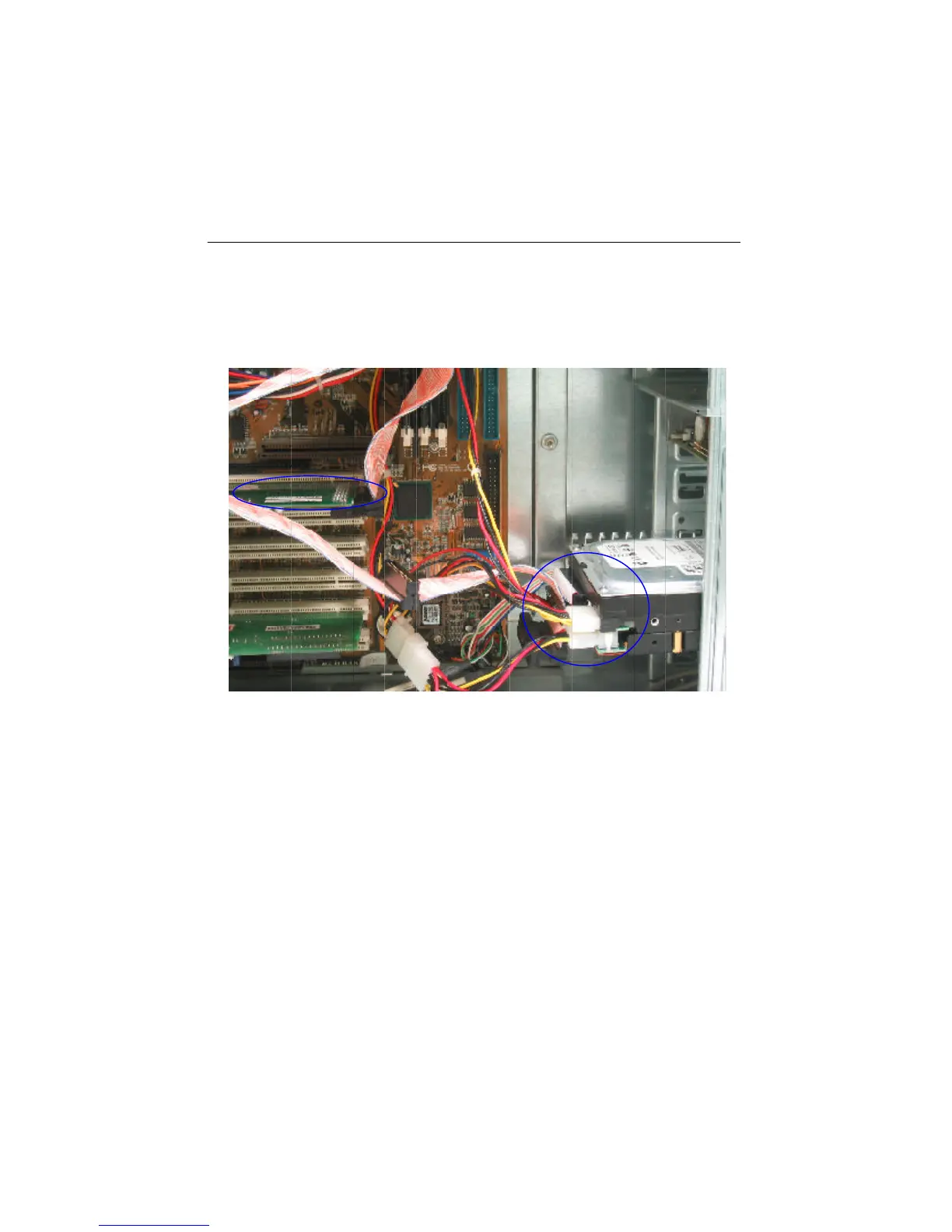
Figure 3-12
5. Find out pin 1 of CN1 on ARS-2000LFS.
6. Find out the colored pin 1 of the connector on the other end of SCSI cable, and
connect to CN1 of ARS-2000LFS.


 To Next Page