17
LVD SCSIDE Bridge Manual
Chapter 3 Hardware Installation
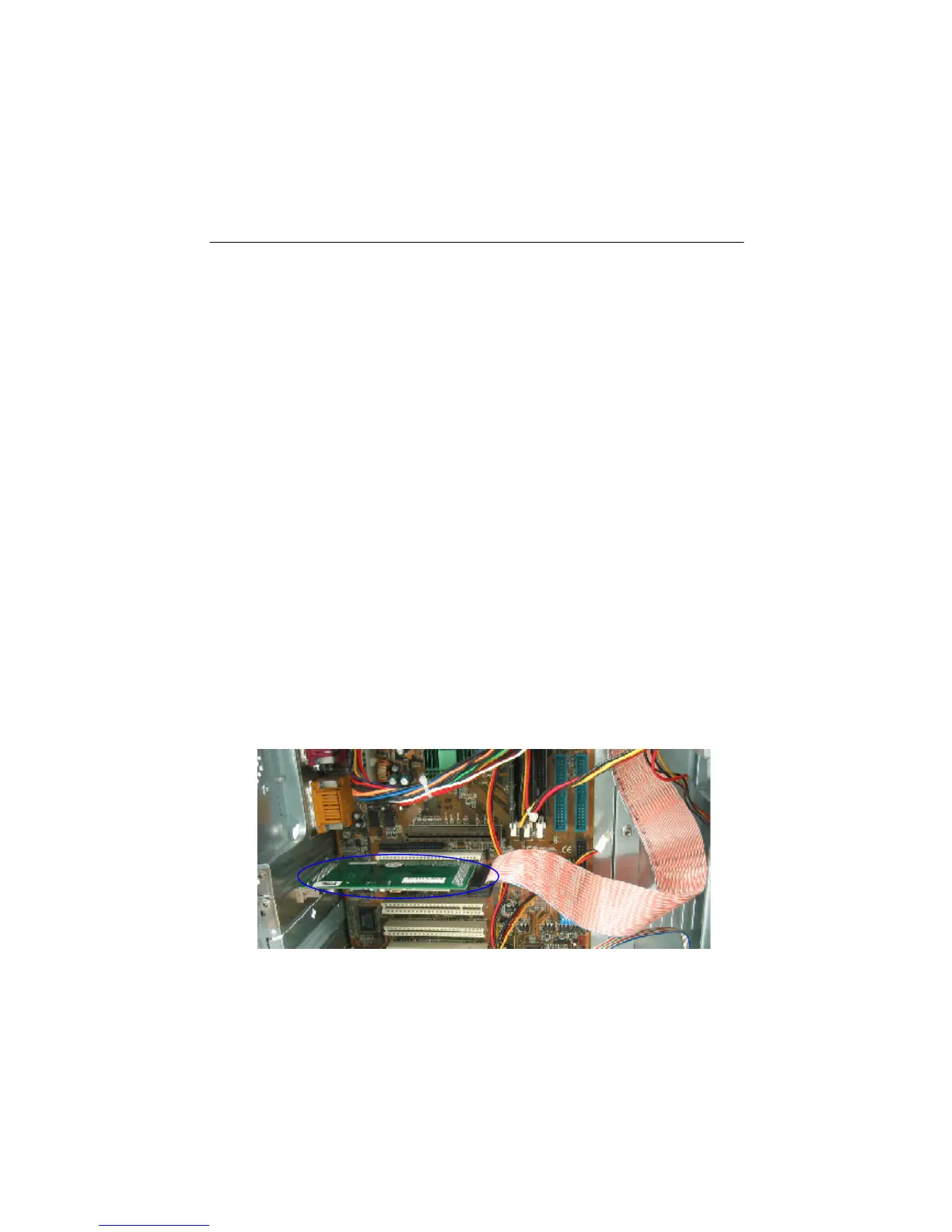
Hardware installation includes two parts. The first part is the installation of SCSI
adapter like AEC-67160. The second part is the installation of AEC-7722 or AEC-
7726H/Q, etc. Yet, you have to set jumpers at first (see page 33-37).
Insert the PCI edge connector of SCSI adapter firmly into PCI slot so as to connect
other devices internally or externally.
If your old hard drive contains an OS, you had better partition and install the OS
again. In DOS and Windows it is all right without installing anew, but the different
commands on the SCSI adapter and IDE controller will result in read/write errors.
Therefore, after installation regard the IDE hard drive as a brand-new one.
3.1 Installing AEC-67160
Refer to the manual of AEC-67160 to install the driver before installing the SCSI
adapter. If the driver on the CD is not the newest version, you need to download it
from Internet onto a floppy, and then install it into your computer. The Web site of
ACARD is http://www.acard.com.
Figure 3-1


 To Next Page