42
LVD SCSIDE Bridge Manual
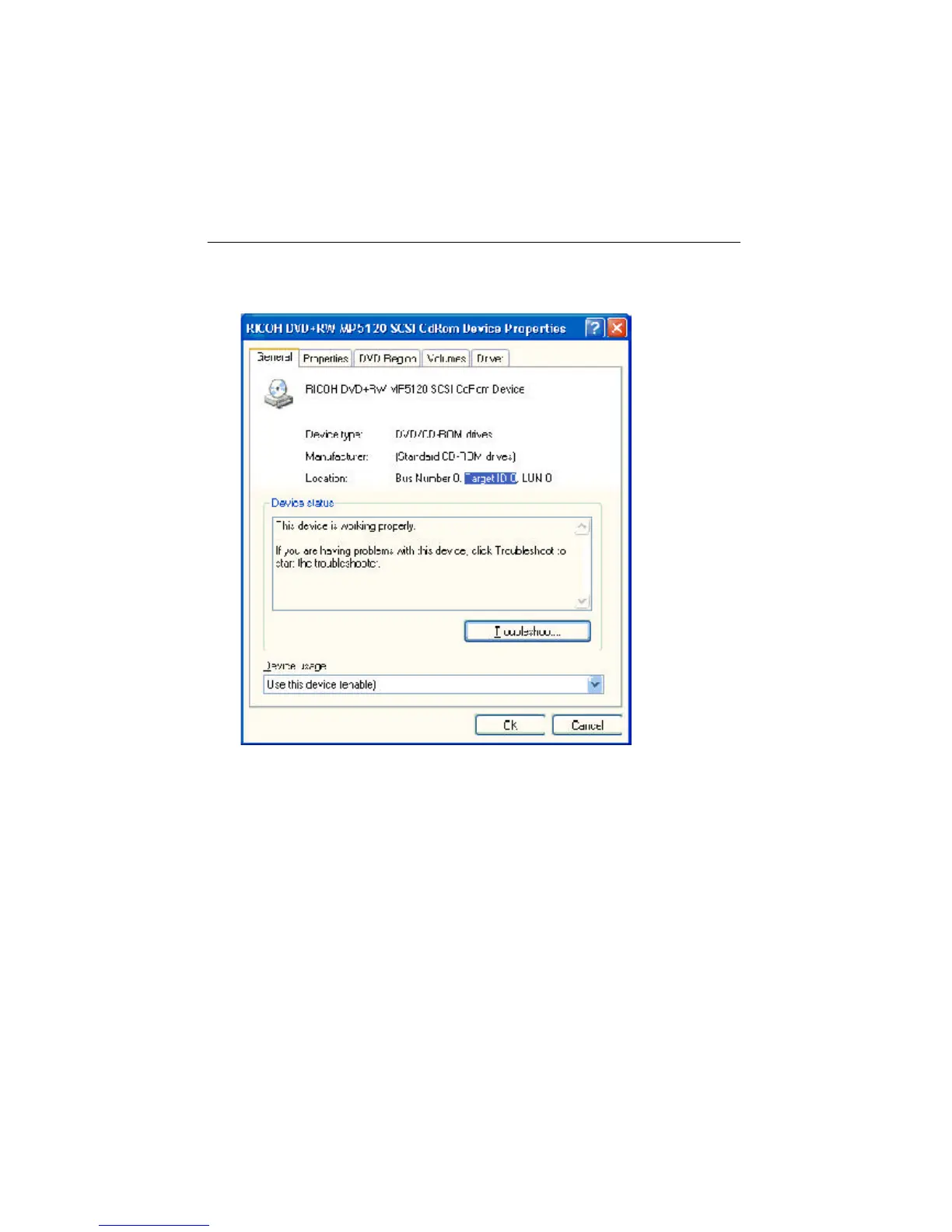
Step 2. Double click to enter “General”, and see if the device is working normally.
Besides, you can see if the target ID is correct.
Figure 4-5
4.3 Advanced Troubleshooting of 7726H/Q
Here we connect AEC-7726H/Q to Maxtor 6L040J2, a hard drive, to explain the
troubleshooting in operating system. At first, set the SCSI ID number on AEC-
7726H/Q as 0, and then inspect in Windows XP. The same example can be also
applied to ARS-2100/2100Q, ARS-2120, ARS-2000LFS and ARS-2000LHS.


 To Next Page