41
LVD SCSIDE Bridge Manual
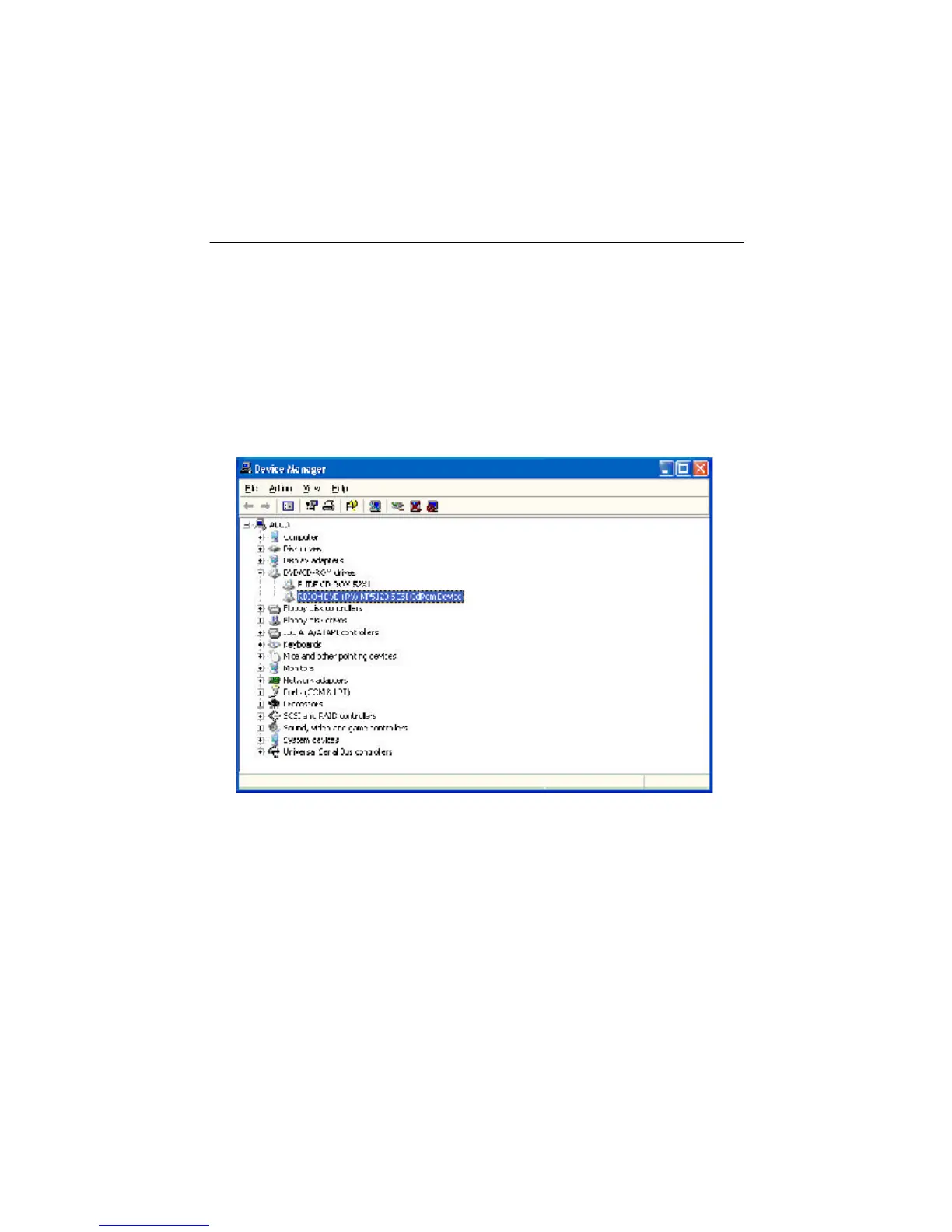
Figure 4-4
2. Check IDE device
If you can find the IDE device connected to AEC-7722 in “Device Manager”, AEC-
7722 has been installed successfully. If you cannot find, but see a yellow question
mark, check the IDE connector on AEC-7722. It could be a bad connection or the
device’s malfunction. Check your IDE device as follows.
Step 1. Click “DVD/CD-ROM” to show your DVD device in “Device Manager”.


 To Next Page