39
LVD SCSIDE Bridge Manual
4.2 Advanced Troubleshooting of 7722
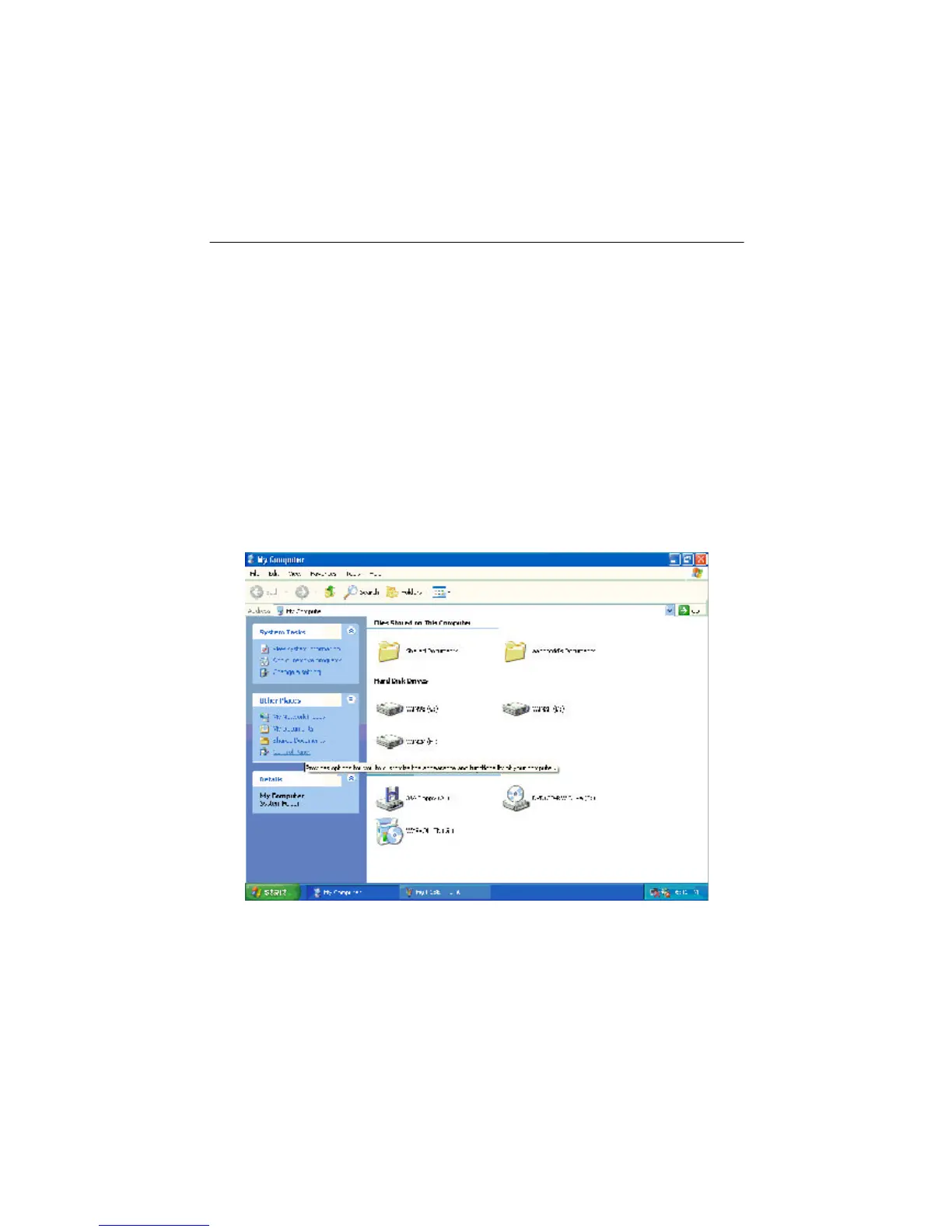
Figure 4-1
Here we connect AEC-7722 to RICOH MP5120A, a DVD drive, to explain the
troubleshooting in operating system. At first, set the SCSI ID number on AEC-7722
as 0, and then inspect in Windows XP.
1. Check SCSI host adapter
Check if the displayed device on the list of devices is just the installed SCSI adapter.
The steps of entering “Device Manager” are as follows.
Step1. Double click “My Computer”.


 To Next Page