40
LVD SCSIDE Bridge Manual
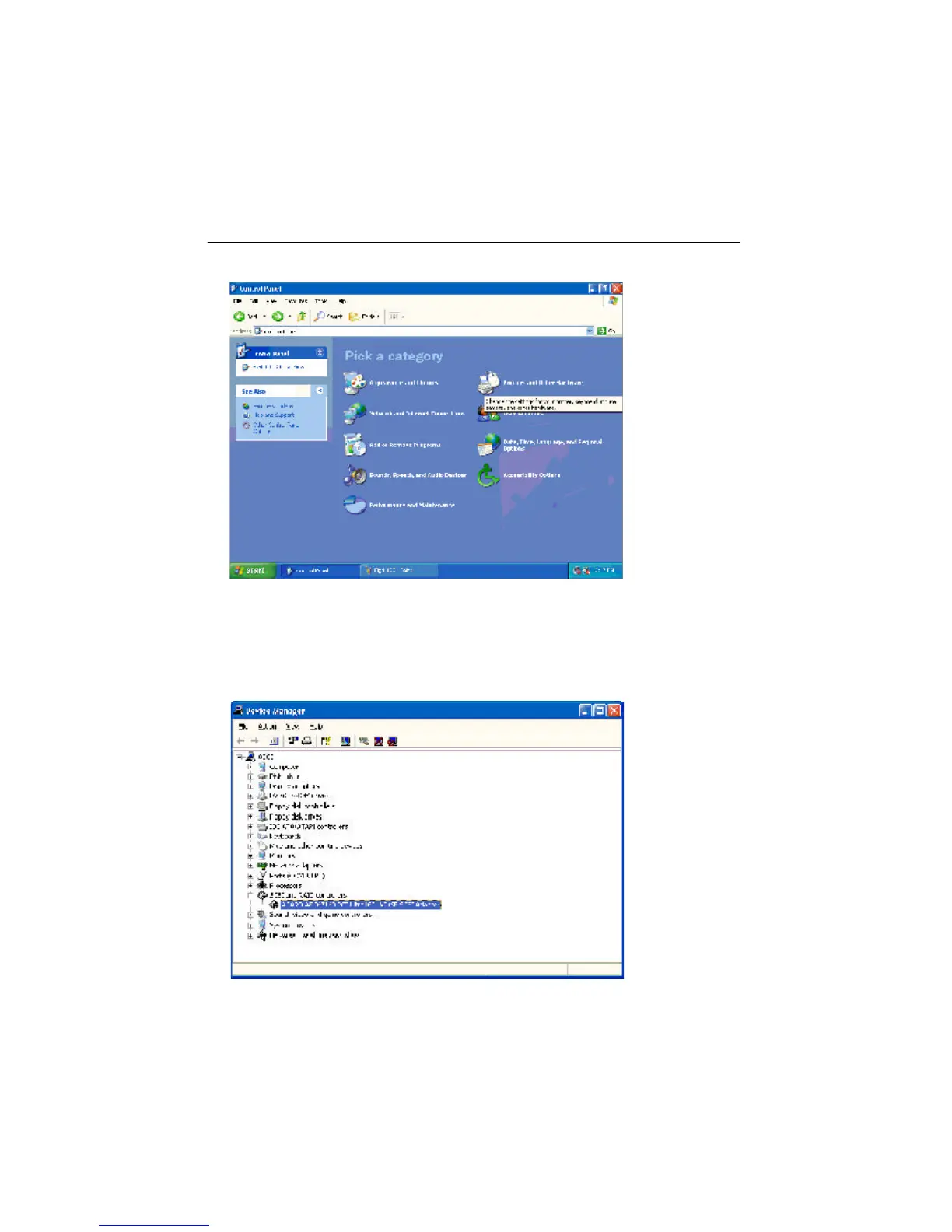
Figure 4-2
Step 2. Double click “Control Panel”.
Step 3. Double click “Printers and Other Hardware”. Then, double click “System”
on the left. After entering “System Properties”, click “Hardware”, “Device Man-
ager”. Then, double click “SCSI and RAID controllers” to check if AEC-67160
adapter is installed well.
Figure 4-3


 To Next Page