8
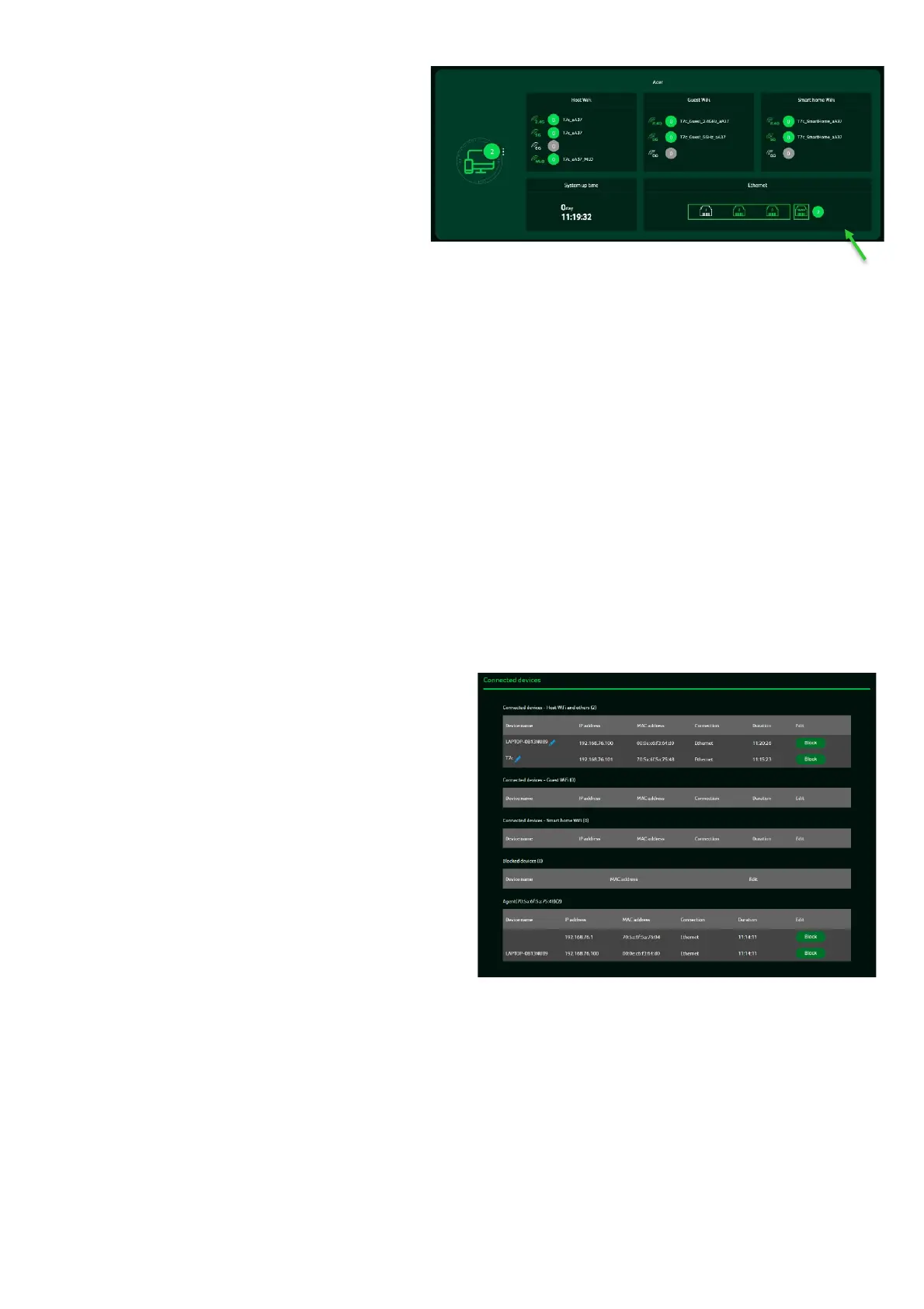
Wi-Fi Status:
displays the number of
wireless client devices connected to the
2.4GHz, 5GHz, or 6GHz bands.
When you purchase a mesh pack, the
default Wi-Fi settings will be 2.4GHz
+5GHz, and both band steering and
MLO will be automatically enabled. In
this case, the SSID will display as
T7c_xxxx and T7c_xxxx_MLO.
When you purchase a single pack, the
default Wi-Fi settings will be 2.4GHz and
5GHz, and the SSID will display as
T7c_xxxx_2.4GHz and T7c_xxxx_5GHz.
LAN Status:
quickly indicates the status of LAN ports.
The Acer Wave 7 has one
WAN port, one Game port, and one LAN
port. The “icon” on the far right represents
the number of devices connected to the
Wave 7 router. Clicking on this icon will
display the table shown below.
System Uptime:
display the system
Uptime since the last reboot.
Connected Devices
: displays the number of
client devices connected to your Wave 7 via
Wi-Fi or LAN. You can modify a device's name
by clicking on the pencil icon.
This tab shows the client device name, IP
address assigned by the router, MAC address,
connection mode (Ethernet or Wi-Fi), and the
duration of the device's connection to the
router. You can also block a device from
accessing the Internet by clicking the "block"
button.



 To Next Page