9
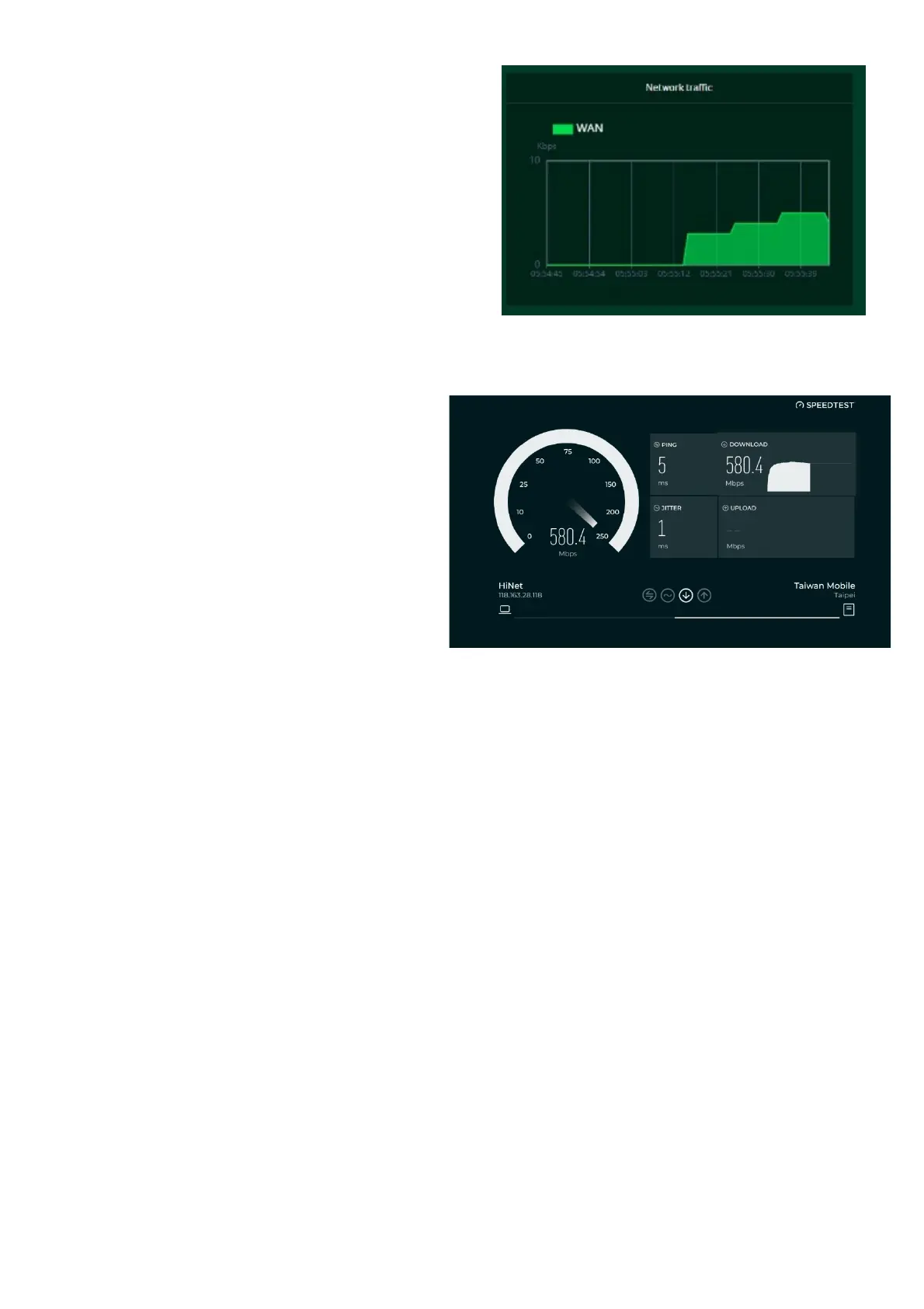
Network Traffic:
indicates the real-time status of the
download (DL) and upload (UL) speeds across
the WAN.
Network Speed Test:
1.
Powered by Ookla. Pressing the
"GO" button tests the speed of
the WAN connectivity.
2.
You can manually select a server
by clicking on the dropdown arrow
to display available servers.
3.
Clicking the "GO" button will test
the network speed and display
the results as shown in the
image below.
It will test and clearly display the network
download and upload speeds in Mbps,
ping rate, and jitter in milliseconds.
After viewing the speed test results, you
have the option to run the test again.



 To Next Page