DESCRIPTION
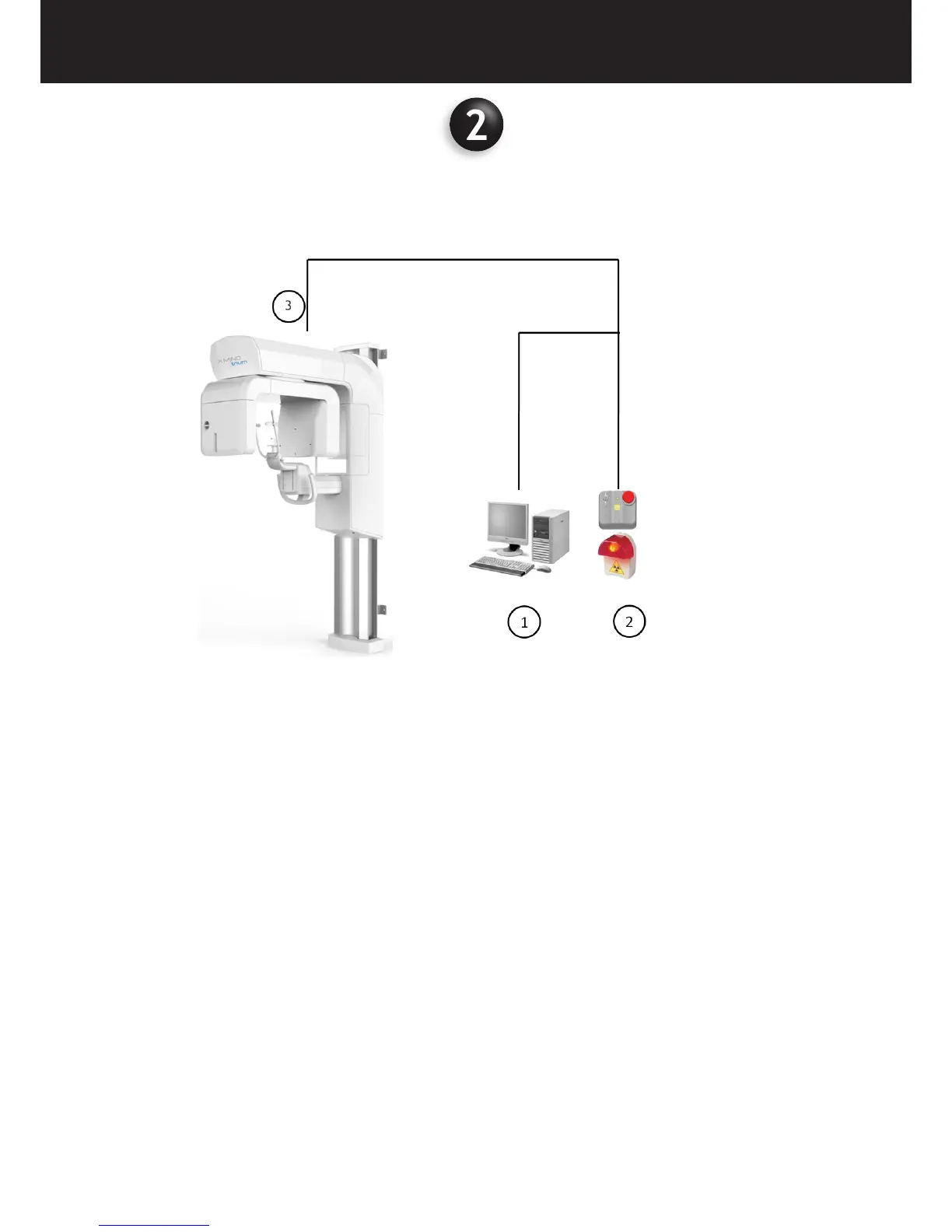
The X-MIND trium medical device system consists of:
2.1 OPERATOR’S WORKSTATION
The operator’s workstation is provided optionally for the PAN only unit.
The workstation allows the operator to perform the following procedures:
• Calibrations of the medical device
• Acquisition parameters setting
• Radiological image acquisition
• Image visualization and post processing
• Database management
• Periodic quality Tests
The workstation must have installed the following modules:
• ACTEON IMAGING SUITE (AIS) equipment management software + 2D diagnostic analysis
• AIS 3D app (CBCT)
Communication with the medical device occurs by means of Ethernet protocol.
2.2 X-MIND TRIUM REMOTE CONTROL
The X-MIND trium remote control must be located in a safe place protected against radiations, in compliance with the local
standards in force concerning ionising radiation protection.
The X-MIND trium remote control allows the operator to activate or deactivate X-ray emission from the control room. This
consists of two switches, one for exposure and one for emergency, which control device operation.















 To Next Page