CAUTION :
Some of the keys give the operator the possibility to move parts of the equipment. When pressing them the operator must check
carefully the patient and, in case of possible collision between equipment and patient, stop immediately the movement by releasing
the key.
2.7 KEYS DESCRIPTION
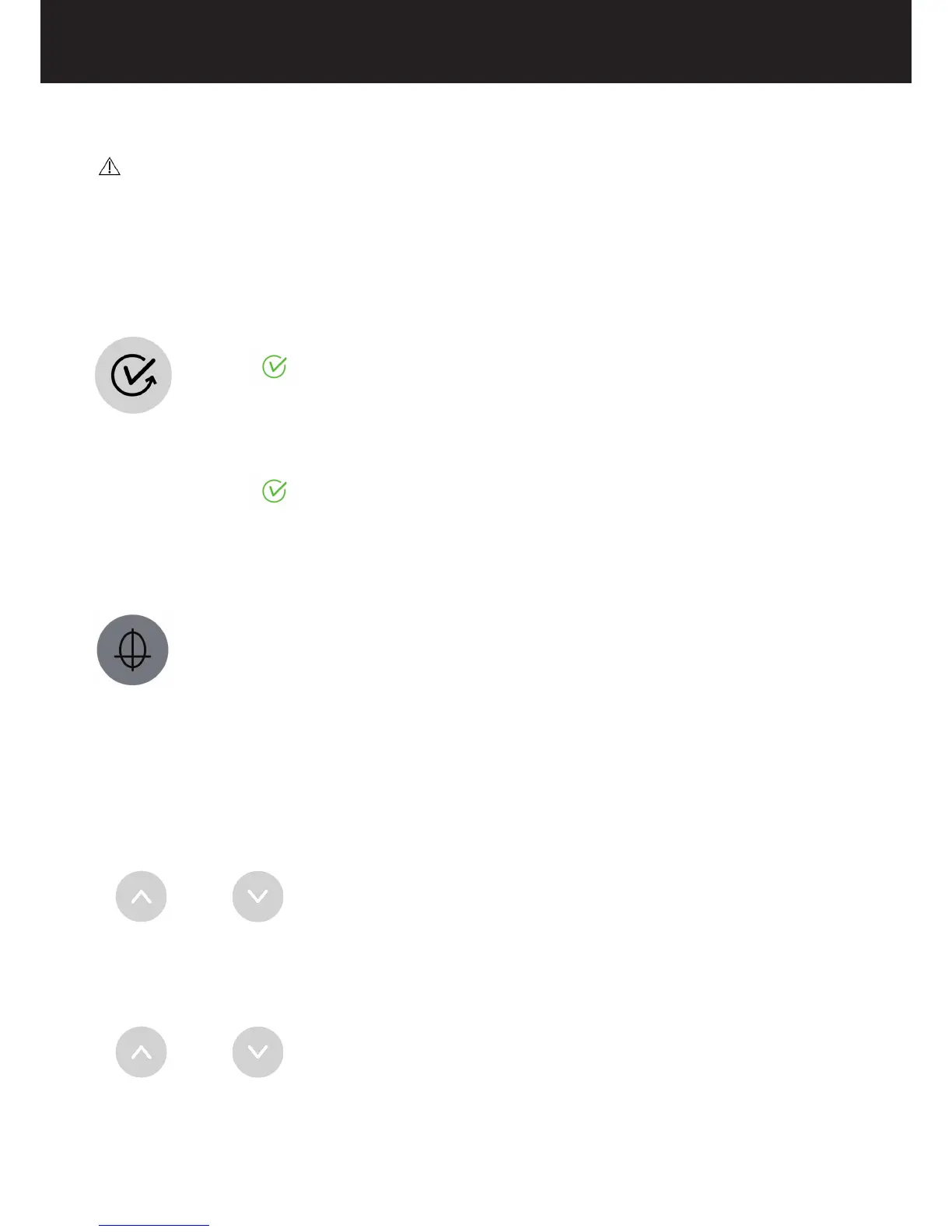
0 position key
After setting the exam parameters from operator’s workstation, by a single pressure of this key, the equipment moves to
the initial position.
When the U-arm reaches its initial position, the green status indicator will blink and the patient can be placed inside the
equipment.
Once the patient is correctly positioned on the equipment, a dummy run without X-Ray emission can be done by continuously
pressing this key.
This key is also present on CEPH control panel and has the same functionality.
LASERs key
Turns on/off the positioning lasers.
Only when the green status indicator is blinking, by a single pressure of this key, the patient positioning lasers turn on and
remain on until the key is pressed again.
Column up or down
Press the following keys:
UP
or DOWN
These keys are also present on CEPH control panel and have the same functionality.
Bite block up or down
Press the following keys:
UP or DOWN
By single pressure of these keys the selected part of the equipment is moved by 1 mm.















 To Next Page