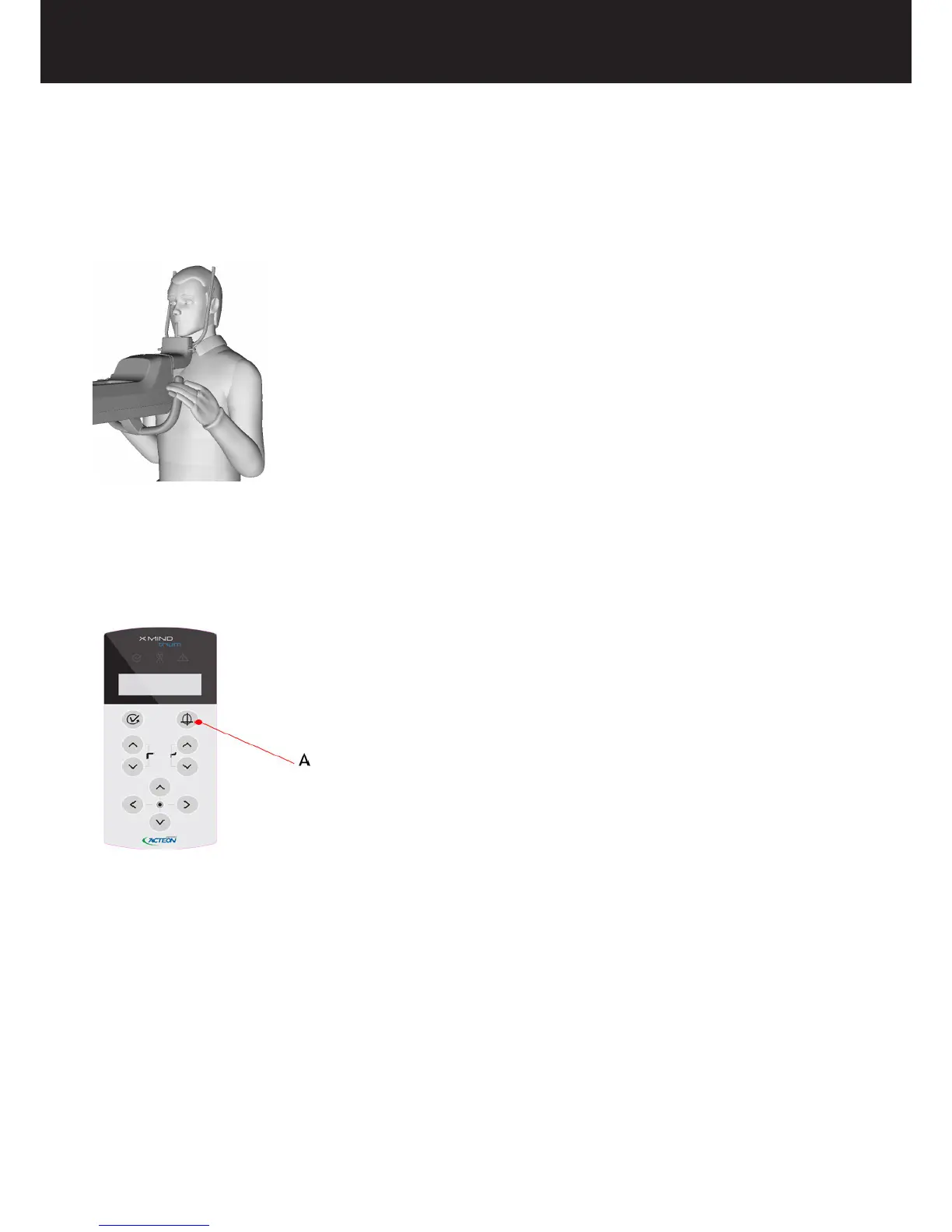
• Ask the patient to approach the head support and hold of the handlebar. Ask the patient to have a natural posture and relax.
• Ask the patient to rmly grasp the handgrip with both hands.
• If the patient is tted with a lead-lined apron for radiation protection, make sure that his neck is not covered, because this
will cause unexposed areas in the radiograph.
The X-MIND trium is equipped with ve laser beams that help the operator position the patient in the FOV.
• Ask the patient to close his/her eyes.
• When the patient’s eyes are closed, turn the lasers on by pressing the PATIENT POSITIONING LASER button on the control
panel. The positioning lasers will light up.
A = Patient positioning laser button.
For details about the use of the lasers, refer to paragraphs 5.2 (for PAN exams) and 6.2 (for CBCT exams).















 To Next Page