RESOLUTION selection
Set high resolution (High Quality) to improve the diagnostic accuracy of endodontic-specic tasks such as the visualization
of small features including calcied/accessory canals, missed canals, disruptions in the periodontal ligament space, small
alterations, etc.
If the Standard or Medium protocol can be used for a diagnostic task that requires lower resolution, it should be employed,
absent strong indications to the contrary.
CAUTION
For choice of resolution take also in account the increase of dose of Medium and High quality with respect to Standard: refer to
section 11.15.2 for dosimetric indications (CTDI for CBCT EXAMS)
· Press the “0 position” button.
-The green status indicator will start blinking and the U-arm will reach the reset position.
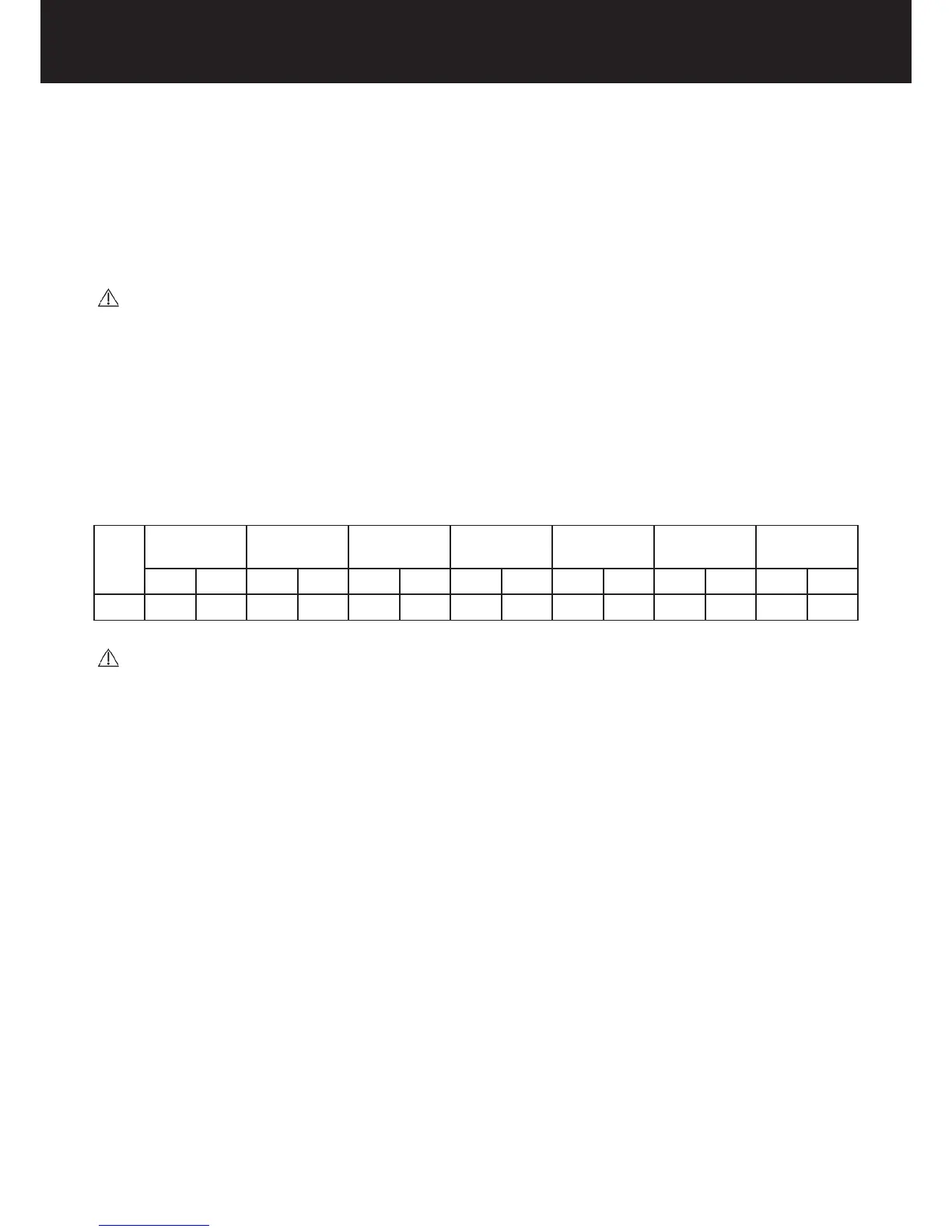
Table of loading factors
The values of loading factors indicated below for each patient size are predened; they constitute recommendations to be
applied directly to optimize operation.
Child
medium
Woman small Man small Woman
medium
Man medium Woman large Man large
kV mA kV mA kV mA kV mA kV mA kV mA kV mA
CBCT 80 8 85 6 90 6 85 8 90 8 85 10 90 10
CAUTION :
The TYPE OF EXAM SECTION controls the collimation openings to obtain the required FOV.
Bear in mind that a broader FOV is obtained by a wider X-ray beam which encloses a larger anatomical region but also implies an
increase in radiation dose absorbed by the patient.















 To Next Page