Drive restriction is enabled 」. Initial value: 「1: Short brake」.
●After-stop state can be selected in parameter No.67.2 「Selection for Stop condition when
Drive restriction is enabled」. Initial value: 「0: Free-run」
●Parameter No.67.3 「Selection for Location deviation counter option when Drive restriction is
enabled」can be set to hold the position deviation counter. Initial value: 「0: Keep」
●Torque limit switch.
●It is effective when 「1: Enable」 is selected in parameter No.144.0「Enable/Disable Torque
command limit Override」
●At open circuit, the parameter No.147.0「Torque command limit Override 1」is preferred. At
power On, the parameter No.148.0「Torque command limit Override 2」is preferred.
●It is effective when the parameter No.642.0 「Internal speed command - Operation mode」 is
set to “0=Point table”.
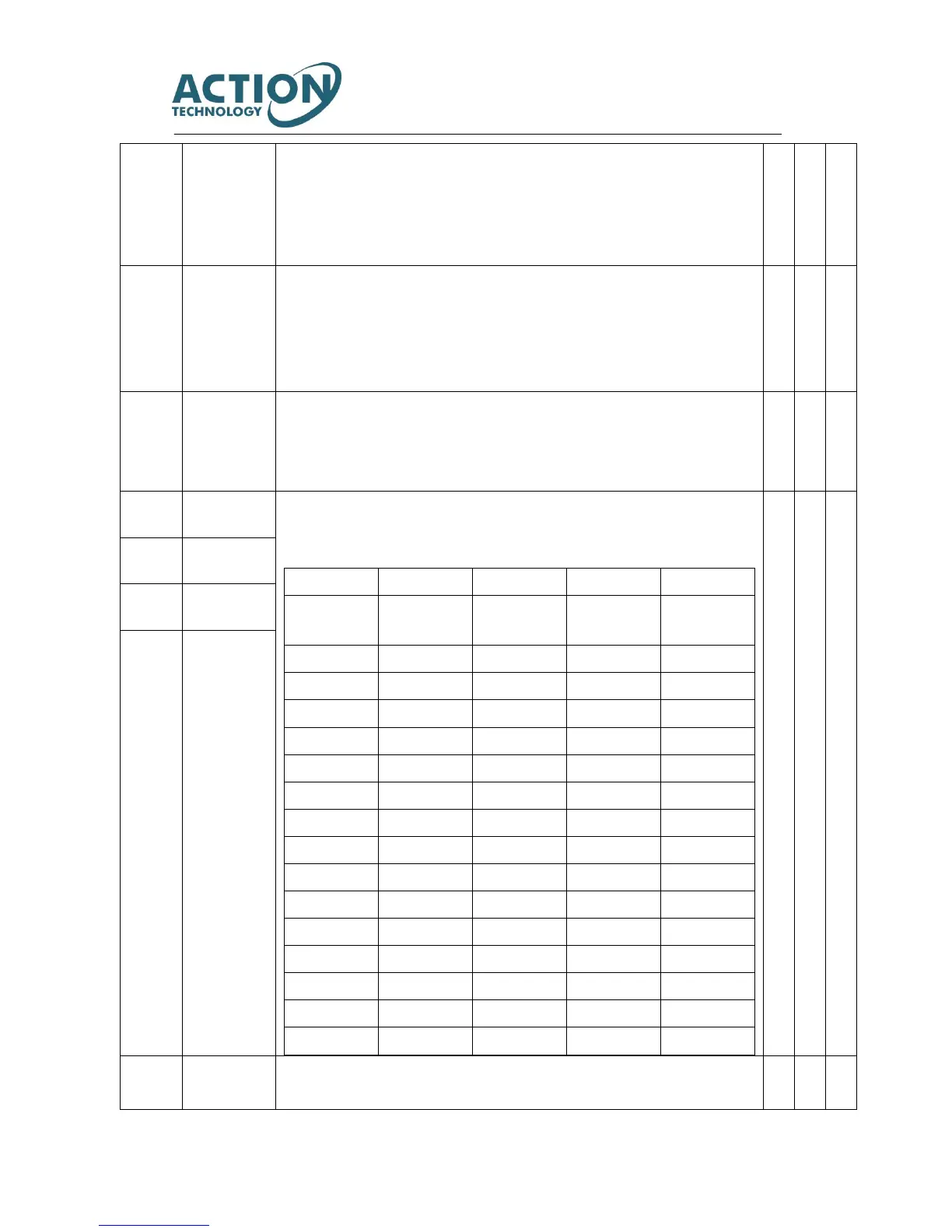
●When PCSEL1 to 4 is specified to point No. and connected to COM-, point table No. and home
position reset can execute.
●Specify the point No. and home position reset to be executed.
●According to the setting of parameter No.646.3 「Point No.0 function selection」, when
specifying the point No.0, you can select home position reset or point No..
Home position
reset start
●Start home position reset after connecting COM-.



 To Next Page