●Home position reset with home position sensor, input the home position sensor signal.
●Polarity detection can be changed by parameter No.646.1 「Home position sensor input
polarity」. When the initial setting is to be connected to COM- and OFF, the home position sensor
is detected.
Internal speed
command start
1
●Enable when select “1=Trapezoid speed command” in parameter No.388.0.
●After connecting to COM-, the motor starts in CCW direction.
●Set acceleration/deceleration time and target speed in parameter No.390 to No.399.0. There
are 8 phases for target speed. The target speed can be switched by the combination of
VCSEL1, VCSEL2 and VCSEL3.
Internal speed
command start
2
●Enable when select “1=Trapezoid speed command” in parameter No.388.0.
●After connecting to COM-, the motor starts in CW direction.
●Set acceleration/deceleration time and target speed in parameter No.390 to No.399.0. There
are 8 phases for target speed. The target speed can be switched by the combination of
VCSEL1, VCSEL2 and VCSEL3.
Internal
command
selection 1
●Enable when select “1=Trapezoid speed command” in parameter No.388.0.
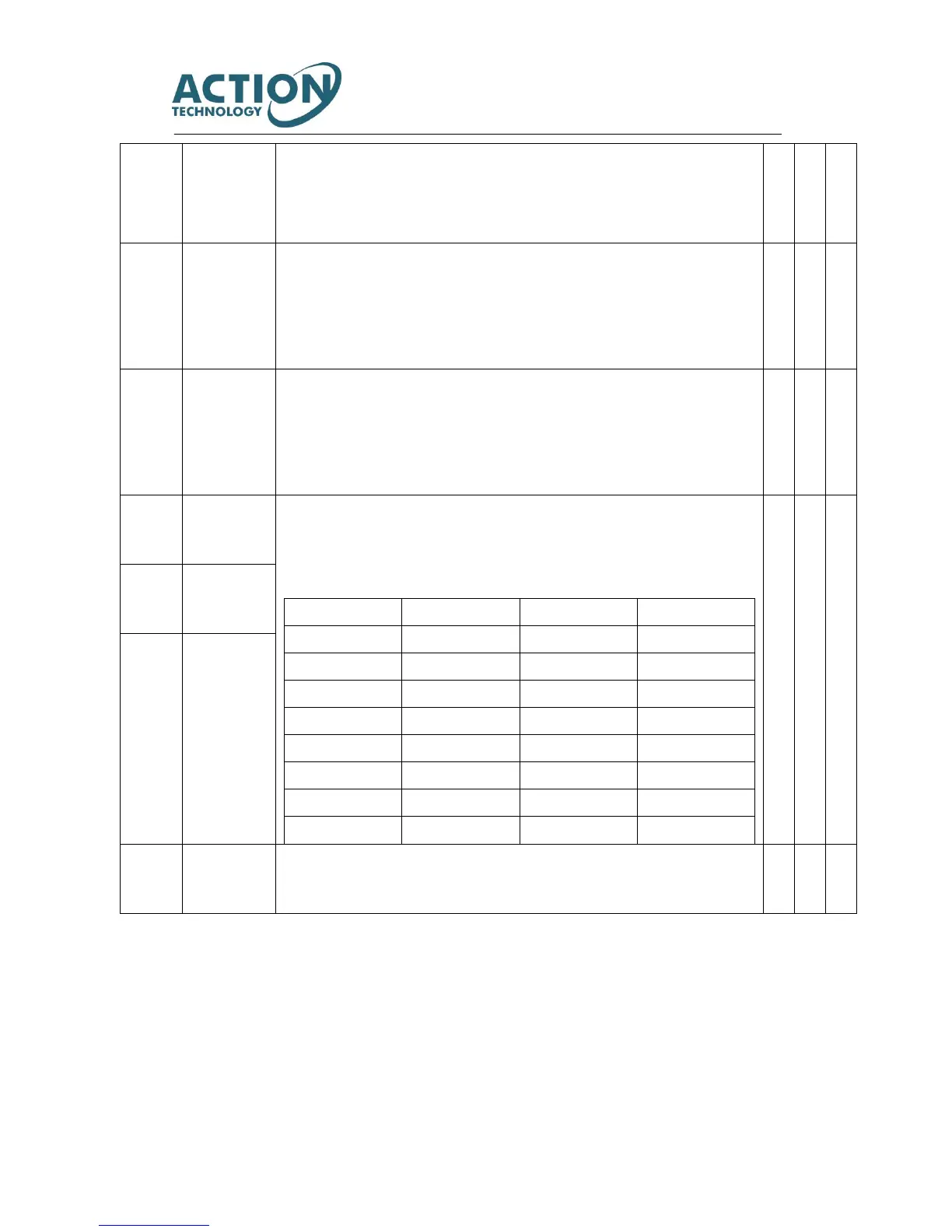
●Select the speed command of 8 phases as shown below according to the combination of
speed command selection 1 to 3.
●Set acceleration/deceleration time and target speed in parameter No.390 to No.399.0.
Internal
command
selection 2
Internal
command
selection 3
Alarm clear/
deviation
counter clear
●After connecting with COM-, RESET and PCLR are executed.
※Control mode:
P: Position control mode, S: Speed control mode, T: Torque control mode indicates it can input signals 「○ 」 and 「 △」
in different control modes. 「 △」can switch signals according to command mode. For details, please refer to user I/O
connector CN1 terminal arrangements for each command mode.
Note 1) For I/O of locator function selection 1.



 To Next Page