Select ‘‘ ,’’ then select
‘‘ ’’ after you enter
the current PIN.
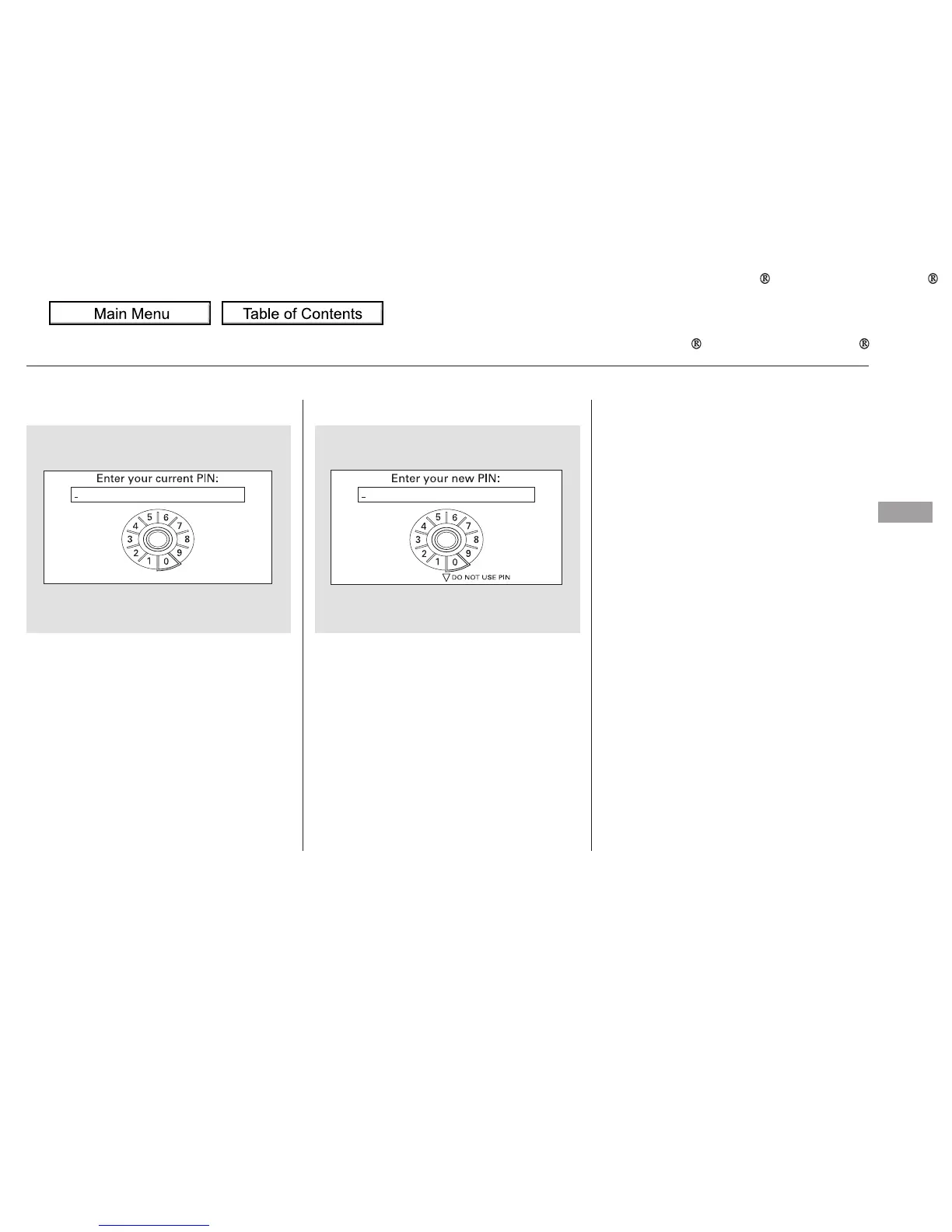
Enter the new 4-digit PIN number.
You will be asked to re-enter the PIN
for verification.
The display will change as shown
above.
Select the phonebook you want. The
display will change as shown above.
Enter the current PIN for this
phonebook.
To remove a PIN:To change the PIN to a new number:
PIN number
Do not use PIN
Bluetooth
HandsFreeLink
Features
323



 To Next Page
 Loading...











