AIMB-252 User Manual 26
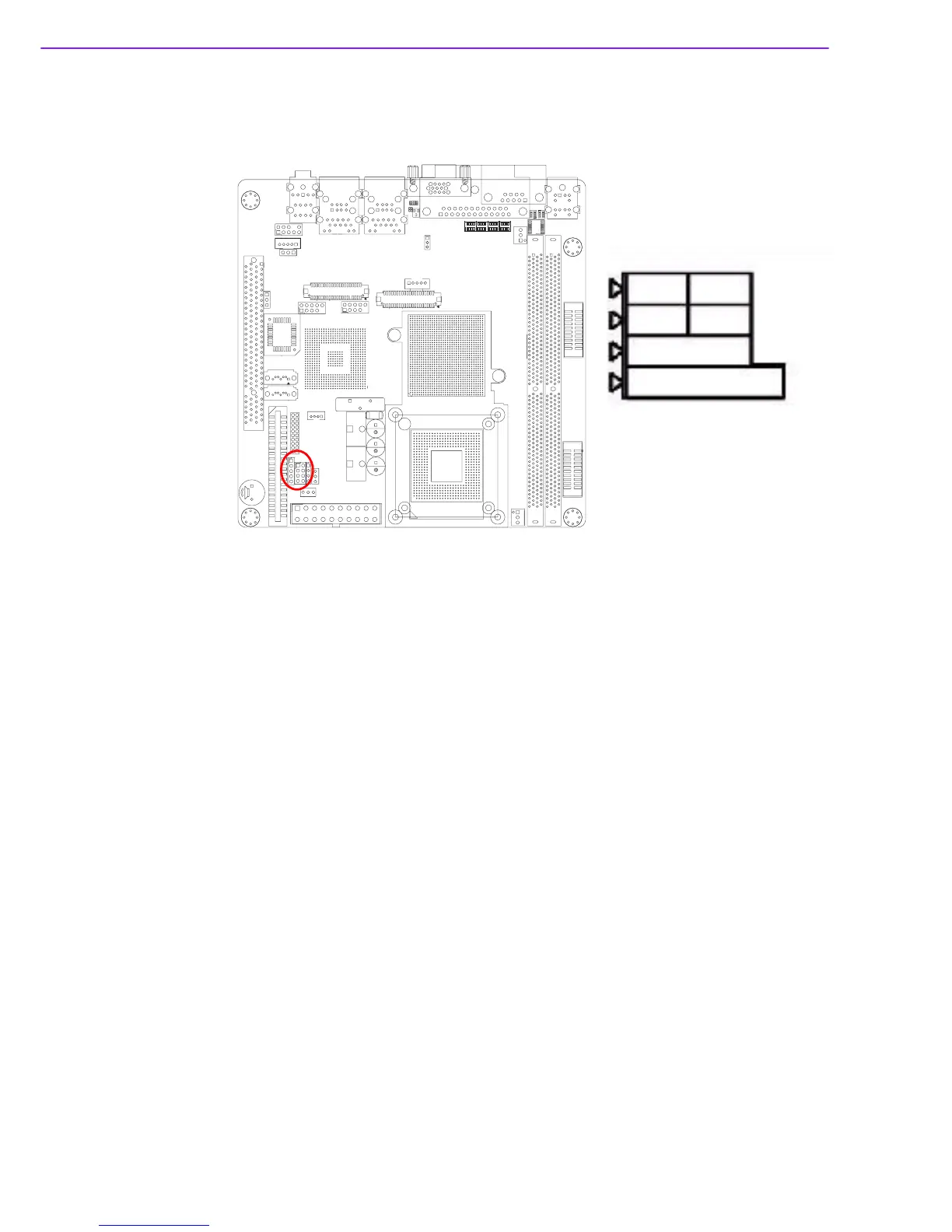
1.14.7 Front Panel Connector (JFP1/JFP2/JFP3)
There are several external switches to monitor and control the AIMB-252.
1.14.8 ATX soft power switch (JFP1 / PWR_SW)
If your computer case is equipped with an ATX power supply, you should connect the
power on/off button on your computer case to (JFP1/PWR_SW). This connection
enables you to turn your computer on and off.
1.14.9 Reset (JFP1 / RESET)
Many computer cases offer the convenience of a reset button. Connect the wire for
the reset button.
1.14.10HDD LED (JFP2 / HDDLED)
You can connect an LED to connector (JFP2/HDDLED) to indicate when the HDD is
active.
1.14.11External speaker (JFP2 / SPEAKER)
(JFP2 / SPEAKER) is a 4-pin connector for an external speaker. If there is no exter-
nal speaker, the AIMB-252 provides an onboard buzzer as an alternative. To enable
the buzzer, set pins 3-4 as closed.
PWR_SW RESET
HDOLED
SPEAKER
PWR_LED&KEY LOCK
JFP1
JFP2
JFP3














 To Next Page