91 Chapter 9
9.2 Windows 9X Drivers Setup Procedure
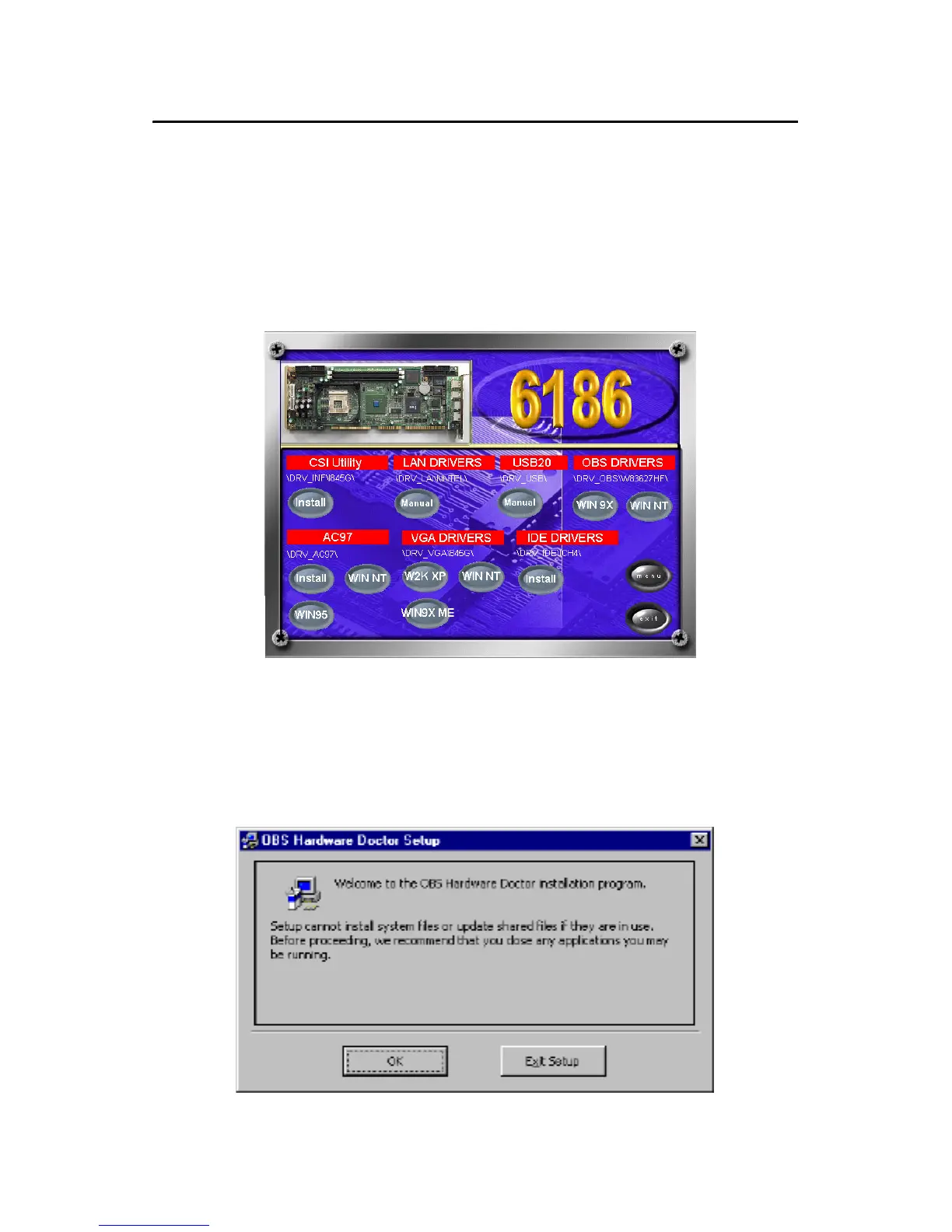
1. Insert the driver CD into your system's CD-ROM drive. In a few
seconds, the software installation main menu appears, as shown in
the following figure. Click on the "WIN 9X" button under the
"OBS DRIVERS" heading.
2. When you will see the following message, make sure you have
closed all other programs, then click on "OK."



 To Next Page