65 Chapter 6
6.5 Windows NT Drivers Setup Procedure (Intel 82540)
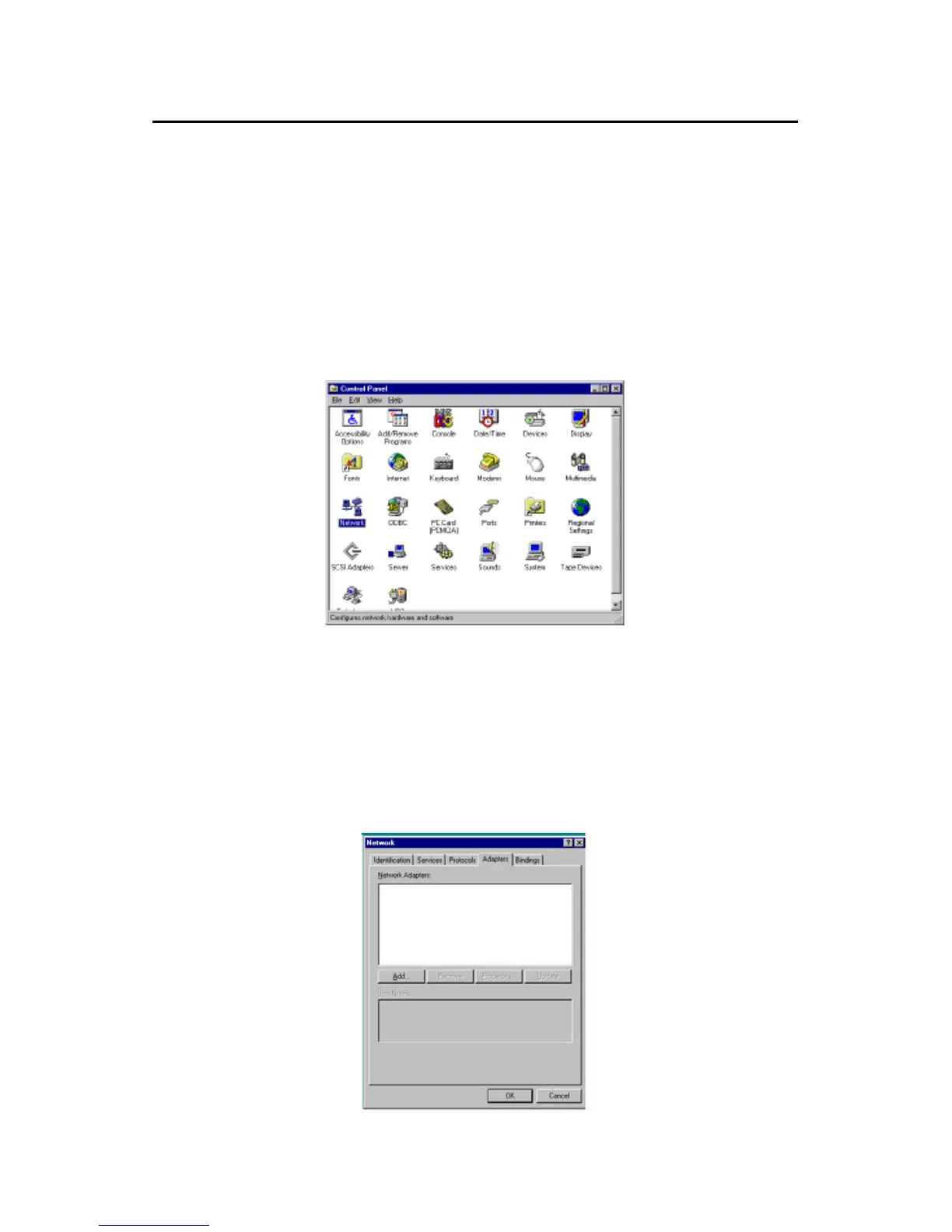
1. From the desktop of Windows NT, click on "Start" and select "Set-
tings." Then click on the "Control Panel" icon to select "System."
2. In the "Network" window, select the "Adapters" tab. Then click on
"Add..."
Note: The CD-ROM drive is designated as "D"
throughout this section.



 To Next Page