PCA-6186 User’s Manual 66
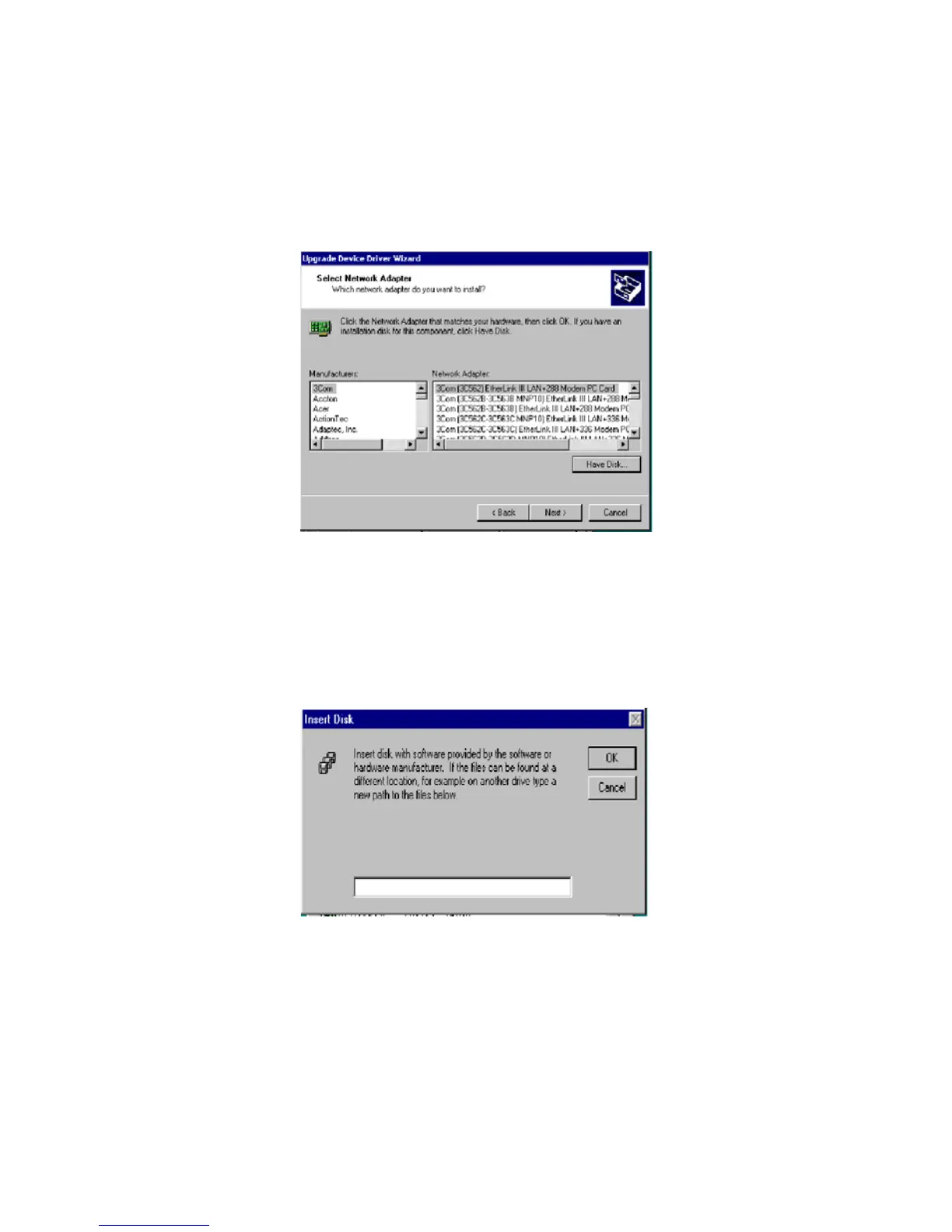
3. In the "Select Network Adapter" window, click on "Have Disk..."
4. When the "Insert Disk" window appears, insert the driver CD into
the CD-ROM drive and type in D:\Drv_Lan\82540. When you have
the correct file path, click on "OK."



 To Next Page