PCA-6186 User’s Manual 24
2.14.2 Controlling the soft power switch
Users can also identify the current power mode through the system's
power LED.
2.15 SM Bus Connector (CN29)
This connector is reserved for Advantech's SNMP-1000 HTTP/SNMP
Remote System Manager. The SNMP-1000 allows users to monitor the
internal voltages, temperature and fans from a remote computer through
an Ethernet network.
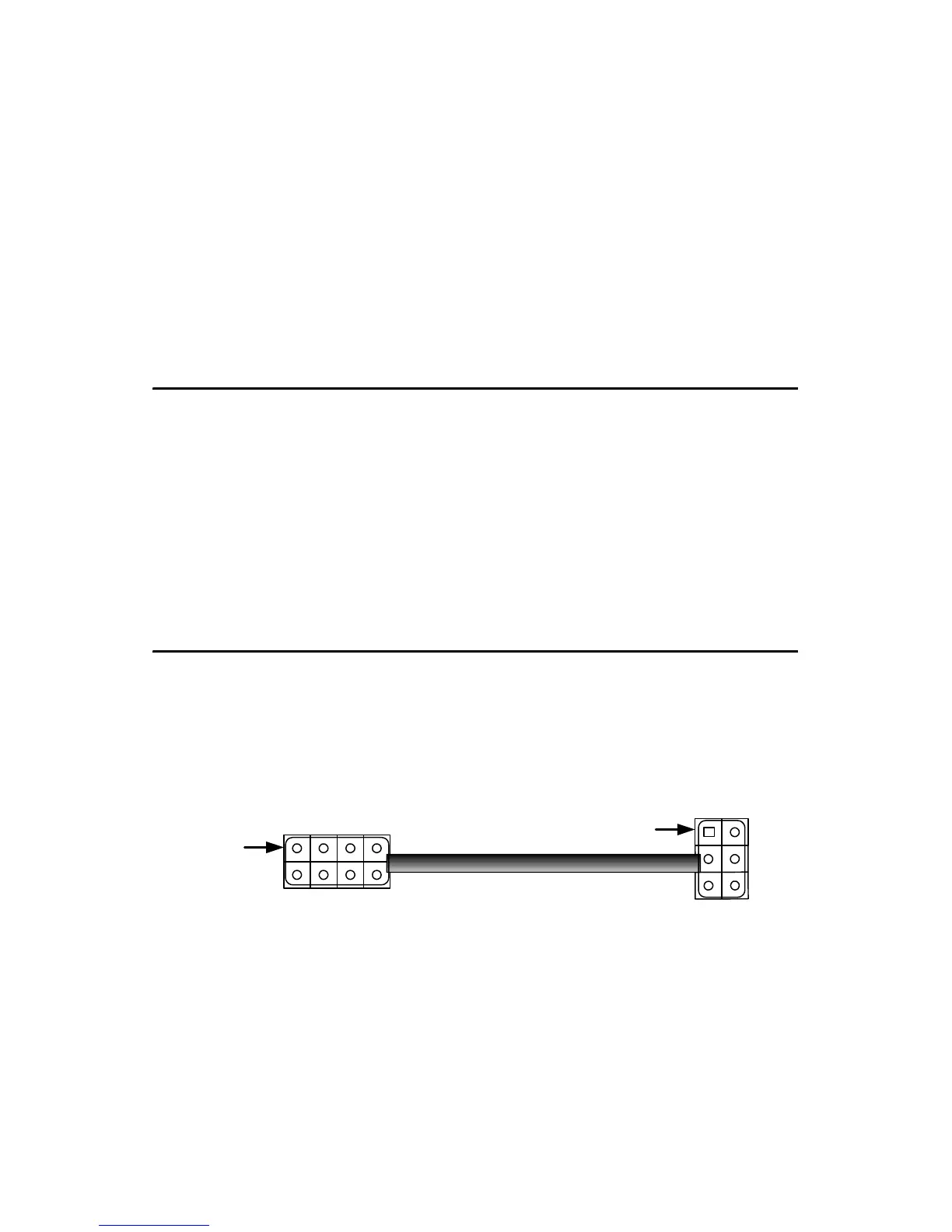
CN29 can be connected to CN19 of SNMP-1000. Please be careful about
the pin assignments, pin 1 must be connected to pin 1 and pin2 to pin 2 on
both ends of cable.
2.16 Connecting to SNMP-1000 remote manager
Use the 6-pin to 8-pin cable to connect the CPU card to SNMP-1000.
This cable comes with the SNMP-1000.
Important: Make sure that the ATX power supply can take
at least a 720 mA load on the 5 V standby lead
(5VSB). If not, you may have difficulty powering
on your system and/or supporting the "Wake-
on-LAN" function.
CN21 CN18
CPU Card
CN19 CN29
SNMP-1000
CN19
PIN 1
PIN 1



 To Next Page