47 Chapter 4
• Identification of Intel ® chipset components in the Device Manager.
• Integrates superior video features. These include filtered sealing of
720 pixel DVD content, and MPEG-2 motion compensation for soft-
ware DVD
Windows 98SE
Windows 2000
Windows Me
Windows XP
4.3 Installing the CSI Utility
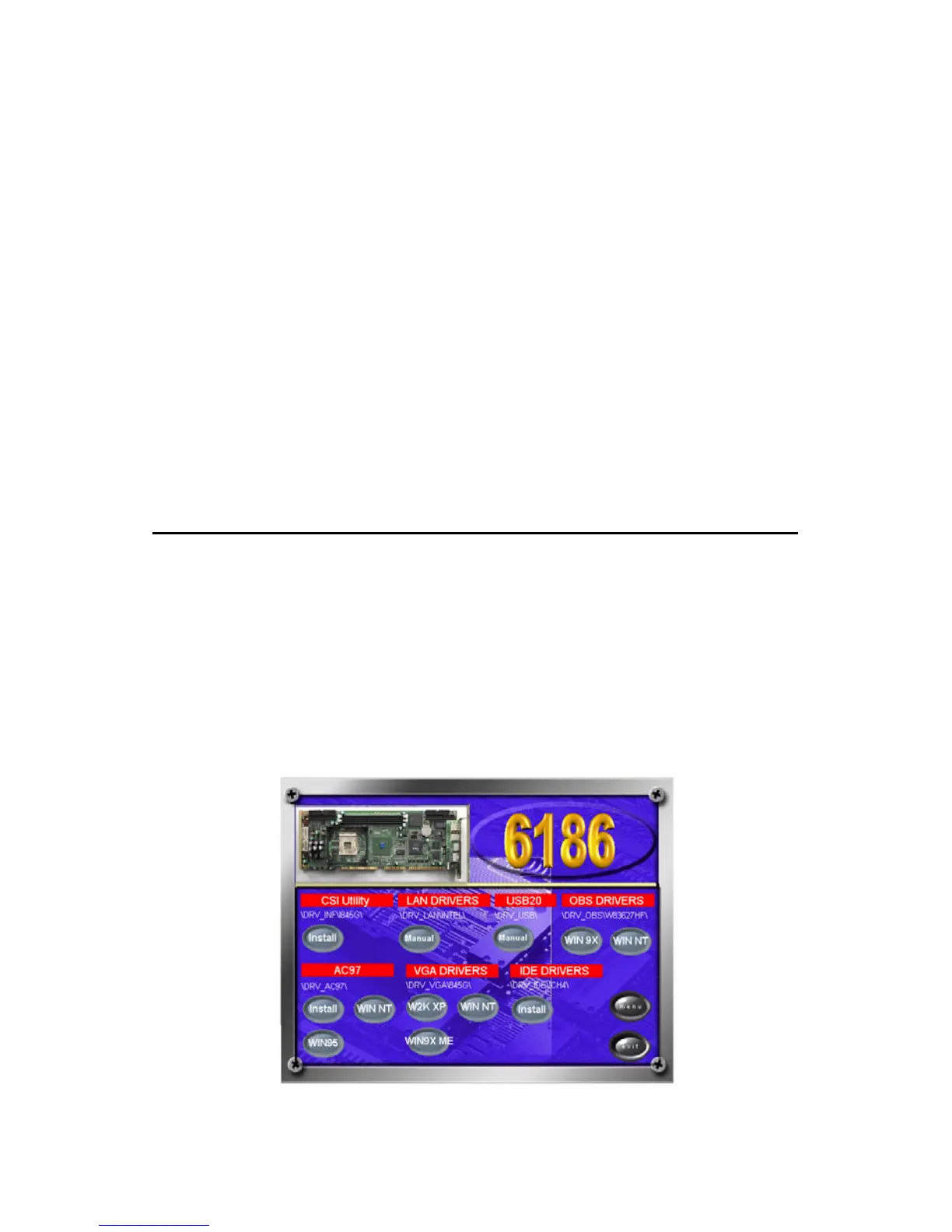
1. Insert the driver CD into your system's CD-ROM drive. In a few
seconds, the software installation main menu appears. Move the
mouse cursor over the "Auto" button under the "CSI UTILITY"
heading, a message pops up telling you to install the CSI utility
before other device drivers, as shown in the following figure. Click
on this button.
Note: This utility is used for the following versions of
Windows system, and it has to be installed
before installing all the other drivers:



 To Next Page