29 Chapter 3
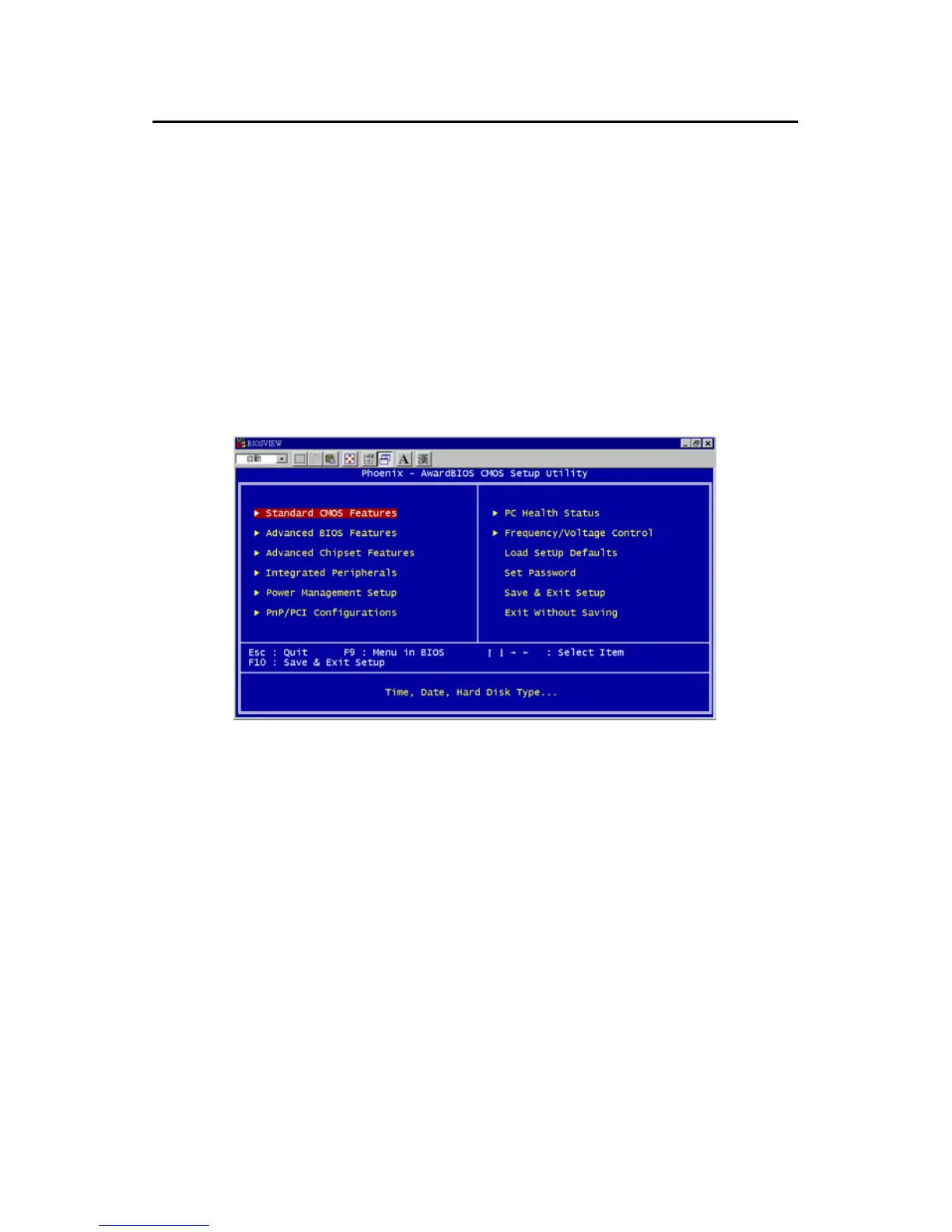
3.2 Entering Setup
Turn on the computer and check for the “patch code”. If there is a number
assigned to the patch code, it means that the BIOS supports your CPU.
If there is no number assigned to the patch code, please contact Advan-
tech’s applications engineer to obtain an up-to-date patch code file. This
will ensure that your CPU’s system status is valid. After ensuring that you
have a number assigned to the patch code, press <Del> to allow you to
enter the setup
.
Figure 3.1: Award BIOS Setup initial screen



 To Next Page