59 Chapter 6
6.3 Installation
The PCA-6186's onboard Ethernet interface supports all major network
operating systems. However, the installation procedure varies with differ-
ent operating systems. In the following sections, refer to the one that pro-
vides driver setup procedure for the operating system you are using.
6.4 Win 98/2K Driver Setup (Intel 82540/82562/82551)
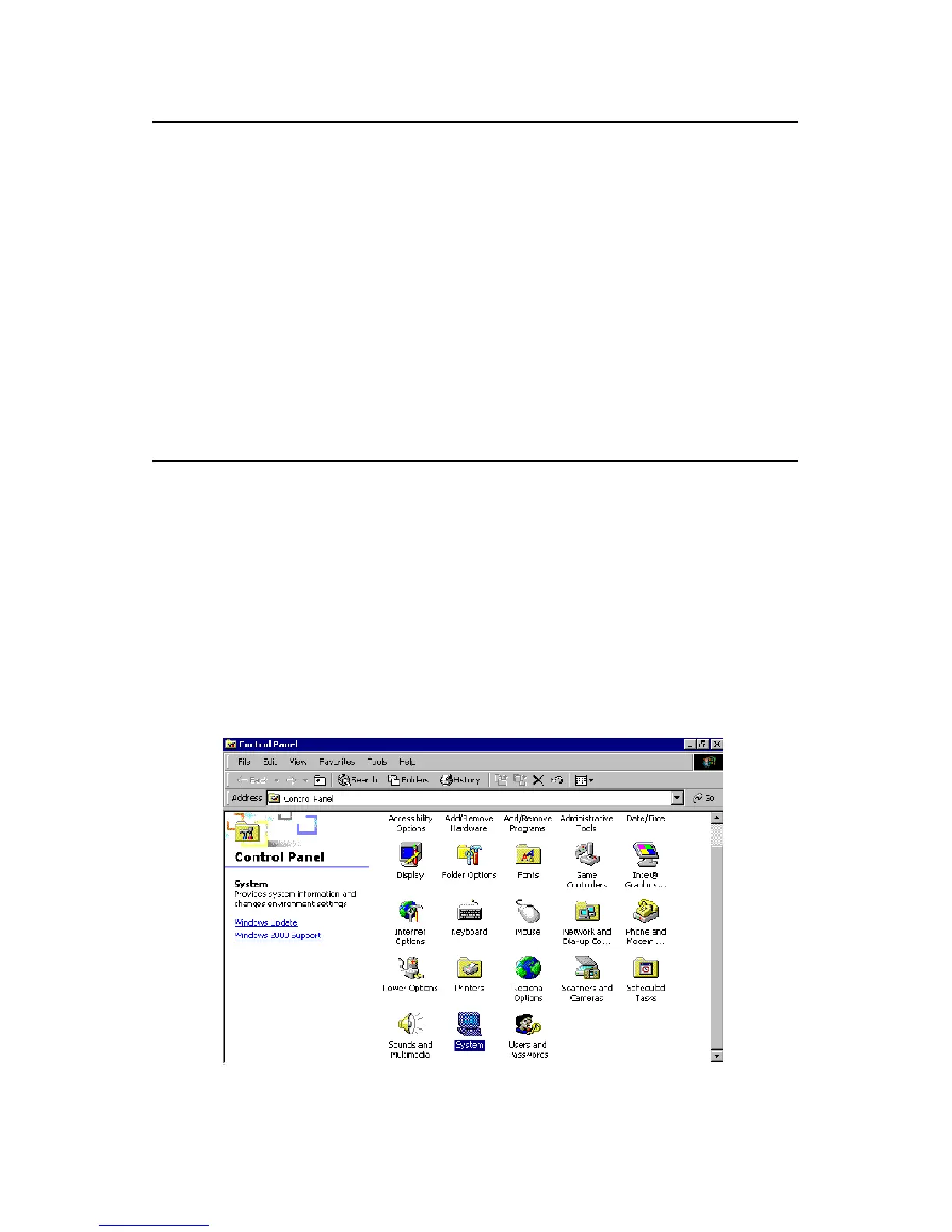
1. From the desktop of Windows 2000, click on "Start" and select
"Settings." Then click on the "Control Panel" icon to select "Sys-
tem."
Note: Before installing the LAN drivers, make sure the
CSI utility has been installed in your system.
See Chapter 4 for information on installing the
CSI utility.
Note: The CD-ROM drive is designated as "D"
throughout this section.



 To Next Page