PCA-6186 User’s Manual 68
6.6 Windows NT Wake-on-LAN Setup Procedure
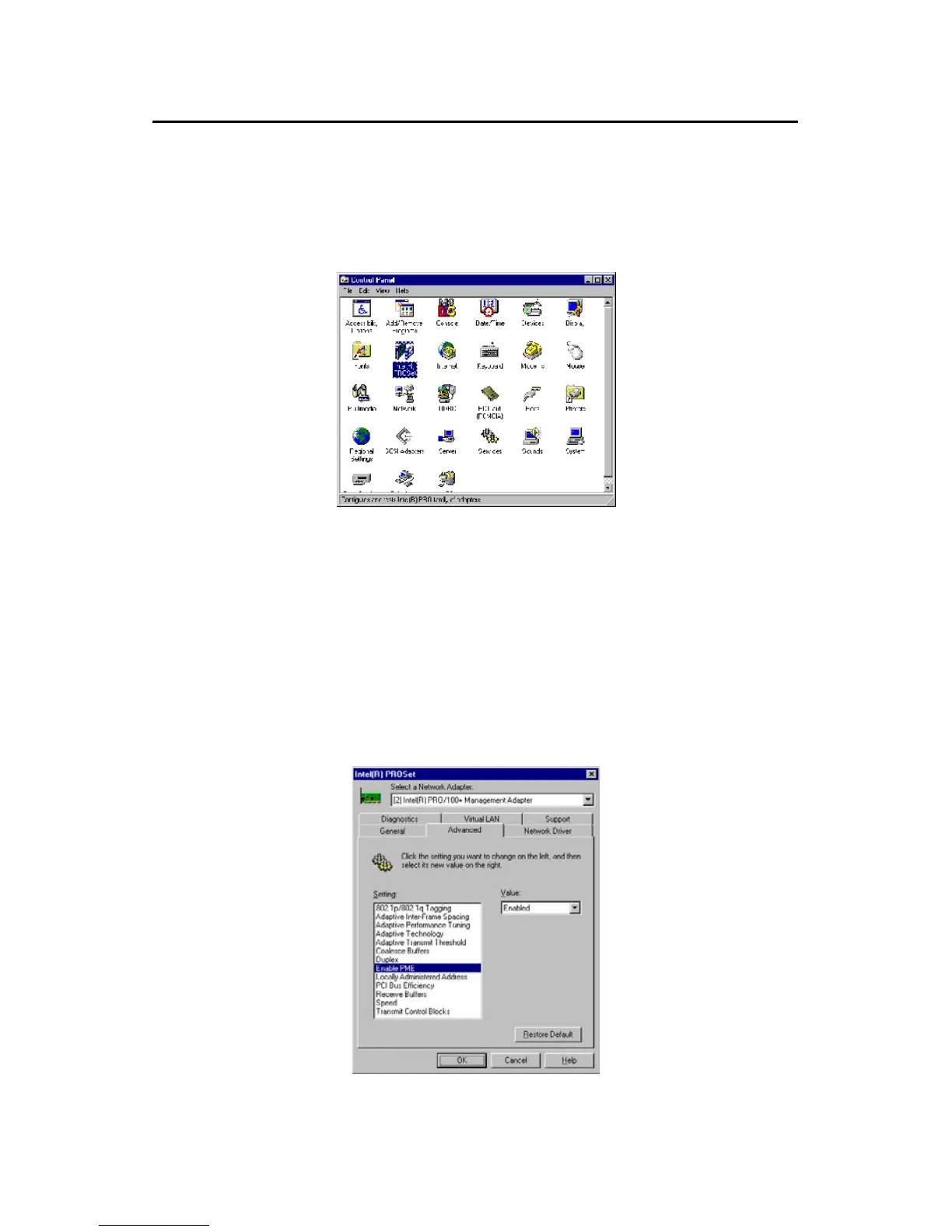
1. From the desktop of Windows NT, click on "Start" and select "Set-
tings." Then click on the "Control Panel" icon to select "System."
2. In the "Intel® PROSet" window, under "Select a Network
Adapter," choose "Intel® PRO100+ Management Adapter." Then
select the "Advanced" tab. Under "Setting," highlight the “Enable
PME" item. Under "Value," select "Enabled." Then click on "OK."



 To Next Page