67 Chapter 6
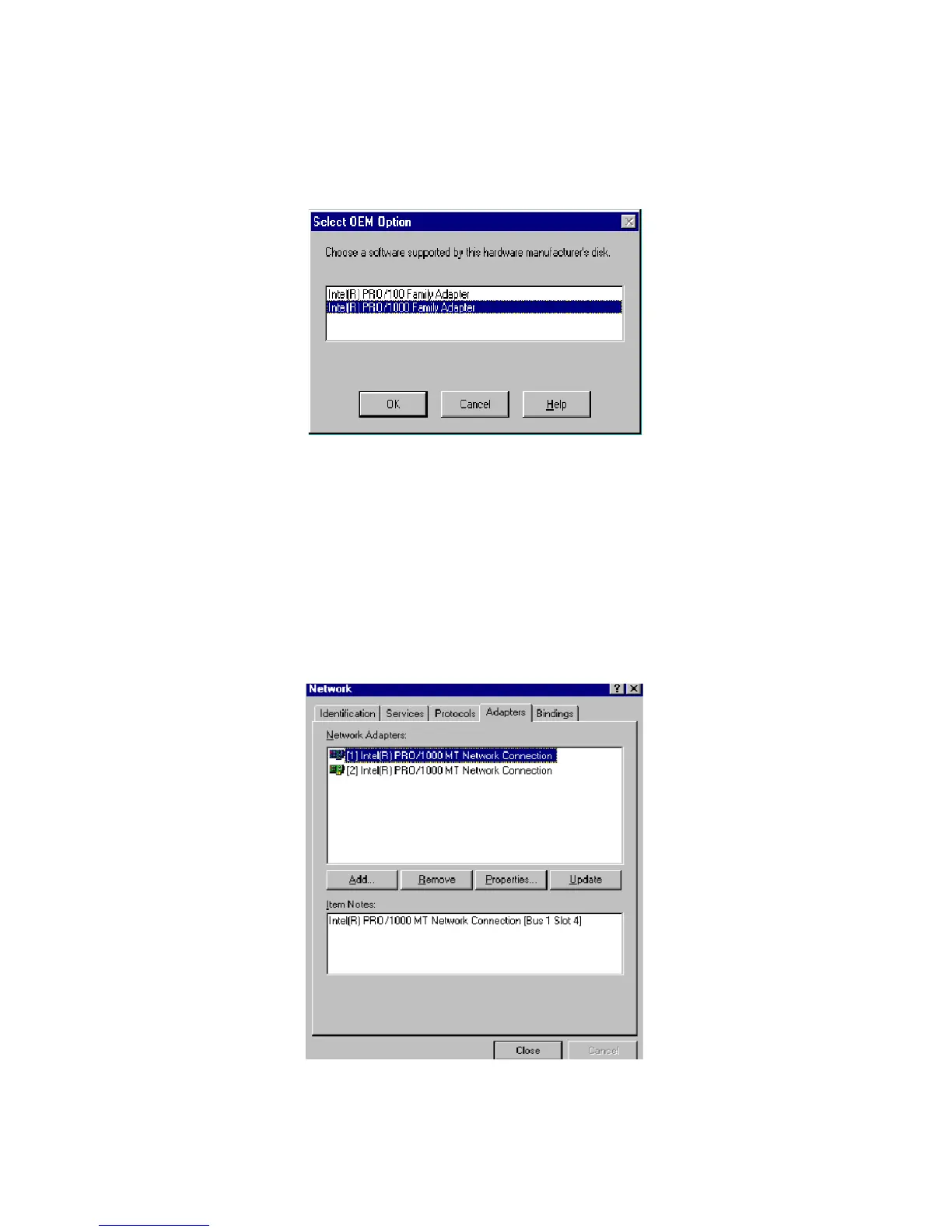
5. In the "Select OEM Option" window, select Intel Pro 1000 Family
Adapter and click on "OK"
6. In the "Network" window, select the "Adapters" tab. Under "Net-
work Adapters," highlight "[1] Intel® PRO/1000MT Network Con-
nection Management Adapter" and "[2] Intel® PRO/1000 MT
Network Connection." Then click on "Close."



 To Next Page