97 Chapter 9
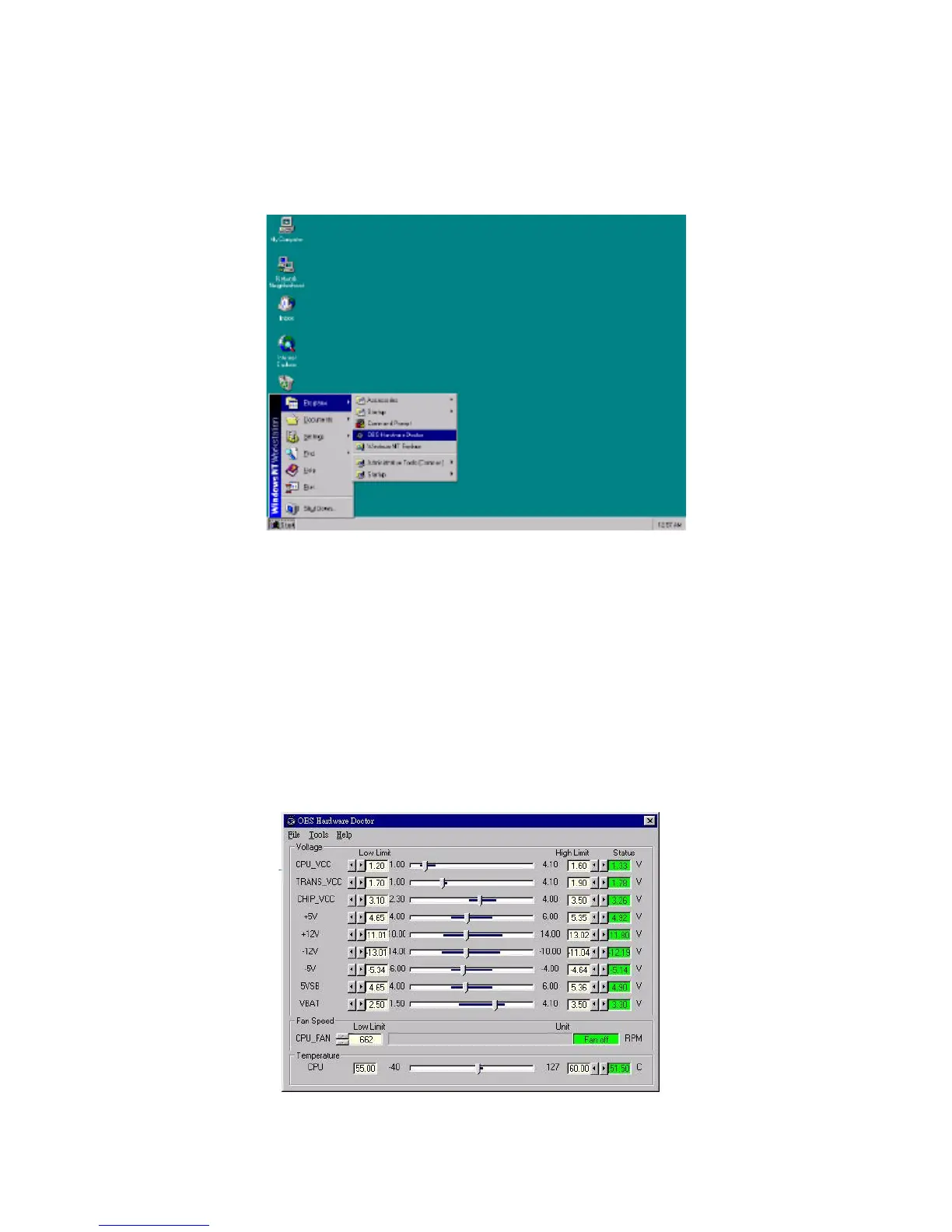
1. From the desktop of Windows, click on "Start" and select "Pro-
grams" and then "OBS Hardware Doctor."
2. It is recommended that you load the default values for all the OBS
settings. However, if desired, you can establish new conditions for
voltage, fan speed, and temperature. For TRANS_VCC, low limit
and high limit have to be adjusted manually. Please set low limit
at 1.70V and high limit at 1.90V.



 To Next Page