29
Compatible mobile devices:
AEEZONEiscompatiblewiththedominantmobilephonesrunningonsystemAndroid4.4(orabove)oriOS9.0
(orabove).
※ AEEwillcontinuetoupdatetheAPPinordertosupportmoretypesofmobiledevices.
6. Introduction for AEE CONDOR APP
AEEZONEismainlyusedtocontroltheonboardcameraremotely,includingshootingphotos,takingvideos,
settingcameraparametersetc.
6.1 Main Menu
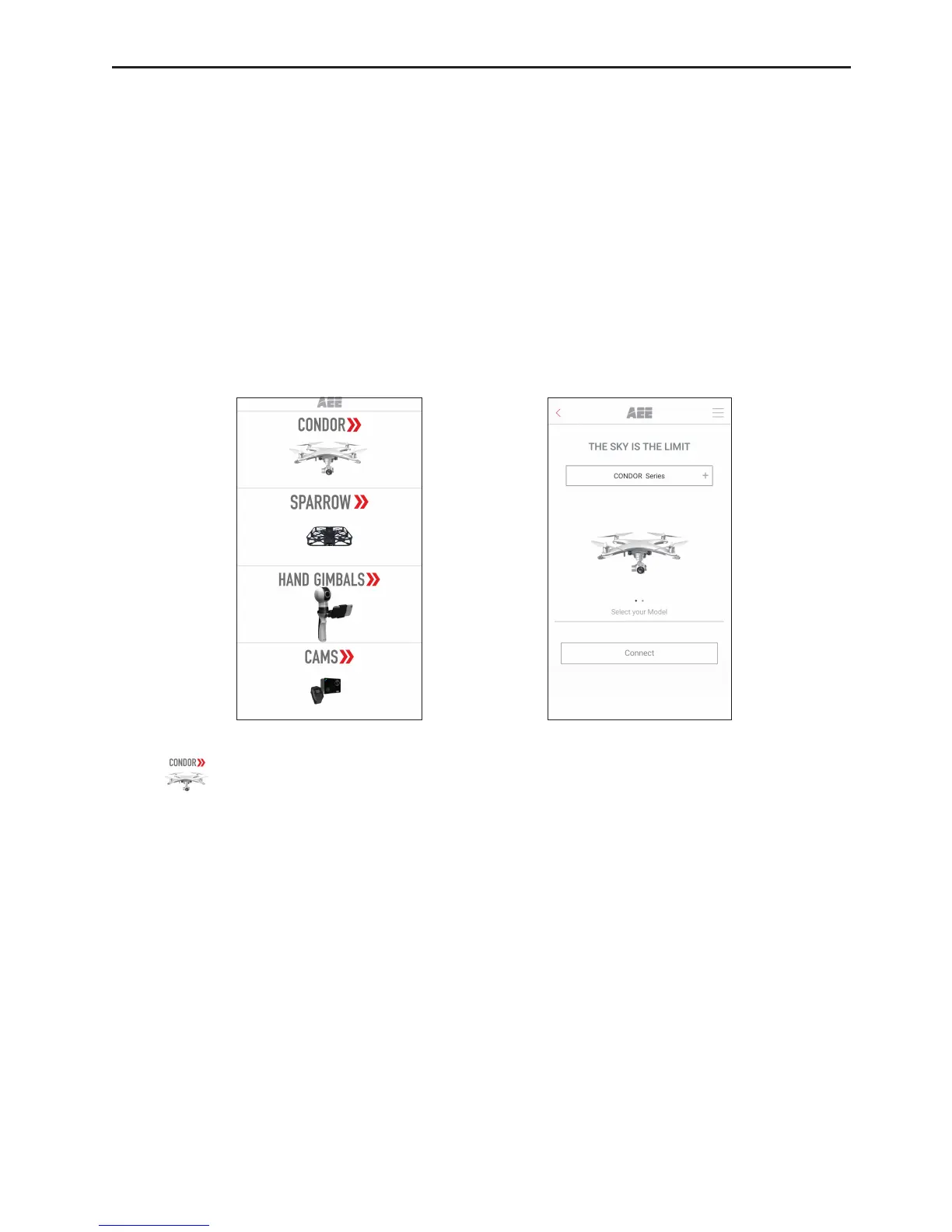
ConnectyourmobiledevicetotheWiFihotspot(AEE_RC_CONxxxxxx)oftheremotecontrol.StarttheAPPto
gototheinterfaceshowninFig.17:
Fig.17Fig.18
Click“
”toentertheUAVconnectioninterface(Fig.18).
※ Whenyourmobiledevicereceivesanincomingcallintheight,thepreviewimagewillbecovered.To
protecttheightsafety,donotanswercallsintheight.
※ Toachievelong-distancecontrol,connectyourmobiledevicetotheWiFihotspot(AEE_RC_CONxxxxxx)
oftheremotecontrol.



 To Next Page