English
65
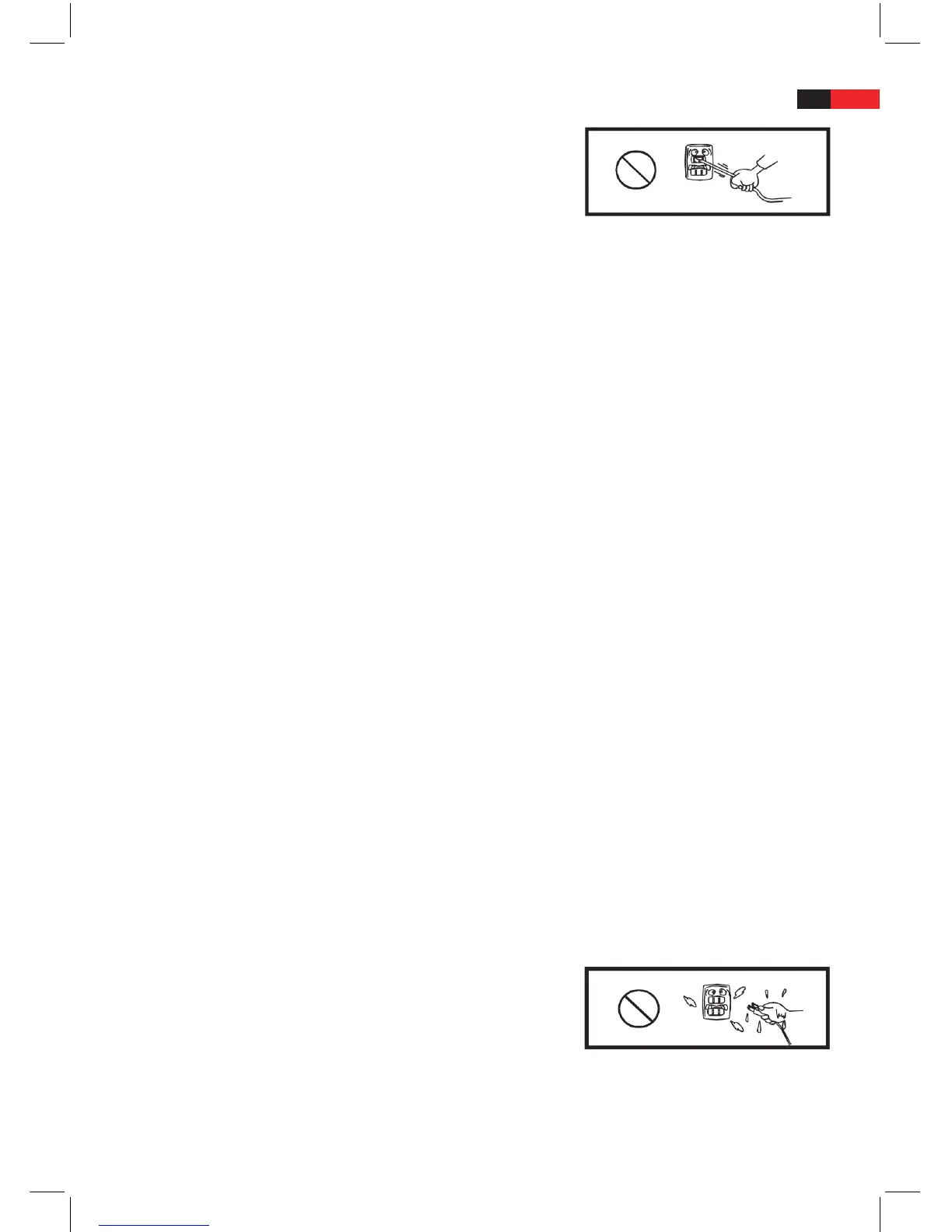
7. The power cable must be routed in such a way that no one can step on
it. The power cable should not be jammed between two objects. Never
place objects onto the mains cable. Never pull directly on the power
cable. The power cable should not be crushed, jammed into a tight
space or bent excessively.
8. Pay particular attention to the connection points between cable and plug, cable and extension cable as well as
the cable and the device.
9. Never overload the wall sockets, extension cables or multiplug adapters. This may otherwise constitute a re
hazard and electrocution risk.
10. The machine is controlled by a micro computer therefore any outside disturbancies – e,g. Lightning, interfer-
ence or static – may eect the function of the machine. Should unexpected disturbances occur, press the mains
POWER switch to switch o the device for 10 seconds thus resetting the micro computer. Then press the mains
POWER switch again to switch the machine on again. You may also disconnect the mains plug and then plug it
back in. The machine should function again normally.
11. CAUTION! In stormy weather, disconnect the machine from the mains in order to prevent power surges caused
by lightning.
12. If the machine is accidentally switched o, switch it back on again.
13. At least 30 seconds should pass between switching the machine o and on.
14. After use, remove the disc from the disc tray and switch o the device.
15. Before connecting to other machines, switch o the DVD device.
Installation and Handling
1. CAUTION! Do not set up the machine in poorly ventilated areas. Avoid dirty or dusty areas. Do not choose an
instable or moving/vibrating surface. The machine should preferably be set up in a clean, well ventilated and
dry environment.
2. Do not place the machine in an enclosed space, such as e.g. book shelves or tted cupbaords where there is no
circulation of air.
3. CAUTION! Leave sucient space (at least 5 cm) around the device. Do not block the slots and openings in the
machine provided for ventilation and check whether air can circulate freely around the machine.
4. Ensure that the slots and openings provided for ventilation are not blocked, otherwise the machine may over-
heat. All items such as e.g. table coverings, nets and curtains or newspapers should be which could block the
ventilation slots, should be removed if necessary.
5. Do not push objects through the ventilation slots. By doing so, you may come into contact with live parts or
short circuit components. This may constitute a re hazard and risk of electric shock.
6. In order to prevent re or electric shocks, do not expose the machine to rain or damp. Do not set up the ma-
chine in a damp, humid environment.
7. Do not place the machine near owing, splashing or dripping water e.g. close to bathtubs, wshbasins, swimming
pools, sinks, in damp cellars or in similar places.
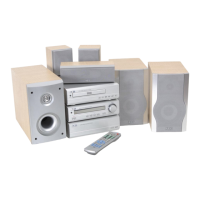
8. CAUTION! Do not place the machine close to vessels containing uids.
Water and other uids can damage the device beyond repair if they
get inside the machine. Also keep the mains plugs away from water or
other uids.
9. Do not place objects with naked ames or water such as e.g. candles or ower vases, onto the device.



 To Next Page