10. Software Race Studio 3
Aim Software Race Studio 3 lets you execute the following activities:
• Configure your PDM 32
• Transmit a new version of the firmware to your PDM 32
• Look ONLINE at all the data, power consumption, temperatures, Output status while your PDM
32 is installed on your vehicle
• Manage the tracks database, to automatically calculate the Lap Time and other correlated
features.
• Download all the data and look at them in data Analysis
Please, download our RaceStudio3 software here:
https://www.aim-sportline.com/en/sw-fw-download.htm
After the installation, you will see The RaceStudio3 icon on your PC:
Please run the software for stating the configuration of your PDM32.
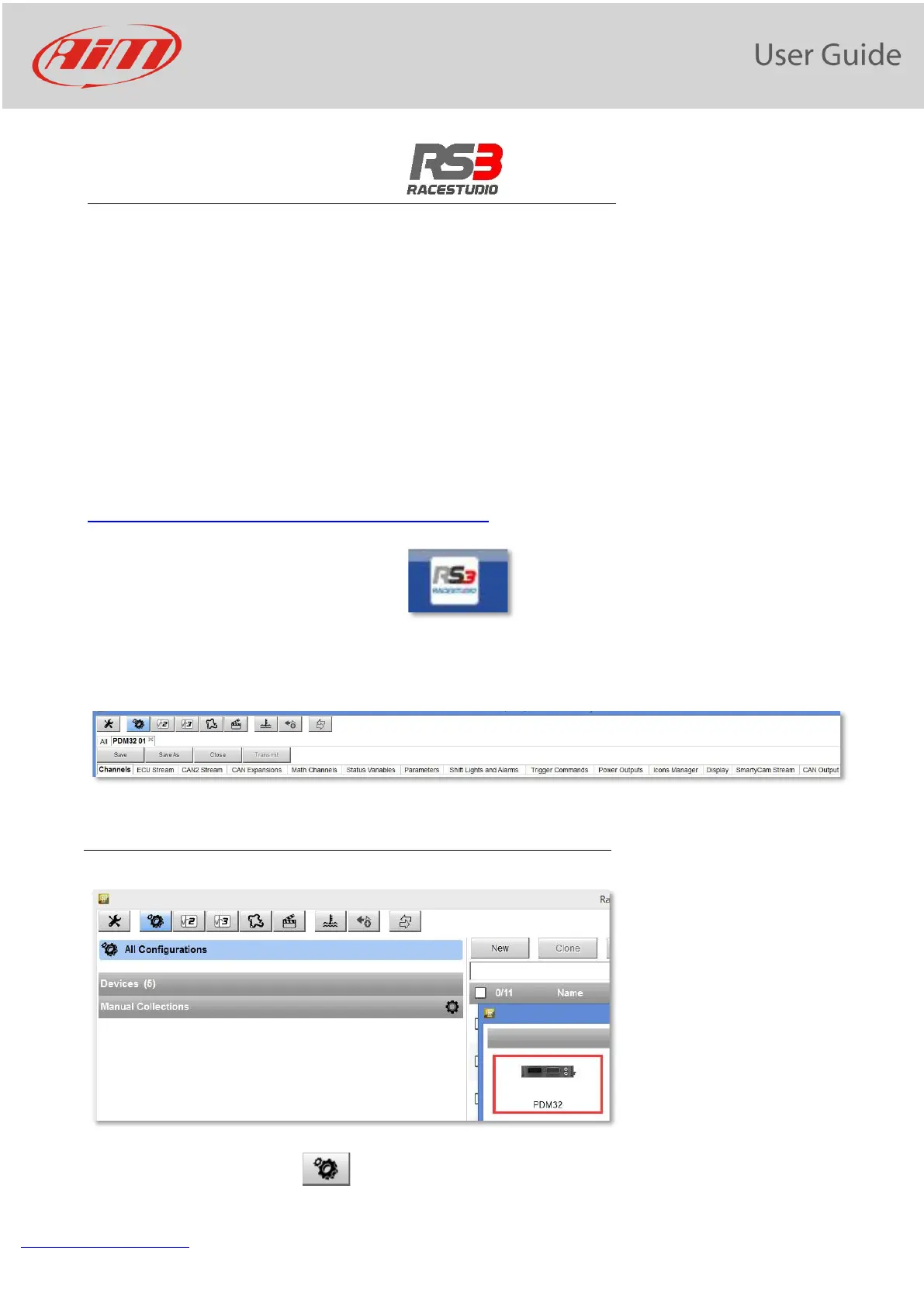
The top line of the PC shows some icons
11. PDM32 Configuration
• click “Configurations” icon and the configurations page appears


 To Next Page