Chapter 2: Installation
Verify System Operation
Page 34
Verify System Operation
A complete system operation verification is vital to ensure all components are operating correctly after the
installation. A system commissioning checklist is available on page 41. Follow instructions in this section to
complete the checklist and leave a copy on site.
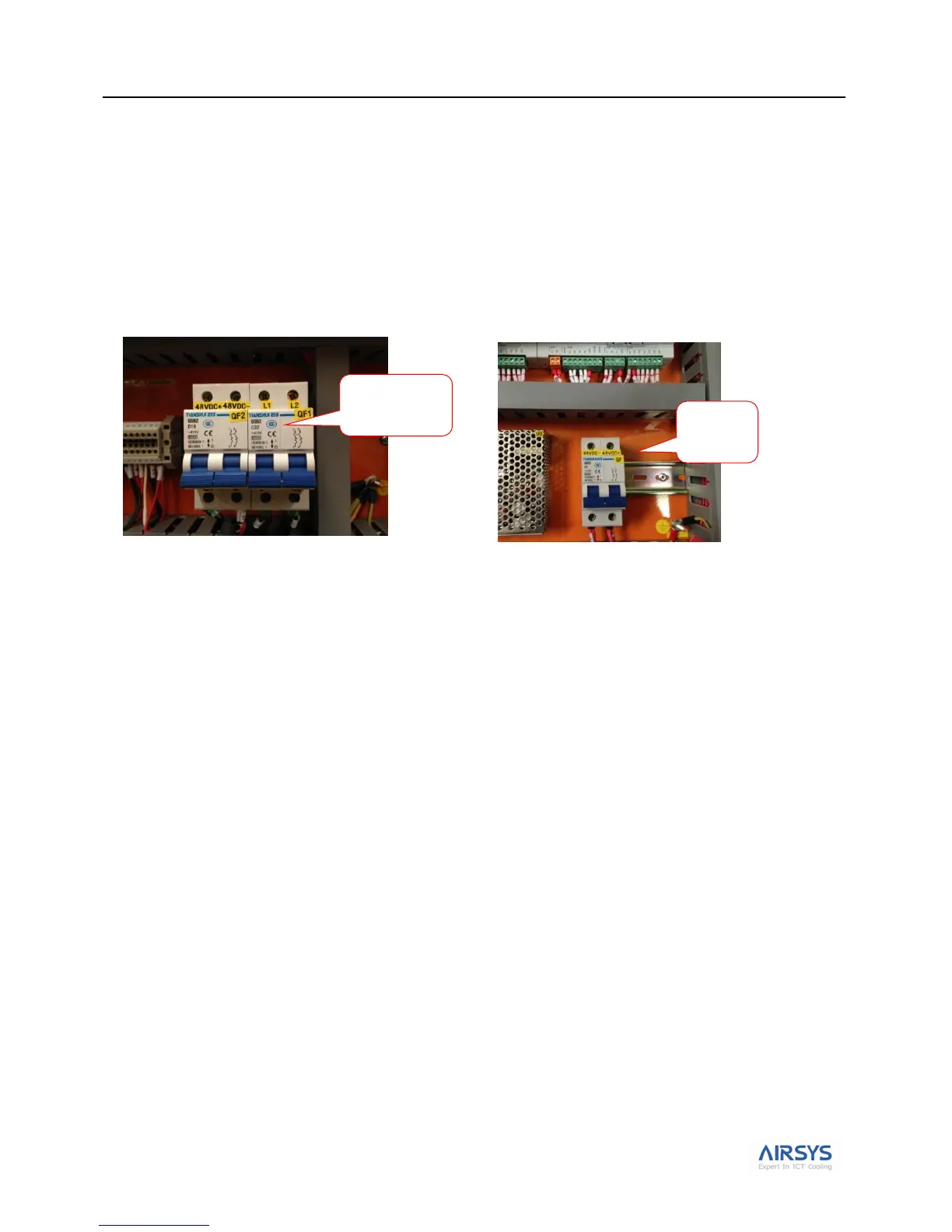
Turn On Component Breakers
After completing the checklist, turn all three breakers to the on position: one in each WPU and one in the controller
box. Then reattach all covers and panels before turning on the breakers in the prime power panel.
Turn on Primary Power
Turn on the primary power breakers at the breaker panel in this order; first the two WPU breakers, then the
controller box.
Note: The PLD display should light up and after a brief delay will display the inside temperature. If all instructions
were followed correctly, you are still likely to get a Prime Power (A09) alarm. This is normal. Press Sel to clear the
alarm. Any other alarm should be investigated, with the most common cause being a mistake in the wiring.
Note: Use the information in “Alarm Descriptions” on page 52 to understand the meaning of any alarms. Detailed
information on PLD operation and how to understand and respond to alarms is covered in Chapter 3.



 To Next Page