Chapter 3: System Operation
Navigating the Main Menu
Page 46
Some of the options on the main menu let you view a sensor measurement (humidity, outdoor temperature, supply
air temperature). Press Sel to display the value; press Up and Down together to return to the main menu.
Other options let you perform the following actions:
Turn the system on and off.
Start comfort mode.
Set the comfort mode temperature.
Access other menus.
These options are described in the following sections.
Turning the HVAC System On or Off
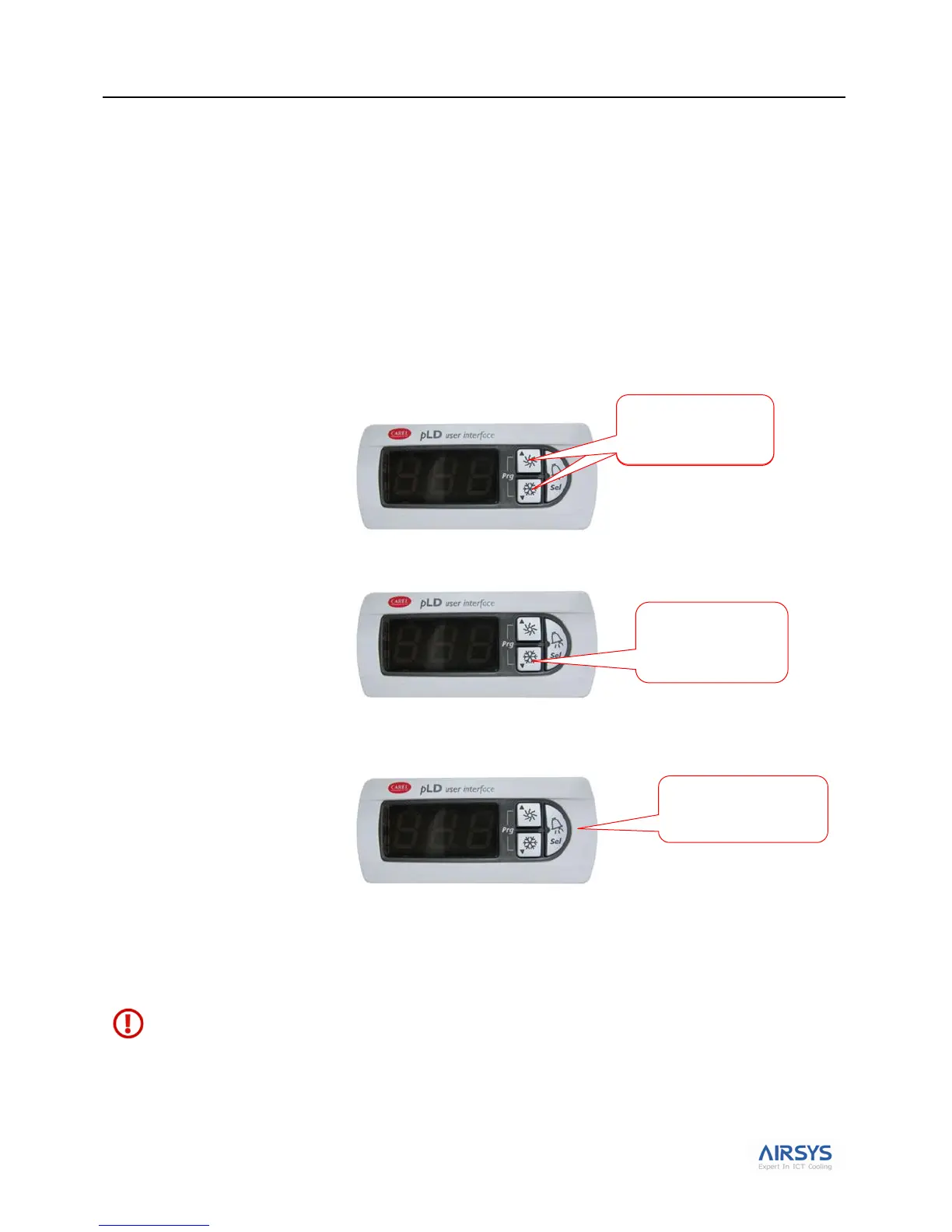
1. Press Up and Down together to enter the main screen.
2. Press Down or Up until the screen displays either On or Off. On indicates the system has been turned
on.
3. If the screen displays OFF, hold Sel for 3 seconds. The screen will display ON, indicating that the system
is turned on. Press Down and Up together again to return to the main screen and display the indoor
temperature.
If you want to turn the system off, repeat steps 1 and 2 and then press Sel for 3 seconds to change the On to OFF.
Press Down and Up together again to return to the main screen and display the indoor temperature.
Note: When the system is On both the Up and Down LEDs will be lit. When the system is Off both the Up
and Down LEDs will be dark.
Warning. Never leave the site with the HVAC system in the off state (Up and Down LEDs dark). Your site
will have no temperature control, which likely will result in an urgent site visit to correct.
Press until screen
displays OFF or
On
Press both buttons
together to enter the
main screen



 To Next Page