Chapter 2: Installation
Verify System Operation
Page 37
Set System Time
The system time parameters are listed in
Table 14. R/W indicates that the code can be viewed and updated.
Note: System time is based on a 24 hour clock.
Table 14: System Time Parameters
Display and set the current time/date – hour
Display and set the current time/date – minute
Display and set the current time/date – year
Display and set the current time/date – month
Display and set the current time/date – day
1. Press Up and Down together to enter the main menu. The screen will display the indoor temperature. If the
indoor temperature does not display, press both buttons again and repeat as needed.
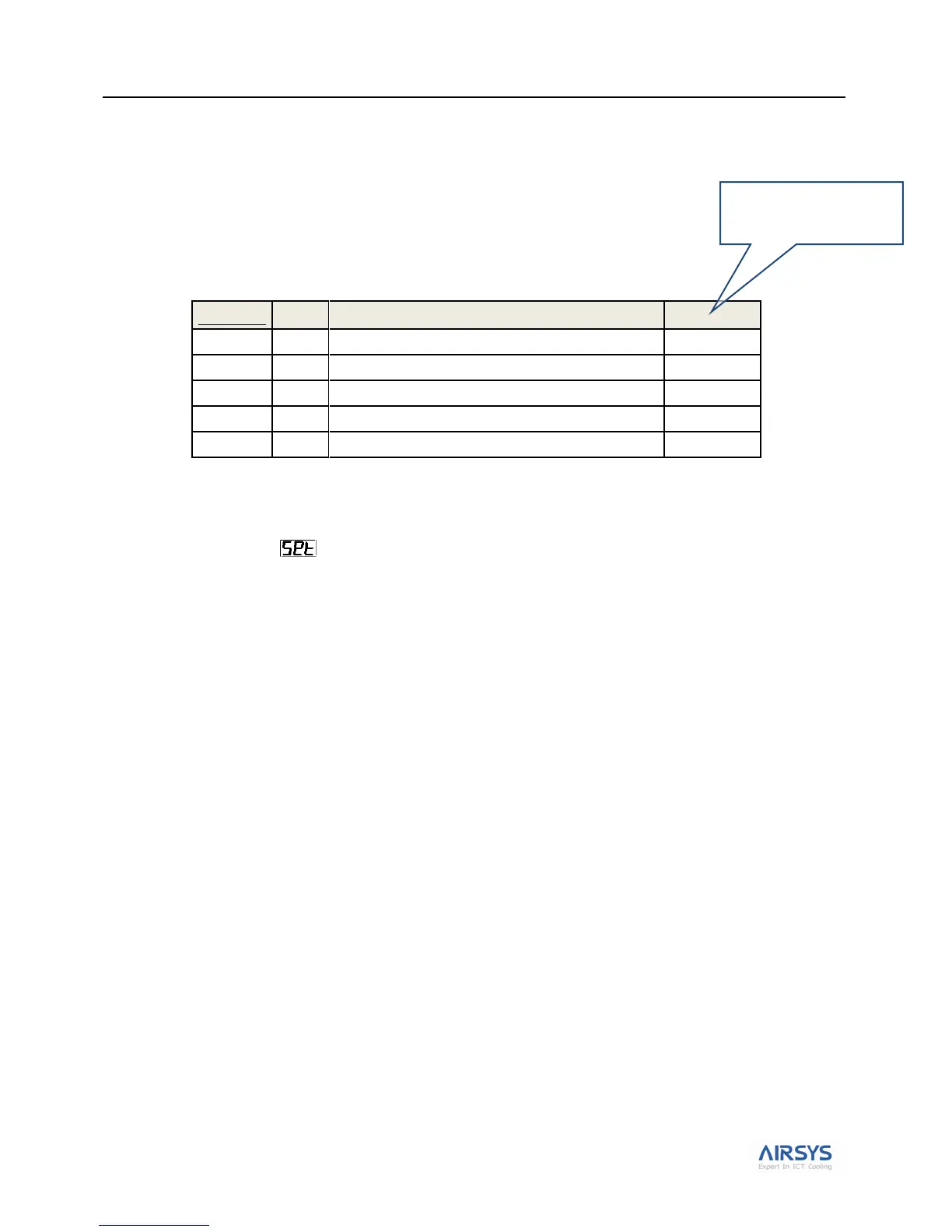
2. Press Down until displays. Then press Sel, the user terminal will display STP.
3. Press Down until the screen displays N15; then press Sel to confirm. Set the current hour; then press Sel
to confirm.
4. Press Down until the screen displaysN16; then press Sel to confirm. Set the current minute; then press Sel
to confirm.
5. Press Down until the screen displays N17; then press Sel to confirm. Set the current year; then press Sel
to confirm.
6. Press Down until the screen displays N18; then press Sel to confirm. Set the current month; then press Sel
to confirm.
7. Press Down until the screen displays N19; then press Sel to confirm. Set the current day; then press Sel to
confirm.
8. Press Up and Down together to return to the main menu.
Note: 24 Hour Clock
i.e., 15 = 3p



 To Next Page