Chapter 3: System Operation
Navigating the Main Menu
Page 45
Navigating the Main Menu
Pressing Up and Down at the same time displays the PLD Main Menu. The default display is the current room
temperature. Use Up or Down to scroll through the main menu. The order of the options varies depending on
whether the HVAC system is currently on or off.
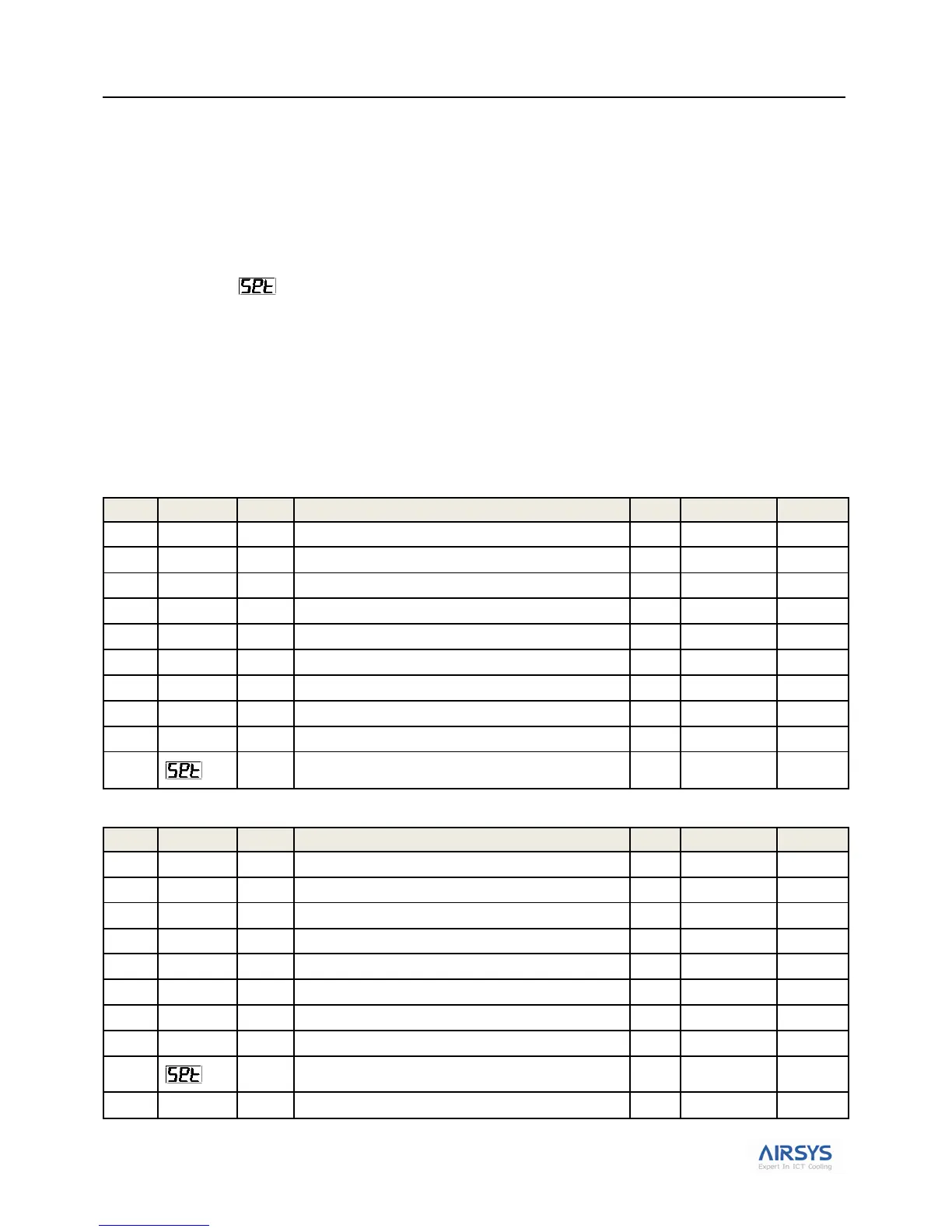
Table 17: Main Menu (A) with System Off lists the options on the main menu when the system is off;
Table 18: Main Menu (A) with System On lists them when the system is on.
Note: Option A-10 ( ) lets an AAST access all of the preconfigured system parameters. Typically, only a few
are ever needed during normal operation. These are described here. The remaining menus are described in “System
Parameters and Default Values” starting on page 58.
In the table, the following abbreviations are used:
Ref Reference number for the code
R The parameter can only be viewed, not changed.
R/W The parameter can be both viewed and updated.
Table 17: Main Menu (A) with System Off
Current indoor temperature; default display
Turn the system on at the terminal
Set comfort mode indoor temperature
Humidity (Default: indoor)
Access other menus for viewing and modifying
preconfigured system parameters
Table 18: Main Menu (A) with System On
Current indoor temperature; default display
Set comfort mode indoor temperature
Humidity (Default: indoor)
Access other menus for viewing and modifying
preconfigured system parameters
Turn the system off at the terminal



 To Next Page