Service Manual Aktilite
CL128
Version 1.
3
Page
9
of
41
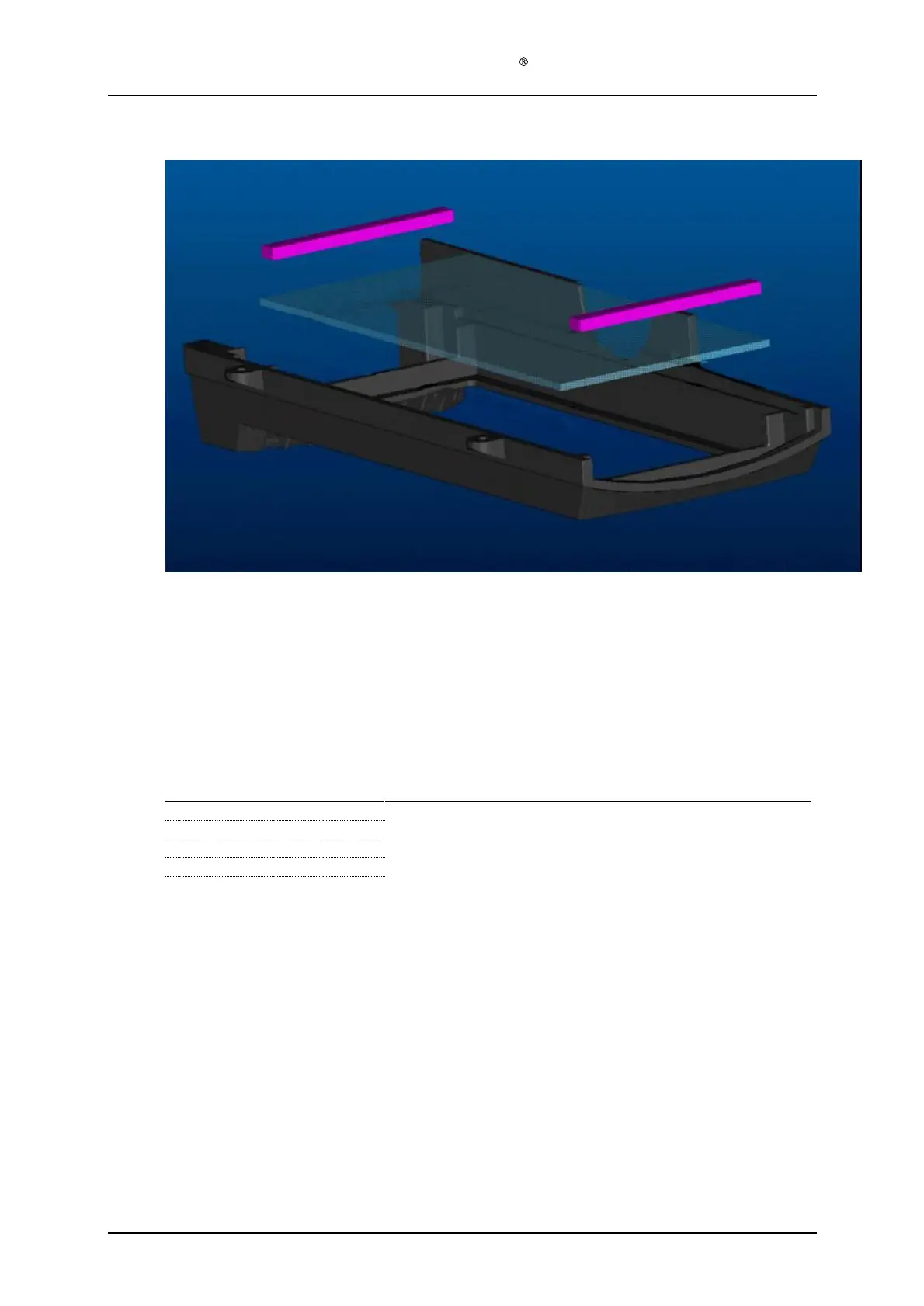
1.7
Housing bottom module (128
-0-
820)
The housing bottom c
omes fully assembled as a s
pare part.
Clean the glass if necessary before final assembly.
1.8
Housing back module (128
-0-
810) assembly
Required items
Part #
# of items
Description
128
-1-
812
1
Housing back (Moulded plastic)
128
-1-
905
1
Fan
128
-1-
814
4
Screw
s
M4x10 (DIN 7985)
128
-1-
815
4
Washer
s
Assembly description
Step 1)
Place the fan (128
-1-
905) in the recess of the back housing (128
-1-
812) and mount the fan
using the four M4x10 screws (128
-1-
814) and the four washers (128
-1-
815). The fan cable
must face upwards relative to the housing back (128
-1-
812). (The housing back is wider at
the top th
a
n at the bottom)


 To Next Page