DVD Recorder
15
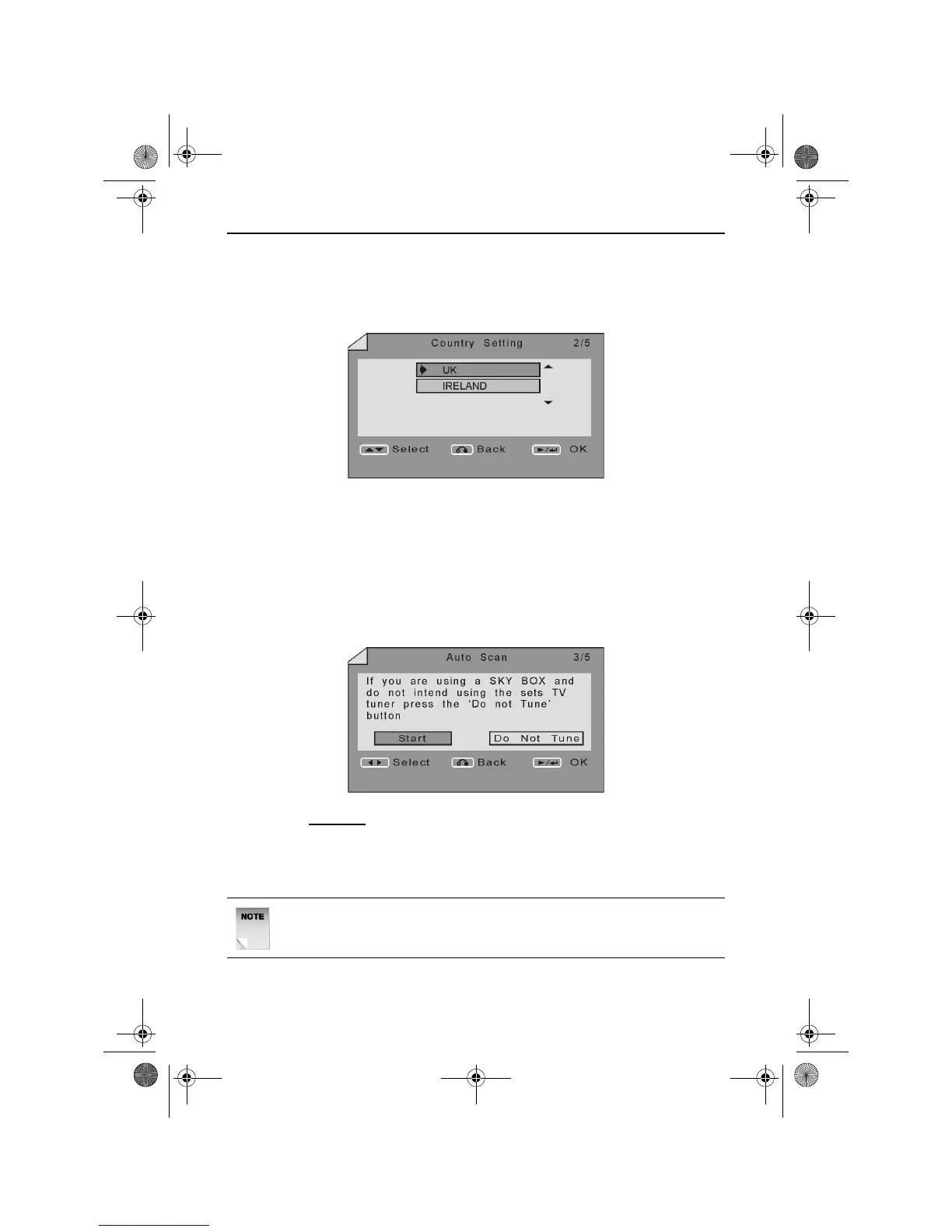
Country Setting
To ensure the DVD Recorder operates correctly, you must select an
appropriate country. The Country Setting screen will appear as shown
below.
Use the UP and DOWN ARROW buttons to select the appropriate
country.
Once the correct Country is selected, press the PLAY/ENTER button.
Auto Scanning for Channels
The Initial Setup Wizard allows the user to select between using the
DVD Recorder to receive terrestrial channels or to use a decoder. The
Auto Scan screen will appear as shown below.
If you DO NOT
want to use the DVD Recorder as a receiver, use the
LEFT and RIGHT ARROW buttons to select Do Not Tune. Press the
PLAY/ENTER button to confirm your selection. You will be presented
with the Complete screen as described below.
NOTE: It is possible to tune the DVD Recorder into all available
channels at a later date if required. See page 46.
RDVD1002.book Page 15 Tuesday, January 24, 2006 12:25 PM



 To Next Page