RDVD1002
16
If you DO
want to use the DVD Recorder as a receiver, use the LEFT
and RIGHT ARROW buttons to select Start. The DVD Recorder will
begin to scan for all available channels and automatically save them to
memory.
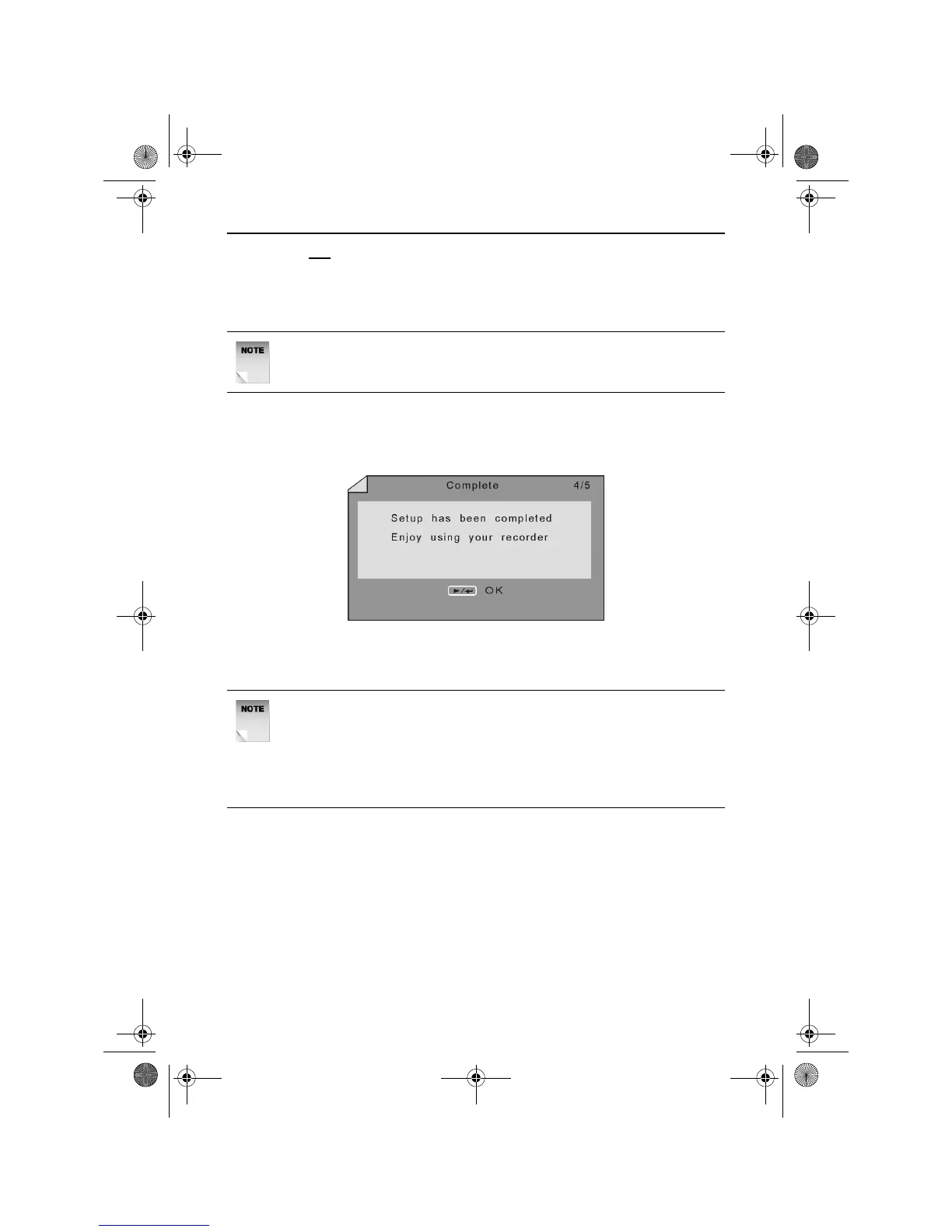
Initial Setup Wizard Completion
Once the Initial Setup Wizard has been successfully completed, the
Complete screen will appear as shown below.
Press the PLAY/ENTER button to finish the Initial Setup Wizard and
start using the DVD Recorder.
If the order in which the channels are stored is incorrect and you wish
to rearrange them, please perform the Programme Swap as described
on page 48.
NOTE: The search may take a few minutes to complete, please be
patient.
NOTE: If the order in which the channels are stored is incorrect and
you wish to rearrange them, please perform the Programme Swap
as described on page 48. Press the CHANNEL button to access
the Channel Menu and press the DOWN ARROW button to
highlight programme swap. Press the PLAY/ENTER button to
show the Program Swap Menu.
RDVD1002.book Page 16 Tuesday, January 24, 2006 12:25 PM



 To Next Page