11
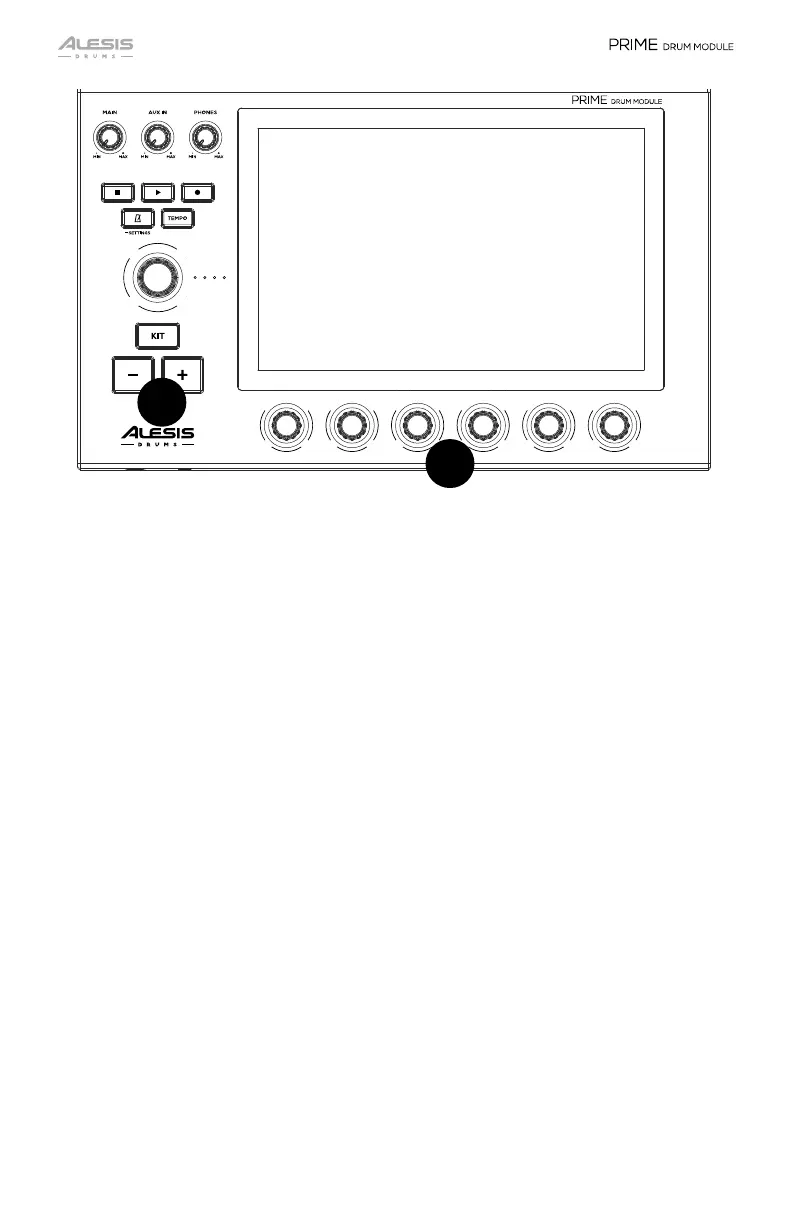
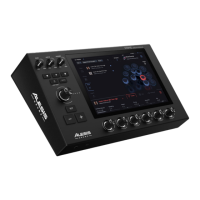
10. +/- Buttons
The +/- buttons select the primary items in each mode. Please see each mode’s
operation section for more details.
11. Small Encoders
Turn these 360° potentiometers to adjust the various parameters found at the
bottom of the touchscreen display. Additionally, when multiple banks of
parameters are available above the Small Encoders, swipe left/right on the
touchscreen to change the banks. Double tap any parameter to reset it back to
default values.
10
11


 To Next Page