8
(2.0) Features
(2.1) Top Panel
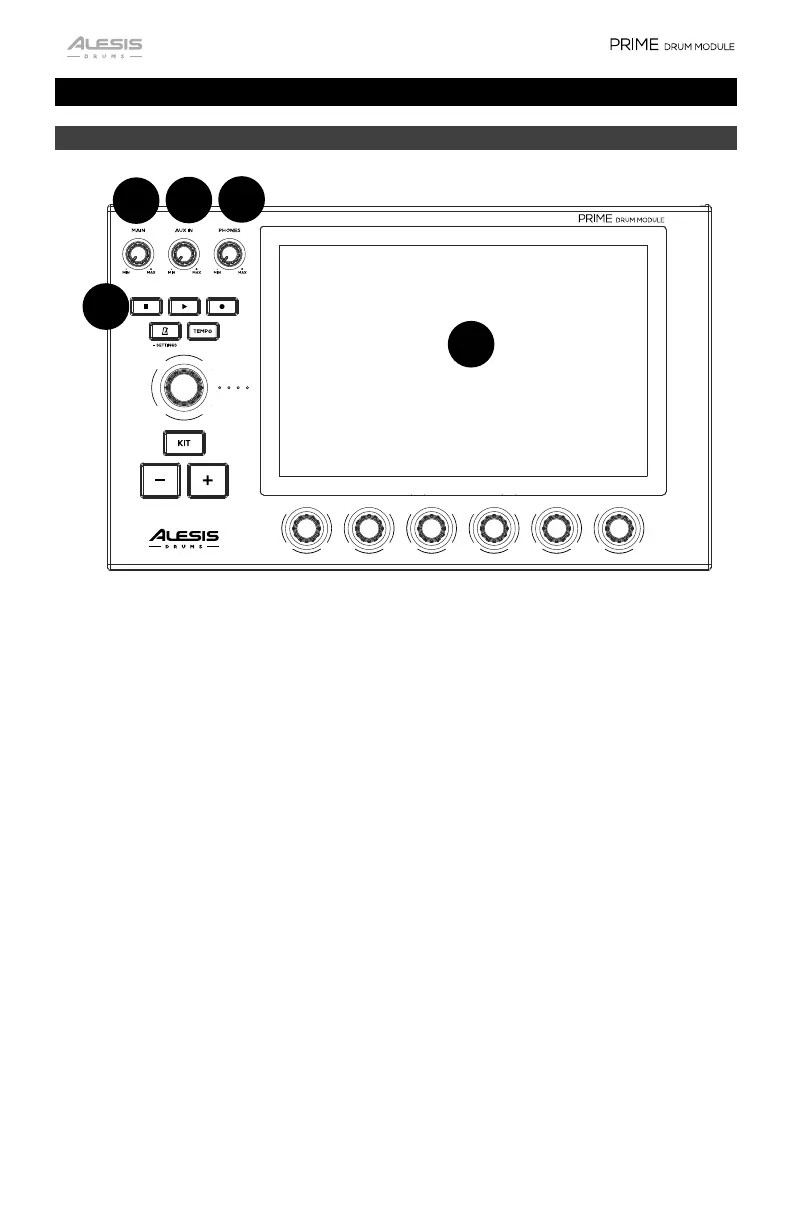
1. Display
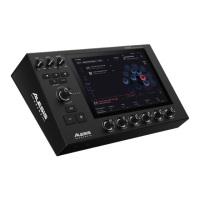
This full-color 10.1” (257 mm) multi-touch display shows information relevant to
the current operation. Touch the display (and use the hardware controls) to
control the interface. See the following Operation section to learn more about
using PRIME drum module’s interface.
2. Main
Turn this knob to adjust the level of the Main Outputs.
3. Aux In
Turn this knob to adjust the level of the Aux Inputs.
4. Phones
Turn this knob to adjust the level of the Headphone Outputs.
5. Transport Controls
Use these controls to start/stop playback and recording of a sequence.
1
1
1
3
1
2
1
1
5


 To Next Page