29
(3.3.6) Importing Samples
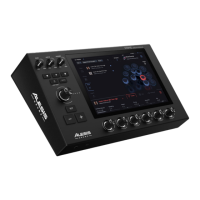
The PRIME drum module allows
you to import your audio files and
assign them to any slot of your Kit.
To import a file from a device:
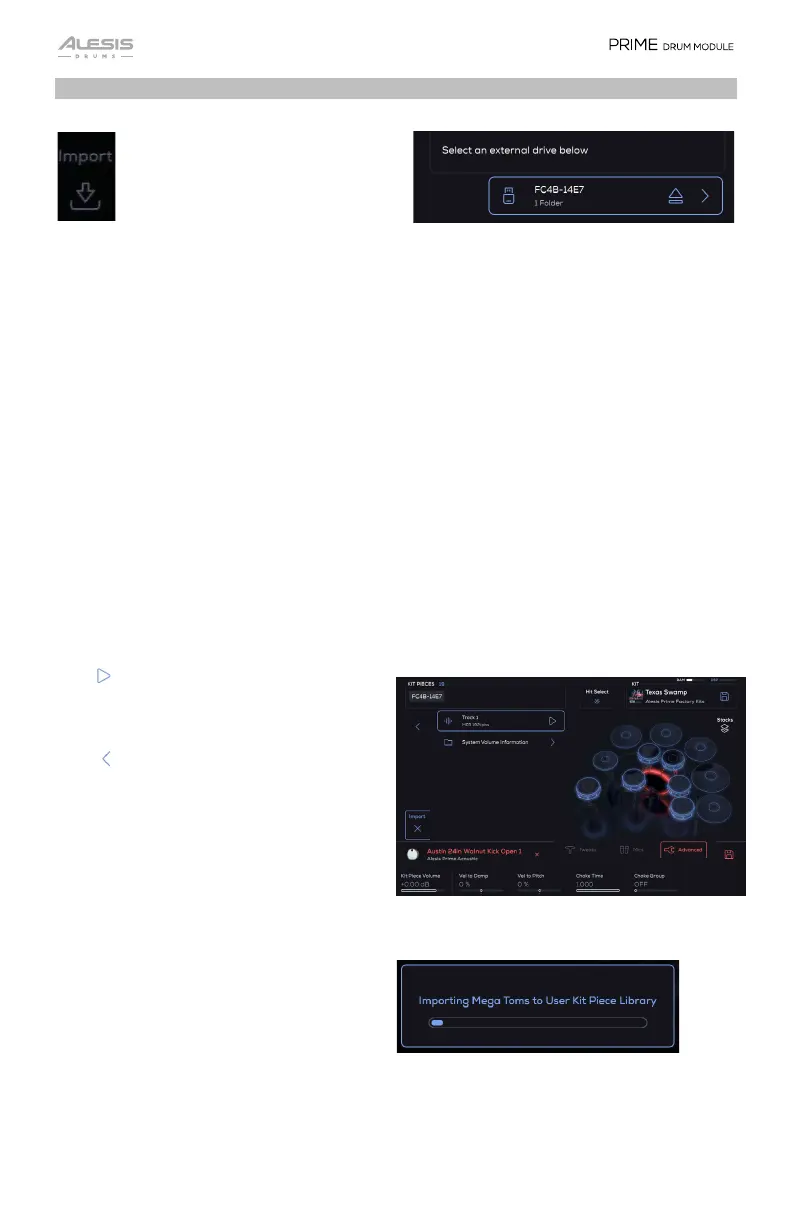
1. Tap the Import option.
2. Scroll with the Encoder to search for samples and Kit Pieces on a connected USB
drive or inserted SD card.
3. Press the Encoder to load the selected file.
The following file types are supported:
• .WAV, .MP3, and .AIFF files (44.1, 48, 88.2, 96 kHz sample rates that are 24, 16, or
8-bit)
• .bfd3 (BFD3 Preset)
• .bfd3kit (BFD3 Kit)
• .bfd3custkp (BFD3 “Processed” Kit Piece)
Use the file browser to look for the type of file you want to load.
Play : Previews the audio file without
loading it.
Back : Go to the previous folder in the
current folder navigation.
Select: If a folder is highlighted, double
tap the folder or press the Encoder to
enter that folder. If a file is highlighted,
double tap the file or press the Encoder
to select and load the file.
Audio files will be converted into Kit
Pieces and put into the User Kit Piece
Library, and Kits/Presets will be put into
the User Kit Library.


 To Next Page