8301 IP Paging Adapter & Scheduler
support@algosolutions.com
General
Relay Input Mode
The input relay to the 8301 can be activated by any normally open or normally closed switch. Algo offers the 1202 Call
Button, the 1203 Call Switch, 1204 Volume Control Switch, or the 1205 Audio Interface with supervision. Via
supervision settings, notification actions can also be triggered if the input switch is disconnected.
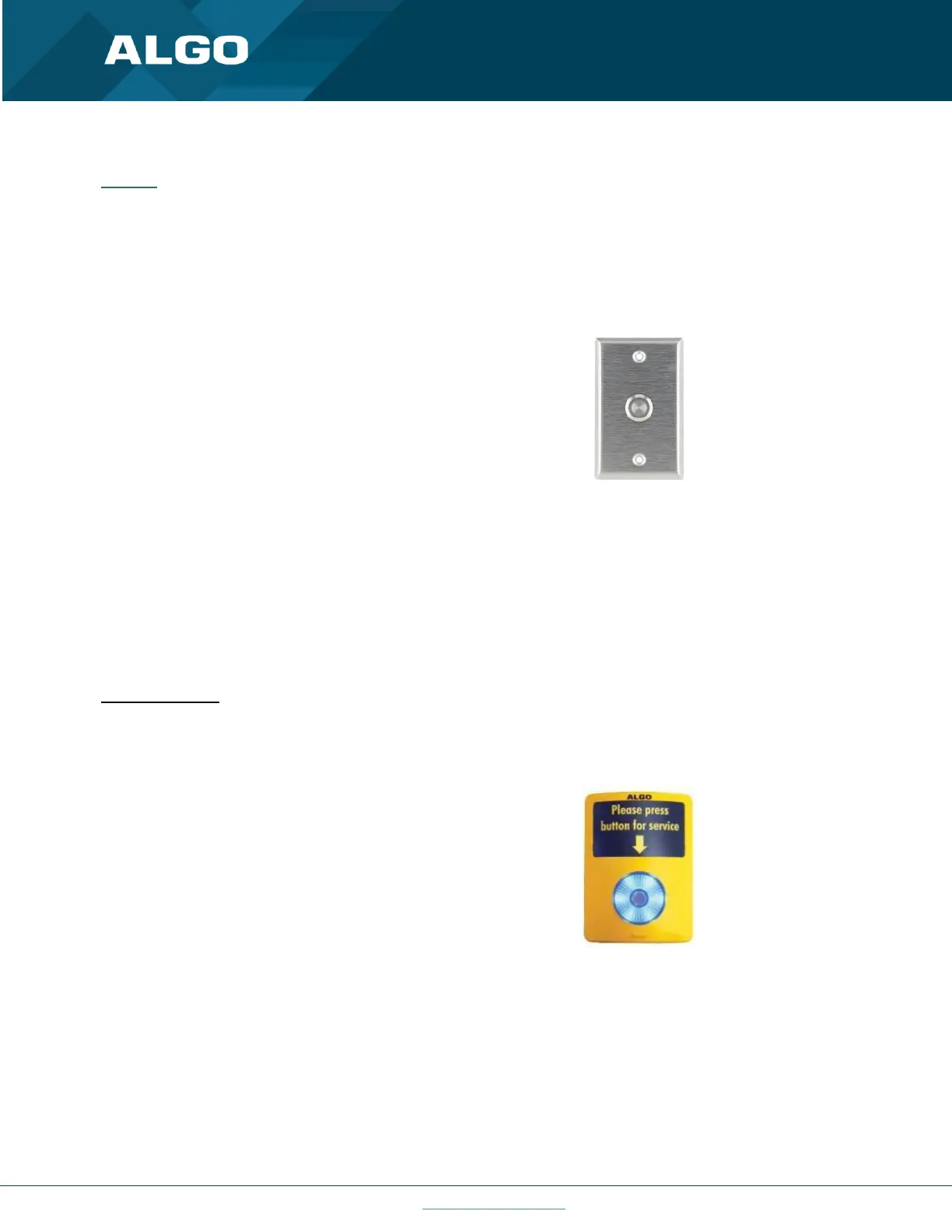
1203 Call Switch
The 1203 Call Switch is a simple contact closure switch
with an illuminated button and supervision
capabilities. When used in conjunction with the 8301,
the 1203 can prompt a single action with one-touch,
or a continuous action if the button is held.
Figure 18: 1203 Call Switch
Mute Switch
Apply an external switch (short-circuit) across the Relay Input terminals in order to mute the 8301. This allows a
temporary "disable" switch to control the device if desired, for example in a boardroom to block paging during
important meetings.
Leave the Relay Input terminals open (no-connect) for regular full-volume operation when in this mode.
Multicast Override
Allow selected multicast zones to override the Mute Switch settings for the selected zones.
1202 Call Button
The 1202 Call Button is a one-touch button for event
notification and response. It can be used with the
8301 for improved customer service, emergency
notification, and non-emergency alerting. The Call
Button’s one-touch button can trigger a single or
continuous action, which can be halted via the small
cancel/reset button located below the main call
button.
Figure 19: 1202 Call Button – the insert card is interchangeable
While the 8301 can be configured to play the audio file only once, it can also be enabled to play it continuously with
just a press of the 1202 Call Button. The action can then be stopped via the smaller oval cancel button located below
the main call button on the 1202 Call Button.



 To Next Page