8301 IP Paging Adapter & Scheduler
support@algosolutions.com
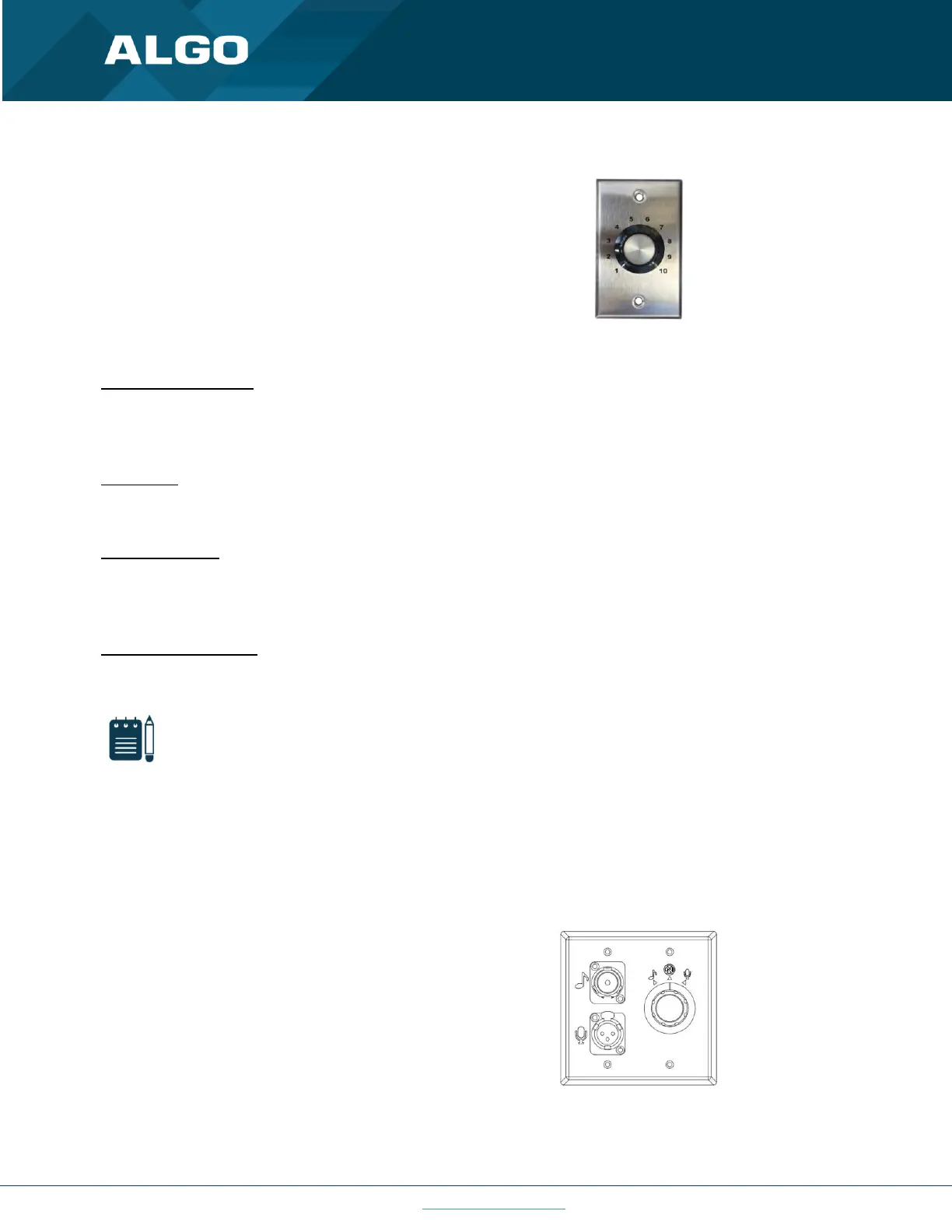
1204 Volume Control
The 1204 Volume Control Switch is a simple two
terminal potentiometer that will allow attenuation
below the maximum volume level (configured under
Basic Settings → Features).
Figure 20: 1204 Volume Control
Mute On Lowest Setting
Enabling ‘Mute On Lowest Setting’ allows audio to be completely muted when volume control switch is turned all the
way down.
Wire Length
This allows you to calibrate impedance for 24 AWG.
Multicast Override
Multicast Override allows selected multicast zones to override the 1204 Volume Control settings for the selected
zones.
Remote Volume Settings
Configure the device to subscribe to a remote 1204 volume input or to notify remote devices of 1204 volume input.
Note
RESTful API must be enabled in the Advanced Settings → Admin tab.
Notify (Local 1204) → remote device RESTful API password
Subscribe (Remote 1204)
• IP address
• Remote device RESTful API password
1205 Audio Interface Switch
The 1205 Audio Interface provides a method for
connecting a music source and live microphone to the
8301 Paging Adapter for multicast broadcast over the
network to IP speakers or IP enabled legacy paging
systems.
Figure 21: 1205 Audio Interface



 To Next Page