6.8.2 Firmware
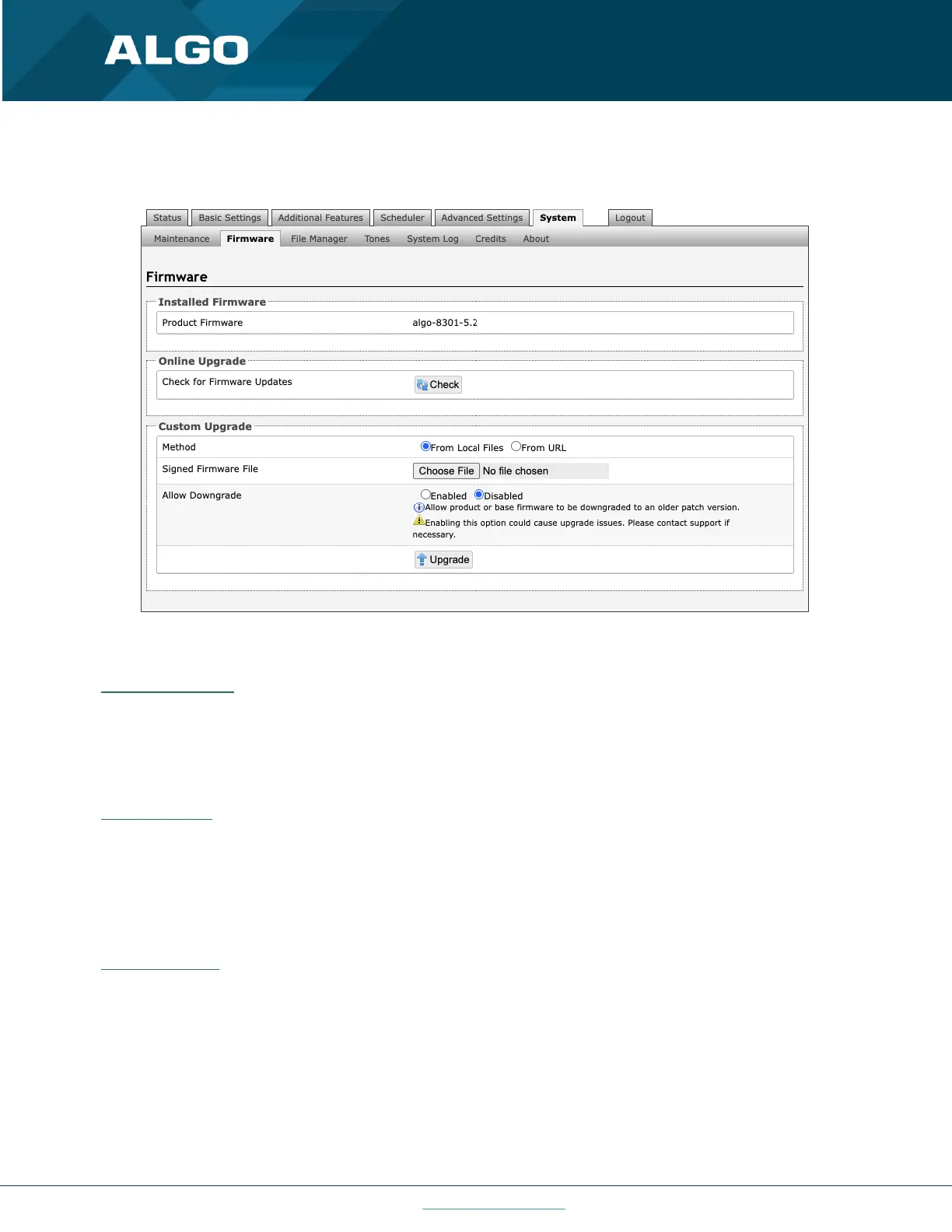
Figure 34: Firmware settings
Installed Firmware
Product Firmware
Shows the current firmware on the device.
Online Upgrade
Check for Firmware Updates
Check for the latest firmware. If firmware is current, Latest Firmware will show as ‘Firmware up to date’. If firmware
needs to be upgraded, the new firmware availability will be listed. Internet connection is required.
Custom Upgrade
Method
For firmware upgrades. Specify whether the firmware files will be downloaded from the local computer or a remote
URL.
Signed Firmware File
How to upgrade Firmware



 To Next Page