1. From the top menu, go to System → Firmware.
2. In the Upgrade section, press Choose File and select the 8301 firmware file to upload. Note that both FW
firmware and MD5 checksum files must be loaded.
3. Press Upgrade.
4. After the upgrade is complete, confirm that the firmware version has changed (refer to top right of Control Panel).
Allow Downgrade
Allow product or base firmware to be downgraded to an older patch version. Enabling this option could cause upgrade
issues.
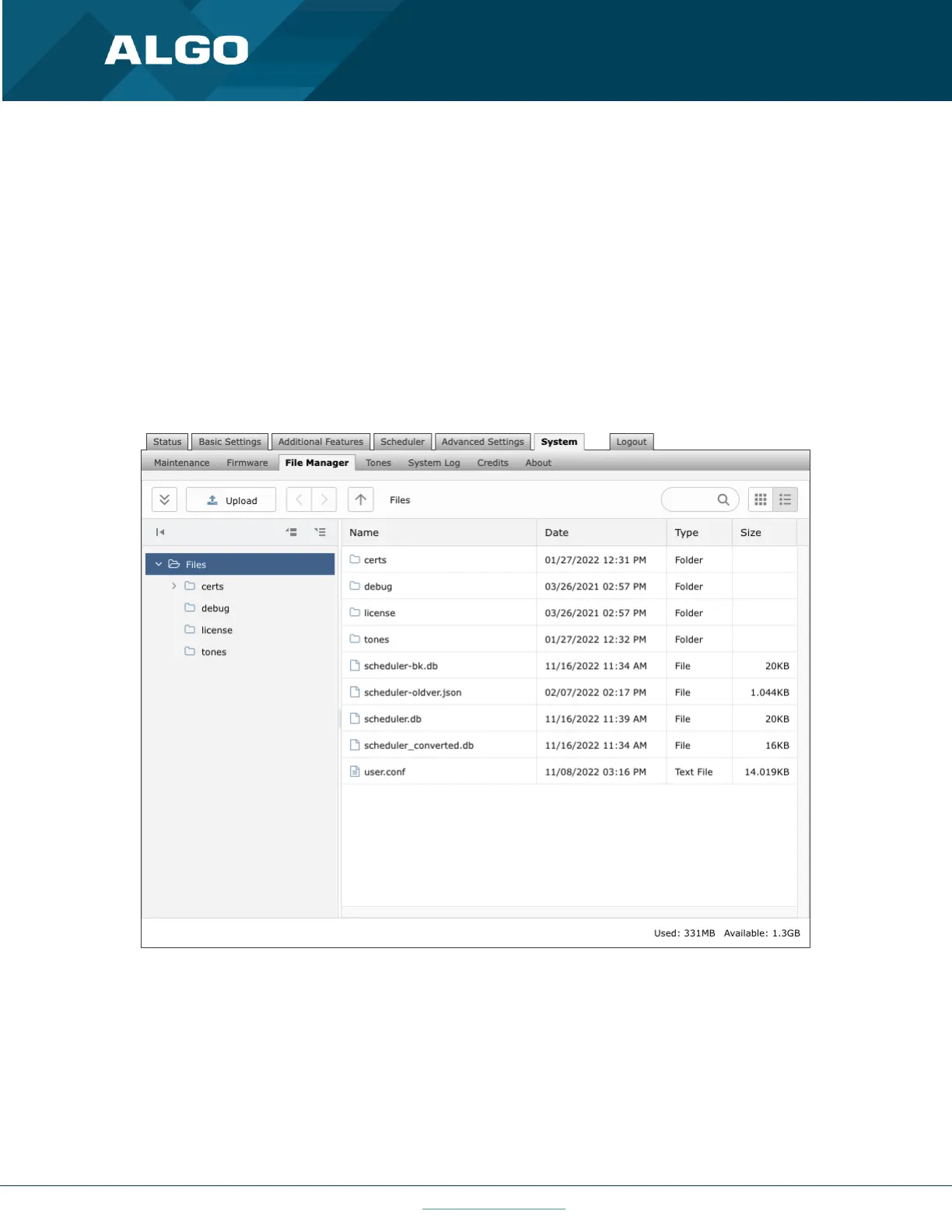
6.8.3 File Manager
Figure 35: File manager settings
Uploading Custom Audio Files
Custom audio files may be uploaded into memory (1 GB) to play for notification applications. Place your audio files
into the tones directory.
An existing file may also be modified. Download the original file and right clicking the tone and selecting ‘Download’,
making the desired changes, and then uploading the new version with a different name. Audio files must be in the
following format:



 To Next Page