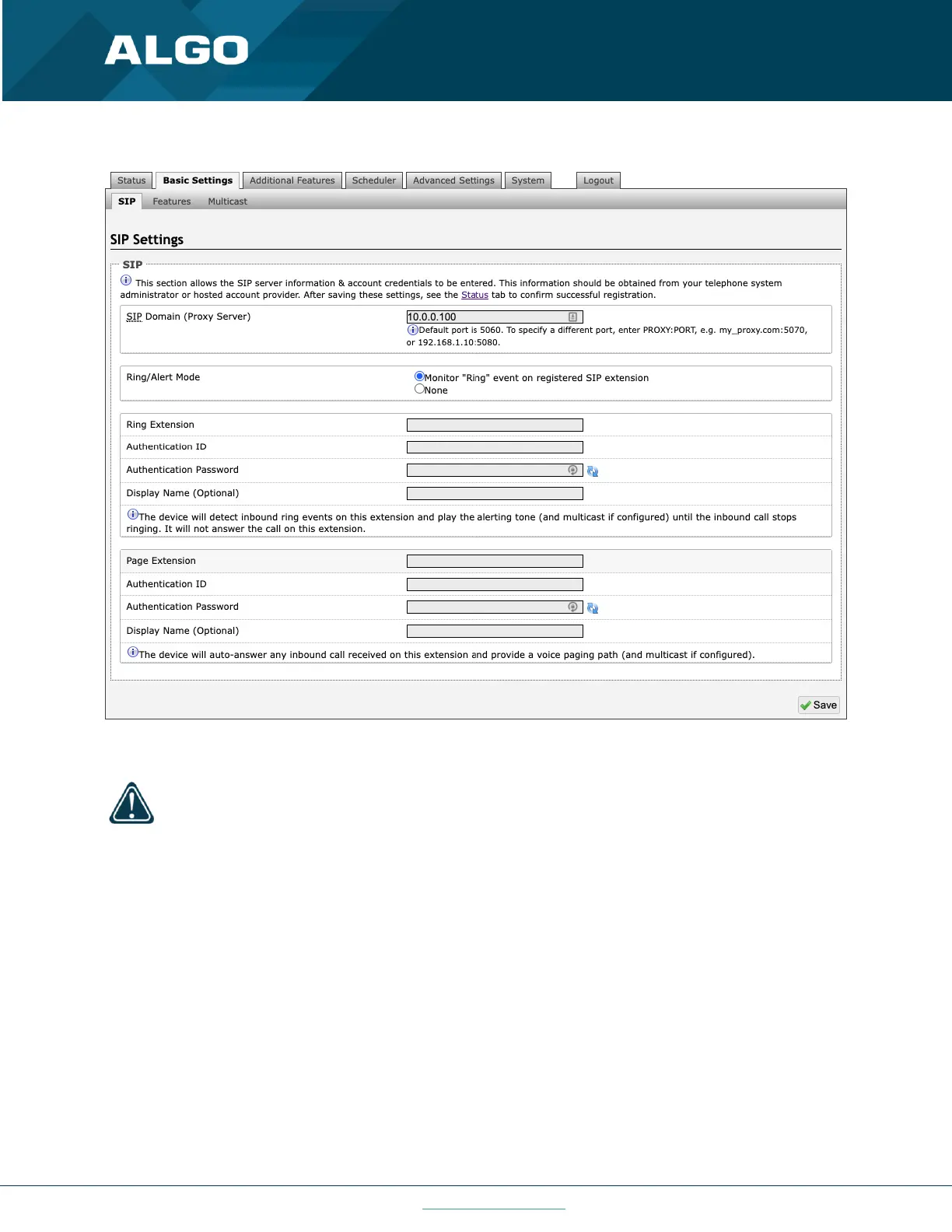
SIP Domain (Proxy Server)
The IP address (e.g., 192.168.1.111) or domain name (e.g., myserver.com) of the SIP Server.
Ring / Alert Mode
This is the option for adding a second SIP extension for a Ring event. If activated (“Monitor” is selected), the screen
expands to show blocks for SIP extension parameters for a Ring/Alert Extension to be entered.
The device will detect inbound ring events on this extension and play the alerting tone (and multicast if configured)
until the inbound call stops ringing. It will not answer the call on this extension. The alert tone may be configured in
Basic Settings → Features.



 To Next Page