Receiver Mode: When an Algo device is the multicast Sender, a page tone will play on the Receiver device, so it is
recommended to set the Receiver tone to ‘None’. If a page is received from a non-Algo device that doesn’t send a
tone, a tone can be inserted on the Receivers (above) each time they detect page audio starting, allowing them to play
a tone.
By default, the same page volume can be set for all Receiver zones in the Basic Settings → Features → Page Volume.
Unique page volumes may be revised on a per-zone basis in the table above. For instance, emergency pages can be
louder on certain Receiver speakers.
6.8 System
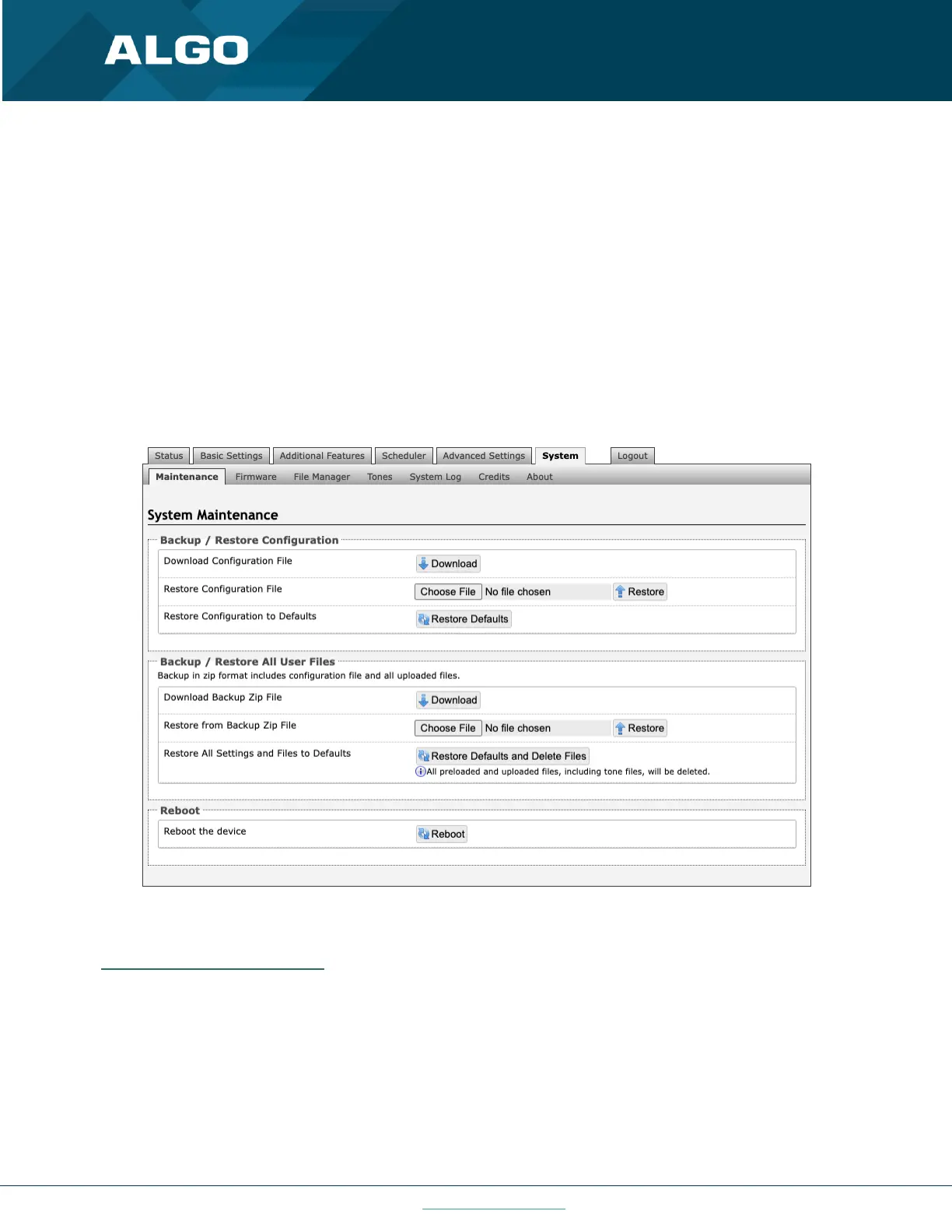
6.8.1 Maintenance
Figure 33: Maintenance settings
Backup / Restore Configuration
Download Configuration File
Save the device settings to a text file for backup or to setup a provisioning configuration file.
Restore Configuration File
Restore settings from a backup file.



 To Next Page