41The full instruction manual can be found on the CD which accompanied the DVR.
How To - Back Up Recorded Footage
For a complete step by step guide
covering all the options for backing up
footage from an MegaHero see online
tip 308 at aliendvr.com
TIP
308
The recorded footage on an MegaHero can be backed up
straight form the DVR itself or via the AlienVision client
software. Both methods have their advantages but it is quick
and simple to back up the desired footage using either.
Method 1 - Via USB
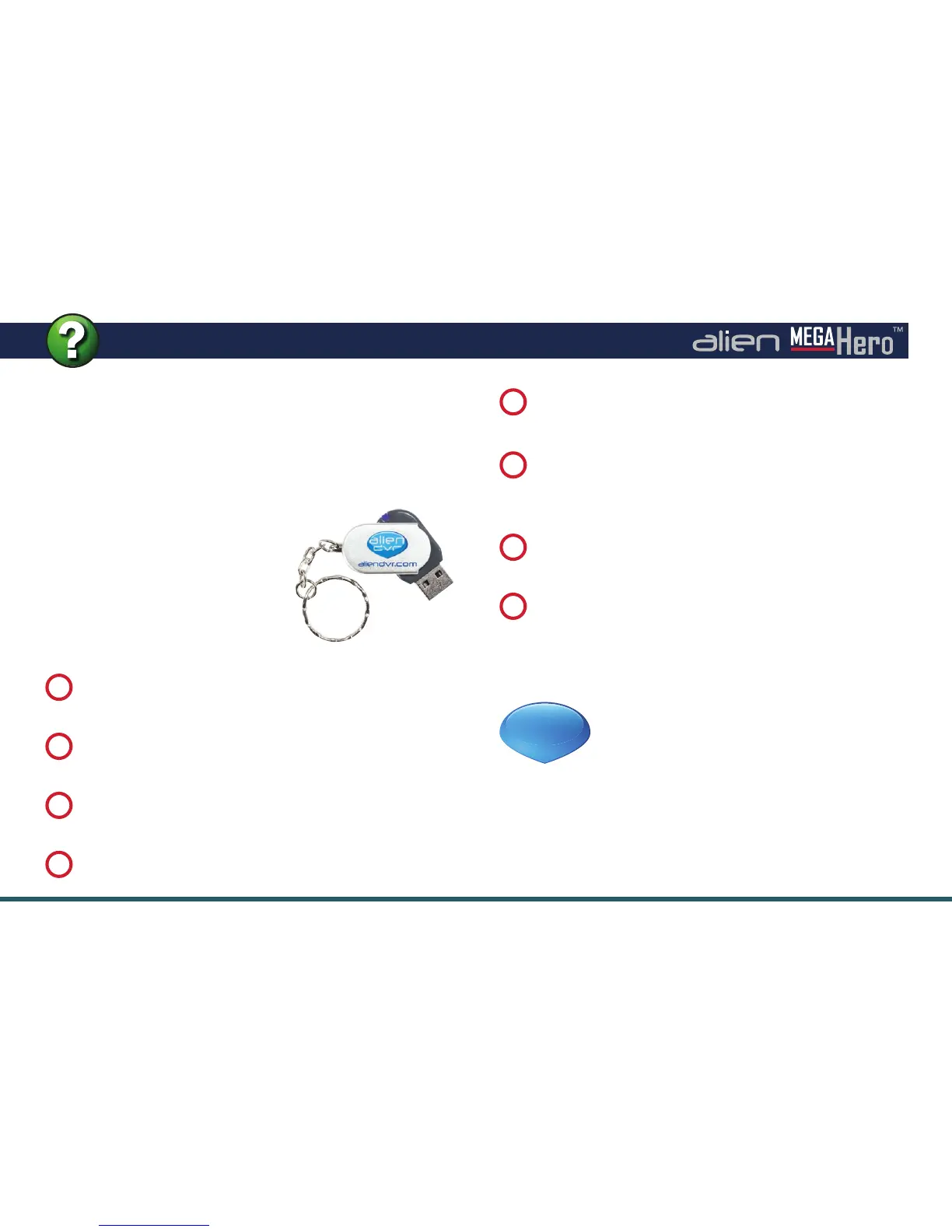
The fastest way to export footage is
using the ‘Quick Export’ feature. In
this way you can export your footage
onto a USB ash drive, hard drive or
DVD writer. To do a ‘Quick Export’
follow these simple steps:
Click ‘Export’ to begin exporting.
7
From the main menu enter the ‘Backup’ menu.
1
Choose the channel(s) you wish to backup.
2
Choose the time period in which the incident took place.
3
Click ‘
Quick Export
’.
4
Select your USB device for the ‘
Device Name
’ dropdown
list. If the USB device isn’t showing try clicking ‘
Refresh
’.
5
Stay in the export interface until the message “Export
Finished” is displayed.
8
You can backup straight onto the USB device or click
‘New Folder’ to create a new folder in which to save your
footage.
6
Continued on the next page



 To Next Page