Alienware ALX Desktop Manual
16
Connecting a TV
A TV with an available S-Video input can be connected using an S-Video cable. These
cables can be purchased at home electronics retailers.
For more information about your TV’s available video inputs, refer to the television’s
manual.
To connect a TV to your computer:
1. Connect one end of the S-Video cable to your computer’s S-Video port
and connect the other end to your TV’s S-Video input.
2. Turn on your television.
3. Restart your computer.
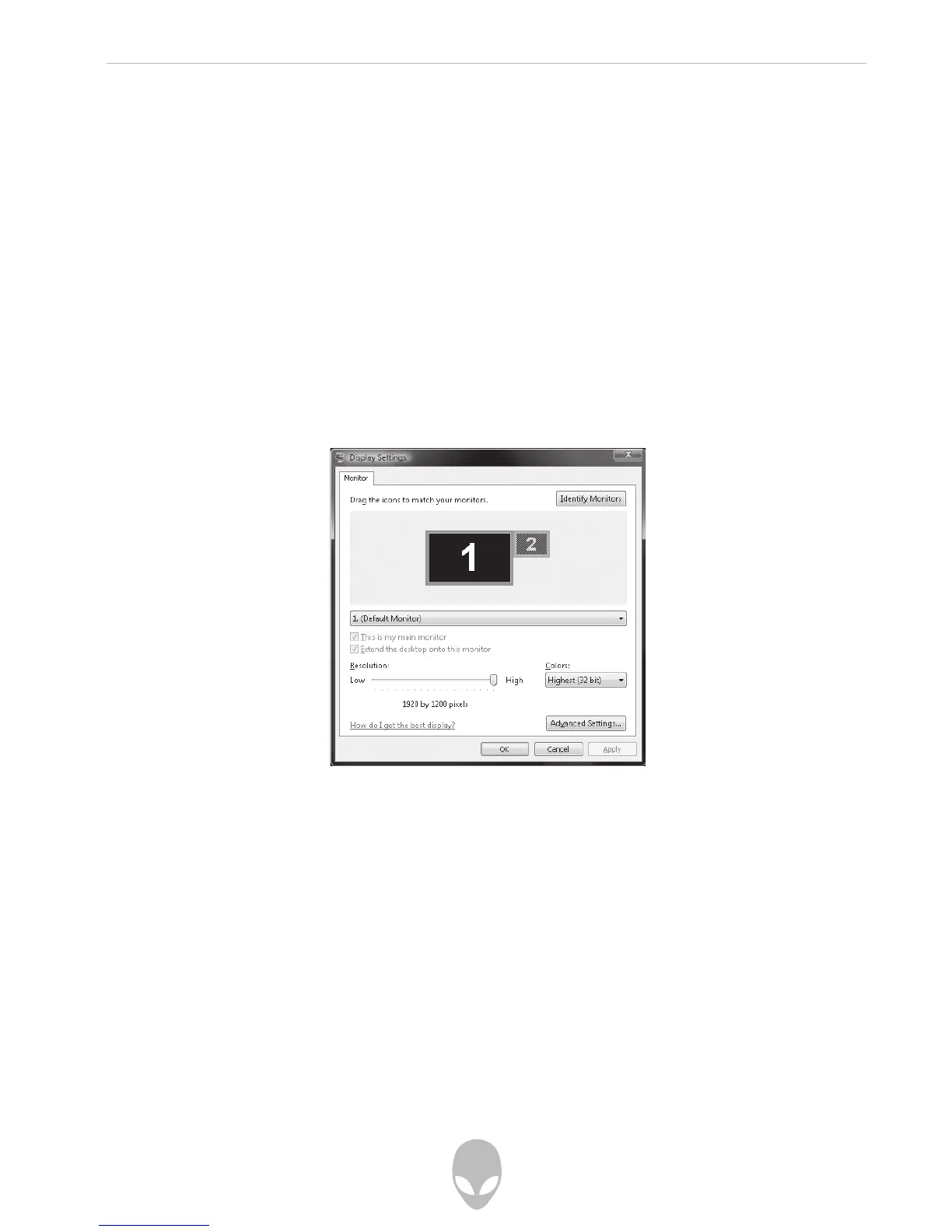
4. Set your computer’s display resolution to 800 x 600 in the Display
Settings control panel:
Start > Control Panel > Appearance and Personalization > Adjust screen resolution
5. Select your television as your computer’s primary or secondary
display device in your computer’s Display Settings control panel.
6. Click the icon for display 2 in the Display window.
7. Select either Use this device as the primary monitor or Extend my
Windows Desktop onto this monitor.
8. Click the Apply button to apply your changes and the OK button to
exit the Display Settings control panel.















 To Next Page