Alienware ALX Desktop Manual
32
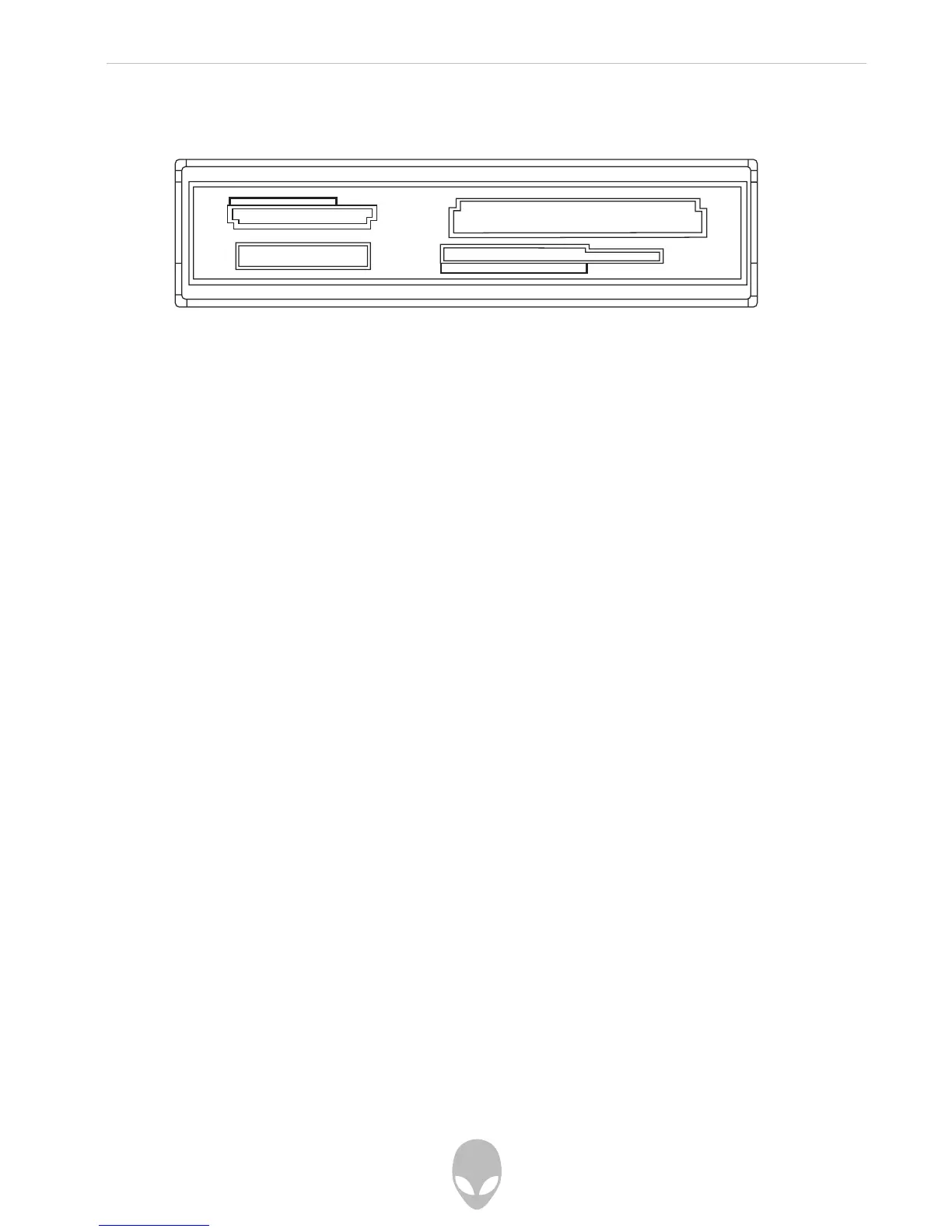
Using Digital Flash Media (Optional Media Reader / Writer)
Insert a supported media card into the correct media slot in the digital flash media
reader / writer.
Windows will read the media and present a window containing the media card’s contents.
Connecting to the Internet
1. Click Start (Windows® Logo) > Control Panel > Network and Internet.
2. Connect to the Internet’ located in the ‘Internet Options’ section.
3. Follow the on-screen instructions.
For more help about creating a new internet connection:
Click Start > Help and Support and perform a search for “make an internet
connection.
Connecting to a Home Network
1. Click Start (Windows® Logo) > Control Panel > Network and Internet
2. Click ‘Connect to a network’ located in ‘Network and Sharing Center’ section
3. Follow the on-screen instructions
For more help and information about Networking:
Click Start (Windows® Logo) > Help and Support > Table of Contents and click
‘Networking’ from the list of help topics.















 To Next Page